Twinmotion Path Tracer Render Times: Why They Explode on a Single GPU
You turn on the Path Tracer for a five-second clip, watch the sample count start crawling upward, and see it’s barely past half. Twinmotion’s Path Tracer renders by refining samples over and over until the image is clean, and on current hardware it runs on one GPU per frame, no matter how many cards are sitting in the machine.
Epic’s own documentation says multiple GPUs can speed up the Path Tracer by 50 to 200 percent, but only through NVIDIA SLI, and the newest GeForce RTX 40-series cards dropped SLI and NVLink entirely. So on a lot of the fastest cards available right now, there is no significant boost in performance within Twinmotion.
| Scenario | Multi-GPU speedup? | Condition |
| Path Tracer, SLI/NVLink-capable cards (RTX 30-series and earlier) | Yes, 50-200% | Requires NVLink or SLI bridge, multi-GPU enabled in Preferences |
| Path Tracer, RTX 40-series (Ada Lovelace) cards | No | RTX 40-series dropped NVLink/SLI support entirely |
| Real-time mode (Standard or Lumen), any card | No | Multi-GPU does not accelerate real-time rendering in Twinmotion |
Why Is the Path Tracer So Much Slower Than Real-Time Mode?
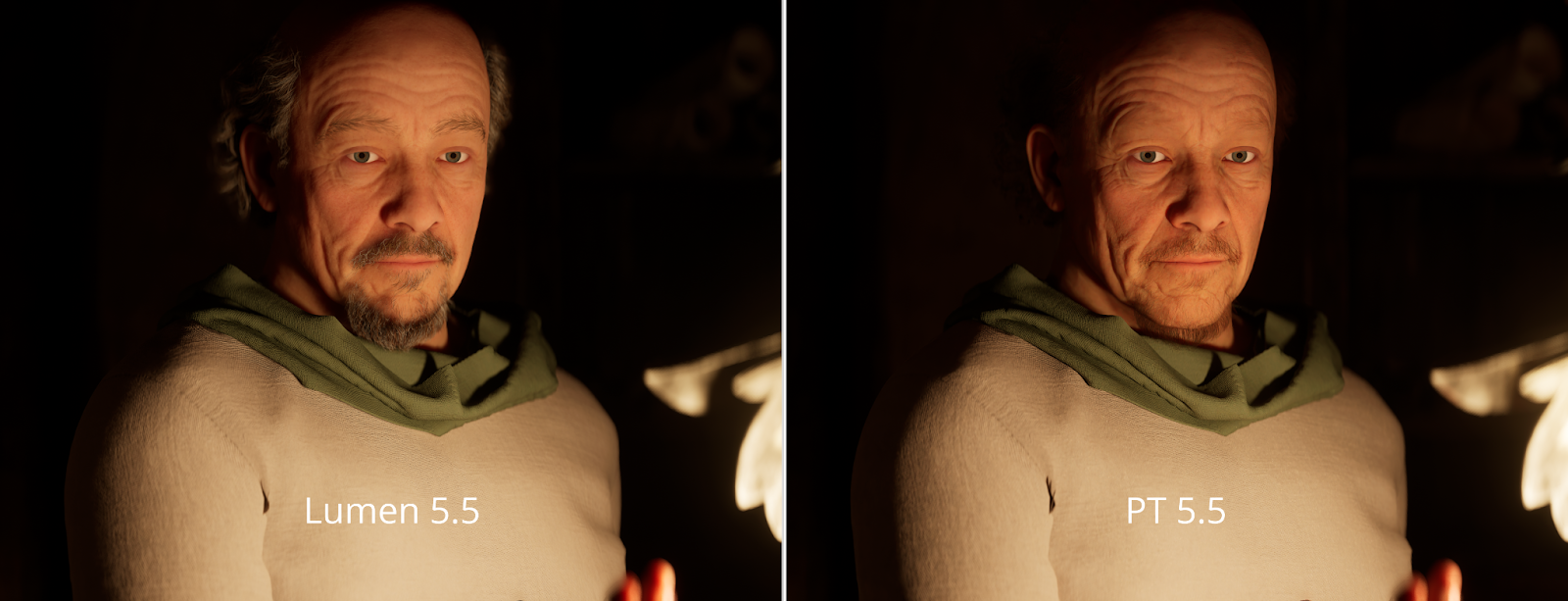
Image Source: Epic Games
Real-time mode approximates lighting fast enough to navigate the scene smoothly. The Path Tracer simulates it properly. Epic describes the Path Tracer as a progressive rendering mode that produces photorealistic images with accurate lighting and global illumination, built by accumulating samples over time rather than approximating them once.
Real-time modes prioritize frame rate. The Path Tracer prioritizes physical accuracy in how light bounces around a scene, which costs far more computation per pixel. More samples mean more accurately resolved lighting, especially in scenes with complex indirect light, but also a longer render before the image settles. Path Tracer is Windows only. Unreal Engine, which Twinmotion is built on, doesn’t yet support path tracing on macOS.
Does Using Two GPUs Speed Up the Twinmotion Path Tracer?
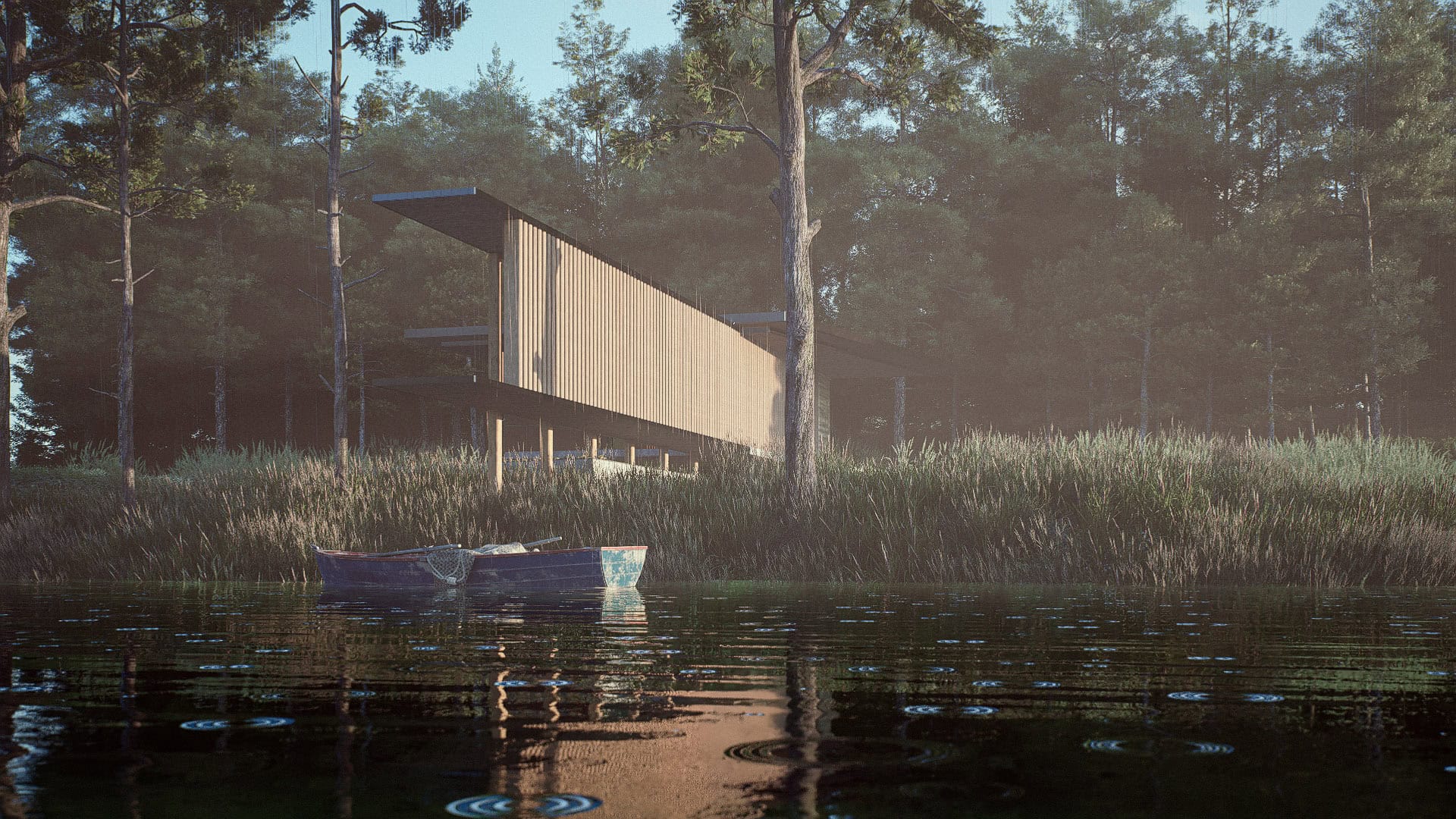
Image Source: ArchAdemia
Epic’s documentation is direct about this: multiple NVIDIA GPUs connected through SLI can speed up the Path Tracer by 50 to 200 percent, with the exact gain depending on setup, bandwidth, and the cards involved. Multi-GPU does nothing for real-time rendering, only the Path Tracer benefits.
To use it at all, you need a physical NVLink or SLI bridge between the cards, plus Multi-GPU enabled under Edit > Preferences in the Path Tracer settings, and Windows 10 version 2004 or later. GeForce RTX 40-series cards, including RTX 4090, do not support NVLink or SLI. NVIDIA removed the connector entirely starting with that generation, so there’s no bridge to install even if you own two of them. RTX 3090 was the last consumer NVIDIA card with NVLink, which means it’s also the last one that can actually use this feature for the Path Tracer. This means a single RTX 4090 has no path to combine with a second RTX 4090 for one Path Tracer frame.
If I Can’t Combine Cards, How Do I Actually Cut Path Tracer Time?
There are three elements you need to consider: GPU itself, scene settings, and how you handle animation.
A faster single card: Since you’re locked to one GPU per frame on current hardware, raw single-card speed is the biggest factor left. A faster GPU with enough VRAM shortens the sample-by-sample climb directly.
Samples and resolution: The Path Tracer is progressive, so sample count and resolution directly set how long it takes to reach a clean image. Setting these to what the shot actually needs, rather than maxing them out, avoids wasted time. A denoiser can also produce a clean-looking result with fewer samples.
VRAM: A scene that exceeds available VRAM slows down badly or fails outright. Twinmotion’s minimum stated requirement for Path Tracer use is 6GB of VRAM, and heavier scenes need considerably more than that in practice. Keeping VRAM use comfortably under the card’s limit avoids this cliff.
Animation is different from a single still. It distributes separate frames across several machines running in parallel, each rendering its own frame independently rather than expecting two GPUs to share one.
Which hardware or cloud setup fits Twinmotion Path Tracer?
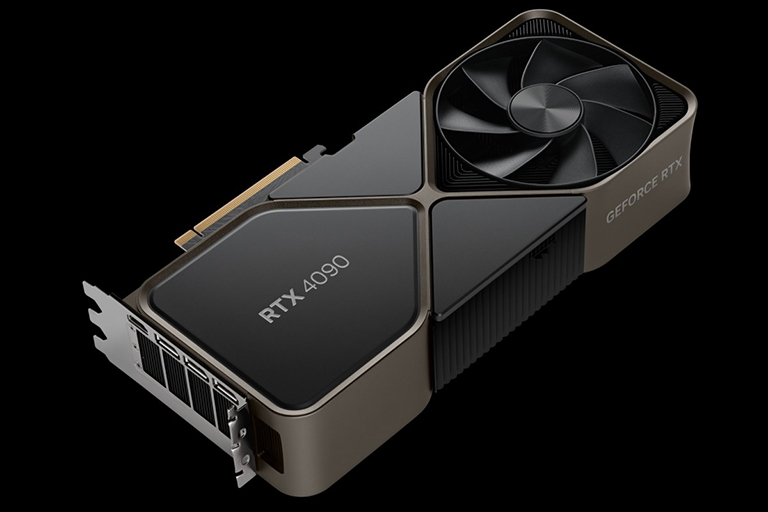
The first assumption is buying a second GPU. This way only pays off on SLI-capable cards, and the newest generation of cards doesn’t support it. Adding a second RTX 40-series card to a workstation does nothing for a single Path Tracer frame.
The second assumption is renting time on a typical render farm the way you would for an offline renderer like V-Ray or Arnold. Twinmotion doesn’t fit that model well, because it’s a real-time application built around an interactive session rather than a headless batch job. A traditional per-frame render farm designed to queue offline renders isn’t set up to run an interactive real-time viewport at all. What actually matches Twinmotion’s Path Tracer is a remote machine and takes full control of it. Ideal configuration for working with Path Tracer is: one fast GPU with enough VRAM per frame, and parallel machines rather than paired GPUs when there’s a full animation to get through.
FAQ
- Why does the Twinmotion Path Tracer take so long on one GPU?
The Path Tracer is a progressive rendering mode that accumulates samples over time to build accurate lighting and global illumination, unlike real-time modes. On current RTX 40-series hardware, this work is locked to a single GPU per frame, because NVLink and SLI, the only way Twinmotion can split Path Tracer work across cards, were dropped starting with that generation. So all the sample accumulation for one frame lands on one card alone, and render time climbs sharply on any scene with high sample counts, high resolution, or complex indirect lighting.
- Does adding a second GPU speed up the Twinmotion Path Tracer?
According to Epic’s documentation, multiple GPUs can speed up the Path Tracer by 50 to 200 percent, but only through NVIDIA SLI, using a physical NVLink or SLI bridge between the cards. GeForce RTX 40-series cards, including the RTX 4090, dropped NVLink and SLI entirely. So on that generation there’s no way to combine two cards for one Path Tracer frame, regardless of how the multi-GPU setting is configured. The RTX 3090 was the last consumer card with NVLink, so a pair of RTX 3090s connected through NVLink can still use this feature.
- Does multi-GPU help real-time mode in Twinmotion?
No. Epic’s documentation is explicit that using multiple GPUs does not accelerate Twinmotion’s real-time rendering modes, Standard or Lumen. The multi-GPU feature applies only to the Path Tracer, and even there it requires SLI-capable hardware.
- How do I reduce Twinmotion Path Tracer render time without combining cards?
Three things matter most: GPU itself, render settings, and how animation is handled. A faster single card directly shortens the sample-by-sample render, since it’s the only GPU doing the work. Setting sample count and resolution to what the shot actually needs, rather than maxing them out, avoids wasted time, and a denoiser can produce a clean image with fewer samples. Keeping the scene’s VRAM use comfortably under the card’s limit avoids a hard slowdown, since Twinmotion needs at least 6GB of VRAM for Path Tracer use and heavier scenes need more.
- Can a render farm speed up Twinmotion Path Tracer?
Not a traditional one. Most render farms are built for offline, headless batch engines like V-Ray or Arnold, queuing frames without an interactive session, and Twinmotion is a real-time application that needs an actual interactive viewport to run. What works instead is an IaaS service (iRender) that rents out a full remote machine you use like your own workstation, where you install Twinmotion yourself and run the Path Tracer on a single strong GPU per frame.
Related post: Lumion 4K Render Settings That Don’t Destroy Your Render Time