

3ds Max Interior Rendering Taking Hours: GPU vs CPU Solutions
A living room interior left rendering overnight and still only half finished by morning is one of the most common complaints in 3ds Max forums. The cause is almost always global illumination, not a broken scene. Light bouncing repeatedly off enclosed walls, floors and ceilings before reaching the camera takes far more computation than an open exterior, and dark corners, glass and glossy materials need extra samples to clear noise on top of that. There are two hardware paths out. GPU rendering, such as V-Ray GPU, gets there faster when the scene fits inside the card’s VRAM. CPU rendering, such as V-Ray CPU or Corona, is steadier for large interiors that need the full feature set.
Let’s break it down in this article!
| Criteria | GPU render (V-Ray GPU) | CPU render (V-Ray CPU, Corona) |
| Speed | Usually faster for scenes that fit VRAM | Slower but steady |
| Limit | Scene must fit the card’s VRAM (24GB on an RTX 4090) | Uses system RAM, handles large scenes |
| Accuracy | Fast, good enough for most arch viz work | Autodesk documents CPU as more accurate |
| Heavy, feature loaded interior | Can hit the VRAM ceiling | Handles it, full feature support |
| Corona | Not an option | Corona is CPU only |
| Combine when | Need speed, scene fits the card | Massive interior, using Corona, need every feature |
Why do interior renders take so much longer than exteriors?
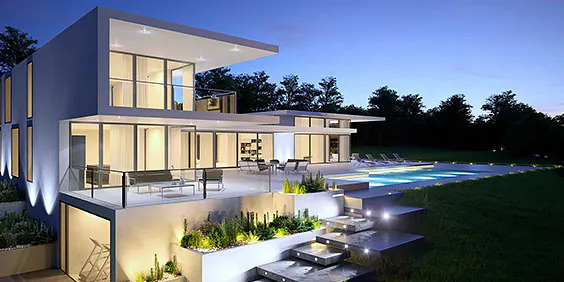
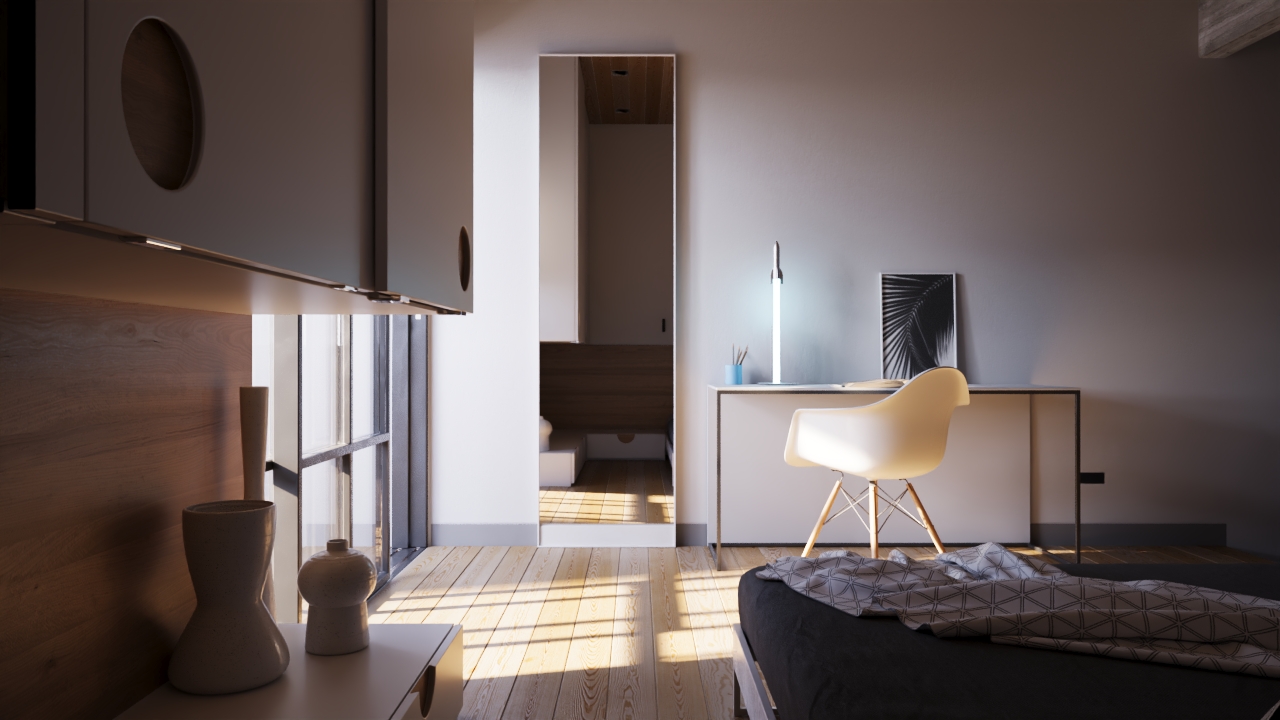
3D Architectural Visualisation (Image Source: Autodesk)
Interiors are slow mainly because indirect light gets trapped. In an open exterior, most rays that miss geometry escape into the sky and stop counting. In a closed room, the same rays keep bouncing off walls, floors, ceilings and furniture and each bounce is another calculation the engine has to run before the image can resolve.
Every major offline engine, V-Ray, Corona and Arnold included, documents this same pattern: global illumination cost rises sharply as enclosed geometry and bounce count increase, which is exactly the opposite of what happens outdoors. Dark corners, glass and glossy surfaces make it worse because they need more samples before the noise clears, so a living room with a black leather sofa and a glass coffee table will almost always take longer than a bright, matte one of the same size. And it is not a broken scene.
GPU or CPU: which should I use for a 3ds Max interior?
Corona for 3ds Max (Image Source: Chaos Support)
The choice comes down to engine and scene weight. GPU rendering is the faster route for an interior that fits inside the card’s VRAM and needs a fast turnaround. CPU rendering is the steadier route for a huge interior, for anything built in Corona, or for a scene that needs every feature the engine offers.
Chaos, which develops V-Ray stated clearly that: V-Ray GPU supports most V-Ray features, while V-Ray CPU supports all of them, and Chaos recommends staying on one engine for the whole project rather than switching partway through, since GPU and CPU results are not designed to match exactly. V-Ray CPU is the mature, full feature branch, capable of carrying the largest interiors. V-Ray GPU is the faster branch once the scene is confirmed to fit the card’s memory.
Corona removes the CPU or GPU question entirely, because it does not offer one. Corona is entirely CPU based, with GPU involvement limited to an optional AI denoiser that needs a compatible NVIDIA card. Many interior studios choose Corona specifically because its GI looks convincing with near default settings.
Arnold, which ships with 3ds Max, sits in between. It supports both CPU and GPU modes, and aims for close visual parity between the two. It holds a smaller share of interior arch viz work compared with V-Ray and Corona. However, it is worth knowing it exists for scenes that need to move between Maya and 3ds Max. For an interior that fits in 24GB and needs a fast turnaround, V-Ray GPU gets there sooner. For a huge Corona interior, the CPU is the only path.
How do I optimize GI so it stops eating hours?
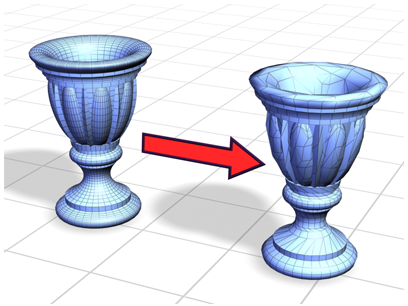
Most of the render time an interior burns can be decreased before touching hardware at all, by controlling GI complexity and cleaning up the scene itself.
Limiting the bounce count to what the room actually needs is the first lever. A closed room rarely needs an unlimited number of bounces to look correct, and each additional bounce adds real time for nothing. Using the engine’s own GI cache, Light Cache in V-Ray or Corona’s built in cache, lets the renderer reuse indirect lighting information instead of recalculating it from scratch every frame. Material choices are also important: a diffuse wall renders far faster than a glossy or reflective one, so glossiness is worth reserving for surfaces where it is actually the point. Scene hygiene helps too, using proxies for repeated furniture and props, keeping textures reasonably sized, and reaching for normal maps instead of displacement when the geometry does not truly need it.
Denoising closes the gap on whatever GI optimization does not solve. Rendering at a lighter sample setting and cleaning up the result with a denoiser afterward regularly saves real time while keeping the image clean enough for client delivery.
Which hardware setup fits GPU rendering and which fits CPU?
GPU rendering wants one or more fast cards with enough VRAM to hold the whole scene. CPU rendering wants a high core count and much RAM. Because V-Ray and Corona are both offline engines rather than real time viewport tools. They can run on rented cloud machines just as well as on a local workstation, unlike real time engines that are far more sensitive to remote latency.
One detail worth knowing before renting anything: VRAM does not add up across multiple GPUs in V-Ray’s CUDA and RTX modes. Four RTX 4090 cards render an interior faster than one, but each card still needs to hold the full scene inside its own 24GB. So a scene that does not fit on one card will not suddenly fit because more cards were added. You can refer some render farms as below:
| Service | Model | Fits with | Real strength | Worth knowing |
| iRender | IaaS, rent a whole machine by the hour | V-Ray GPU or CPU, Corona, install your own plugins | RTX 4090 24GB for V-Ray GPU, AMD Threadripper PRO with large RAM for V-Ray CPU and Corona, full control of the machine and engine setup, from $8.2/hour | Billing runs until the machine is switched off, and the GPU tier is RTX 4090/RTX 5090 |
| GarageFarm | SaaS, billed per frame | Batch V-Ray or Corona | Simple onboarding, friendly for newcomers | No control over the machine environment, dependent on the supported plugin list |
| RebusFarm | SaaS, billed per frame | V-Ray CPU, Corona interiors | Automatic scene checking before submission, strong CPU and Corona handling | No control over the machine environment |
| Fox Renderfarm | SaaS, billed per frame | Large offline batches | Usually the cheaper option for big batch jobs | No control over the machine environment, longer queue times |
If you only need to submit a large overnight Corona batch and walk away, it is well served by a strong CPU focused SaaS farm. At iRender, you will have full machine control, running V-Ray GPU on an RTX 4090 in one session and switching to CPU heavy Corona work in the next, without touching a different platform or losing the ability to open 3ds Max directly on the render machine.
When is the cloud worth it for a slow interior?
The cloud render farm starts paying off once GI and the scene are already optimized and a still interior, or worse, an interior animation, still runs overnight on the local machine. Running on stronger GPU or CPU hardware than a home workstation cuts real time directly, and for an animation, splitting frames across several machines at once, something offline engines are built for, cuts wall clock time even further.
However, a single still interior that renders in twenty minutes does not need a render farm. You only switch to render farm once the workload is an animation, a large batch, or a deadline close enough that waiting out an overnight local render is not an option. And it has the side benefit of leaving the local machine free for other work while the render runs elsewhere.
FAQ
- Why does my 3ds Max interior take hours to render?
Mostly because of global illumination. Light bouncing many times off walls, floors and ceilings in an enclosed room before reaching the camera adds a real calculation for every bounce it makes, and that adds up to far more computation than an open exterior needs. Dark corners, glass and glossy materials each need extra samples to clear their noise, which stretches the render time even further.
- Should I use GPU or CPU for 3ds Max interior rendering?
Choose based on the engine and the scene, not one fixed rule. GPU rendering, such as V-Ray GPU, is the faster route when the interior fits inside the card’s VRAM and the deadline is tight. CPU rendering, such as V-Ray CPU or Corona, holds up better for a massive interior or when the full feature set is needed.
- How do I reduce interior render time without losing quality?
Start with global illumination and the scene itself, not new hardware. Limiting the GI bounce count to what the room actually needs cuts calculation time without a visible quality loss, and using the engine’s own GI cache, Light Cache in V-Ray or Corona’s built in cache, lets indirect lighting information be reused instead of recalculated. Favor diffuse materials over glossy or reflective ones wherever the extra shine is not the point of the shot, since diffuse surfaces clear noise much faster. Proxies help keep repeated furniture and props lighter to manage.
- Is Corona faster than V-Ray for interiors?
Neither engine wins outright, since both are strong choices for interior work built on different hardware paths. Corona is CPU only, and many studios prefer it because its global illumination looks convincing with close to default settings and the workflow stays predictable. V-Ray is hybrid, running on CPU or GPU, which adds a genuinely faster option once a scene is confirmed to fit inside the GPU’s VRAM. Real speed comes down to the specific scene, the render settings and the hardware behind each engine.
- Can a render farm speed up my 3ds Max interior?
Yes. Since V-Ray and Corona are both offline engines rather than real time viewport tools, they run well on rented hardware, unlike real time applications that are far more sensitive to remote latency. For an animation with many frames, splitting the frames across several rented machines at once cuts total render time far more than upgrading a single workstation ever could, since the work runs in parallel instead of one frame at a time.
Read more: Importing Heavy SketchUp Models Into Lumion: Why It Freezes and What Helps
Part of our guide: for a full overview of cloud options, see the 3ds Max render farm guide.