



SketchUp + V-Ray Freezing on Interior Scenes: Causes and Cloud Fix
We often see SketchUp freeze with V-Ray during interior renders. This usually happens for three reasons: your PC runs out of memory, a bad asset gets stuck while compiling geometry, or another plugin conflicts with V-Ray. Interior scenes are heavy because light bounces repeatedly in closed spaces, while detailed furniture and 4K textures use up resources fast. In fact, Chaos documented full-geometry grass taking up nearly 50GB of data, which easily crashes a system if you don’t use proxies. With V-Ray GPU, your entire scene must fit inside your graphics card’s VRAM, so heavy scenes can easily max out a 24GB card. To fix this, you can turn on System Memory for Textures, compress your textures, or switch to CUDA-x86 / V-Ray CPU mode. If software tweaks aren’t enough, moving to a GPU with more VRAM (like 32GB) is the best way to keep rendering smoothly.
In this article, Radarrender will walk you through diagnosing the exact cause of your crash and fixing your SketchUp + V-Ray setup to keep rendering smoothly.
| Symptom | Main Cause | Quick Fix |
| Stuck at “compiling geometry” | Bad 3D asset or heavy model | Hide test models; use proxies |
| Out of RAM / SketchUp crashes | Big textures or full 3D grass | Lower texture size; use proxies |
| V-Ray GPU error or stops | Out of VRAM | Compress textures or use V-Ray CPU |
| SketchUp becomes very slow | Unused assets in scene | Purge unused models; split file |
| Freezes on startup | Plugin conflict | Turn off other extensions |
| White frame buffer then crashes | System low on memory | Restart SketchUp before render |
Why do interior scenes freeze more than exteriors?
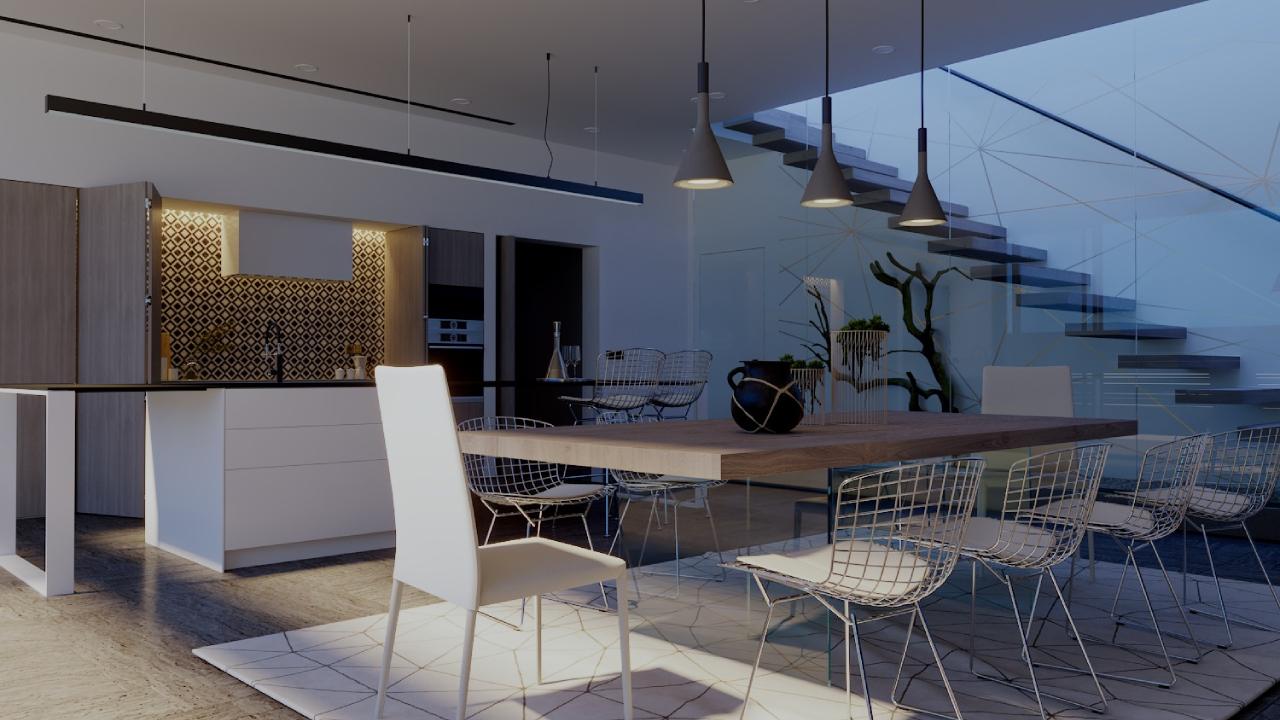
source: archdaily
Interior scenes freeze more often because they pack a huge amount of data into a small space. Closed rooms require indirect light to bounce multiple times off walls, glass, and shiny surfaces, which takes far more calculations than an open outdoor scene.
At the same time, interior spaces are filled with detailed 3D models. Designers often import high-poly sofas, light fixtures, and decorations with large 4K textures. When you combine complex light calculations with heavy assets, your computer processor and graphics card quickly reach their physical limits.
How do I tell if it is a memory problem?
Open Task Manager on Windows (or Activity Monitor on Mac) and watch the Performance tab while V-Ray compiles geometry and starts rendering. If system RAM hits 90% to 100% or Dedicated GPU Memory fills up right before the freeze, memory exhaustion is your answer.
If you render with V-Ray GPU using CUDA or RTX modes, your entire scene data—including geometry, materials, and frame buffers—must fit completely inside the card’s dedicated VRAM. If an interior scene requires 28GB of memory and your GPU only has 24GB, the render engine will fail or lock up your screen.
What if a specific asset is stalling the render?
If SketchUp freezes at “compiling geometry” but your RAM and VRAM are not full, a broken 3D model is likely blocking the render.
For example, Chaos reported a bug where V-Ray Decals made SketchUp crash while loading geometry. Once those decals were deleted, the scene rendered in just a few seconds. Updating your V-Ray software usually fixes these bugs.
To find the bad model, copy your scene into a new file and hide half of your object groups. Render again. If it works, the bad model is in the hidden group. Once you find the exact model causing the problem, go to Extensions > V-Ray > Pack Project to save your file and send it to Chaos support.
Could another SketchUp extension be the cause?
Yes. Extension conflicts can make SketchUp freeze as soon as you open the application or launch V-Ray, completely unrelated to scene memory.
Chaos successfully reproduced a conflict where having V-Ray, Skatter, and FlexTools active at the same time caused the SketchUp session to become unresponsive. They worked directly with the extension developers to resolve the background loading bug.
To test for plugin conflicts, disable all SketchUp extensions except V-Ray. Restart SketchUp and turn your extensions back on one by one. If the freeze happens when opening a simple file rather than during a heavy render, a software conflict is almost certainly the culprit.
What software settings reduce memory pressure in V-Ray?
You do not always need new hardware to fix memory crashes. V-Ray includes built-in settings designed to lower memory demands:
- System Memory for Textures (V-Ray GPU)
- Compressed Textures Mode
- V-Ray Proxies
- CUDA-x86 Engine Mode
When is the fix hardware or the cloud?
Because V-Ray is an offline rendering engine, you can choose between traditional SaaS render farms or flexible IaaS cloud workstations.
| Service | Type | Best For | Real Strengths | Considerations |
| iRender | IaaS (Full Remote PC) | V-Ray GPU/CPU; custom plugins and exact software builds | Offers RTX 4090 (24GB) and RTX 5090 (32GB GDDR7); full admin access to install any plugin; high system RAM | You pay for active machine time (must turn off when done); initial 15-minute setup; VRAM does not pool across multiple GPUs |
| GarageFarm | SaaS (Per-Frame) | Automated V-Ray batch rendering | Easy onboarding; strong human support; great for beginners | No direct OS access; limited to supported plugin versions |
| RebusFarm | SaaS (Per-Frame) | V-Ray CPU interior animations | Built-in scene checker catches errors before submitting | No environment control; pay per render attempt |
| Fox Renderfarm | SaaS (Per-Frame) | Large offline render jobs | Cost-effective for massive animation frame batches | No desktop control; requires submitting scene packages |
If your V-Ray GPU interior scene crashes because it crosses the 24GB mark, moving from a 24GB card to a 32GB card solves the root issue. iRender provides remote cloud workstations equipped with the single RTX 5090 (32GB VRAM, 21,760 CUDA cores) starting around $10.80/node/hour as well as single RTX 4090 (24GB VRAM) systems starting around $8.20/hour.
Multi-GPU nodes (2x, 4x, or 8x cards) speed up rendering significantly, but remember: VRAM does not combine across cards. A 4x RTX 5090 system renders much faster, but your scene must still fit within a single card’s 32GB VRAM limit.
SaaS render farms are great if you want to upload a clean file and let an automated system process your frames without worrying about leaving a remote desktop running. However, an IaaS provider like iRender gives you complete desktop access to troubleshoot stuck geometry, run your exact V-Ray build, and work directly inside SketchUp.
FAQ
- Why does SketchUp freeze when rendering an interior with V-Ray?
It usually happens for three reasons: your PC runs out of memory (RAM/VRAM), a broken 3D model gets stuck while loading geometry, or another plugin conflicts with V-Ray. Interiors use more resources because light bounces around closed rooms, and detailed furniture with 4K textures fills up memory quickly.
2. How do I know if V-Ray is running out of memory?
Open Task Manager and check the Performance tab while rendering. If your RAM or GPU memory hits 100% right before the freeze, you are out of memory. Heavy 3D assets like full-geometry grass can take up over 50GB of memory switching them to V-Ray Proxies fixes this immediately.
3. How can I reduce V-Ray memory use without upgrading hardware?
Use V-Ray Proxies for heavy models, reduce large texture sizes, and enable System Memory for Textures or Compressed Textures in V-Ray GPU settings. If your graphics card is still full, switch your render mode to CUDA-x86 to use your main system RAM instead.
4. Can another SketchUp extension cause the freeze?
Yes. Plugin conflicts can cause SketchUp to lock up independently of scene size or memory limits. Chaos confirmed an issue where running V-Ray, Skatter, and FlexTools simultaneously caused SketchUp to become unresponsive.
5. Does a 32GB GPU solve V-Ray interior freezing?
If your crash is caused by your scene exceeding VRAM during V-Ray GPU rendering, a 32GB GPU will solve the problem. CUDA and RTX modes require the full scene to fit within your graphics card memory, making the jump from 24GB to 32GB an effective hardware fix. Note that using multiple GPUs increases rendering speed, but it does not pool VRAM together.
See more: Why V-Ray Arch-Viz Renders Are Full of Noise (And How to Clean Them Fast)
Part of our guide: for a full overview of cloud options, see the SketchUp render farm guide and V-Ray render farm guide.