Last-Minute Client Changes Killing Your Render Schedule? A Workflow That Survives Them
Last-minute client requests can instantly destroy a render schedule, especially if every edit means starting from scratch. But it doesn’t have to be an all-nighter. The secret lies in a workflow built to absorb changes. By rendering in layers and passes, you can tweak lighting, colors, and materials directly in post. Save versioned scenes so you never rebuild from zero. Reserve full re-renders only for major changes like new geometry or camera moves. And when a total re-render is unavoidable, you can come to cloud rendering to slash your render times.
Survival isn’t just about rendering fast. It’s about knowing which edits cost minutes and which ones cost hours before you commit to a deadline.
Why do last-minute changes destroy a render schedule?
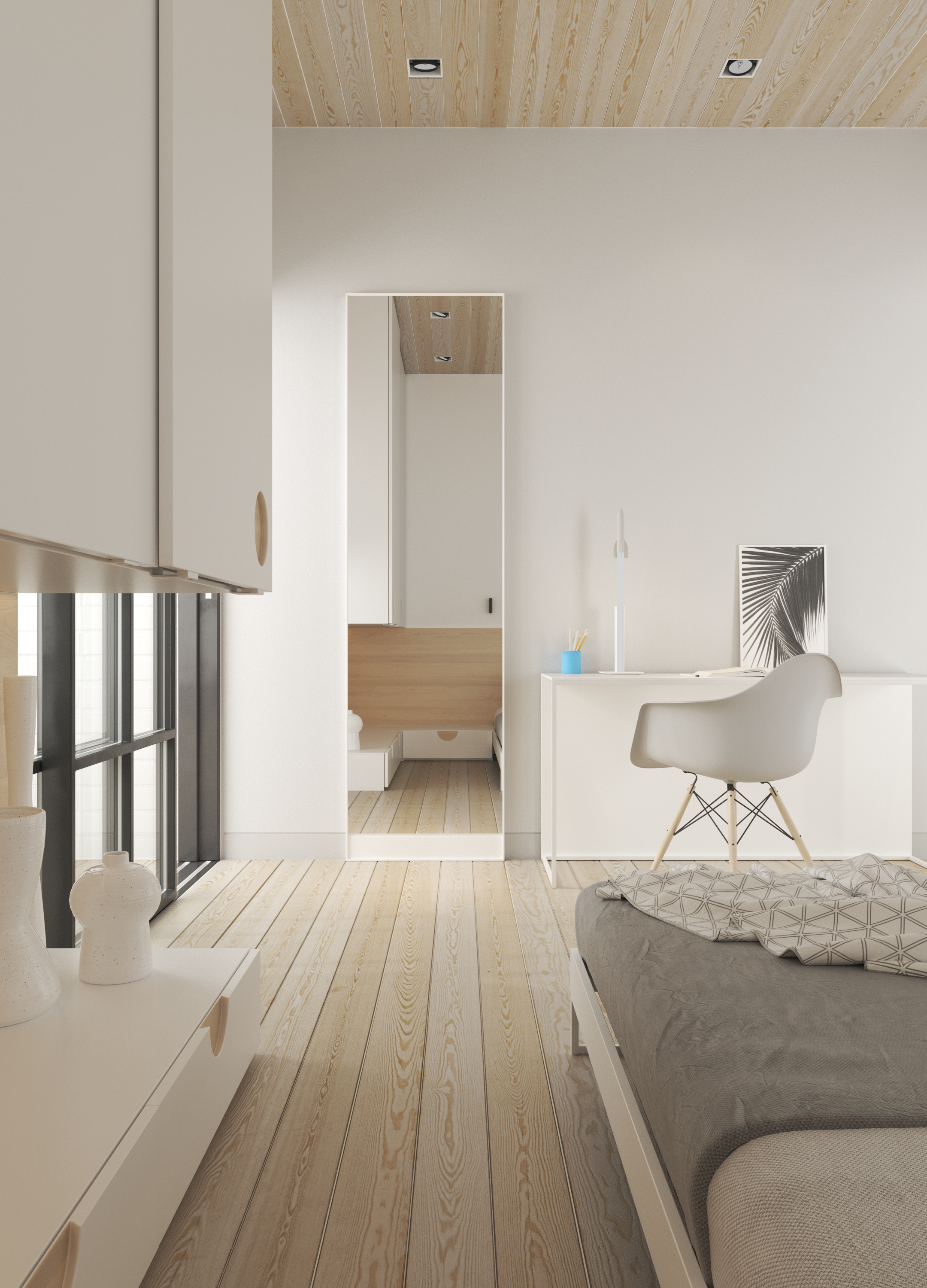
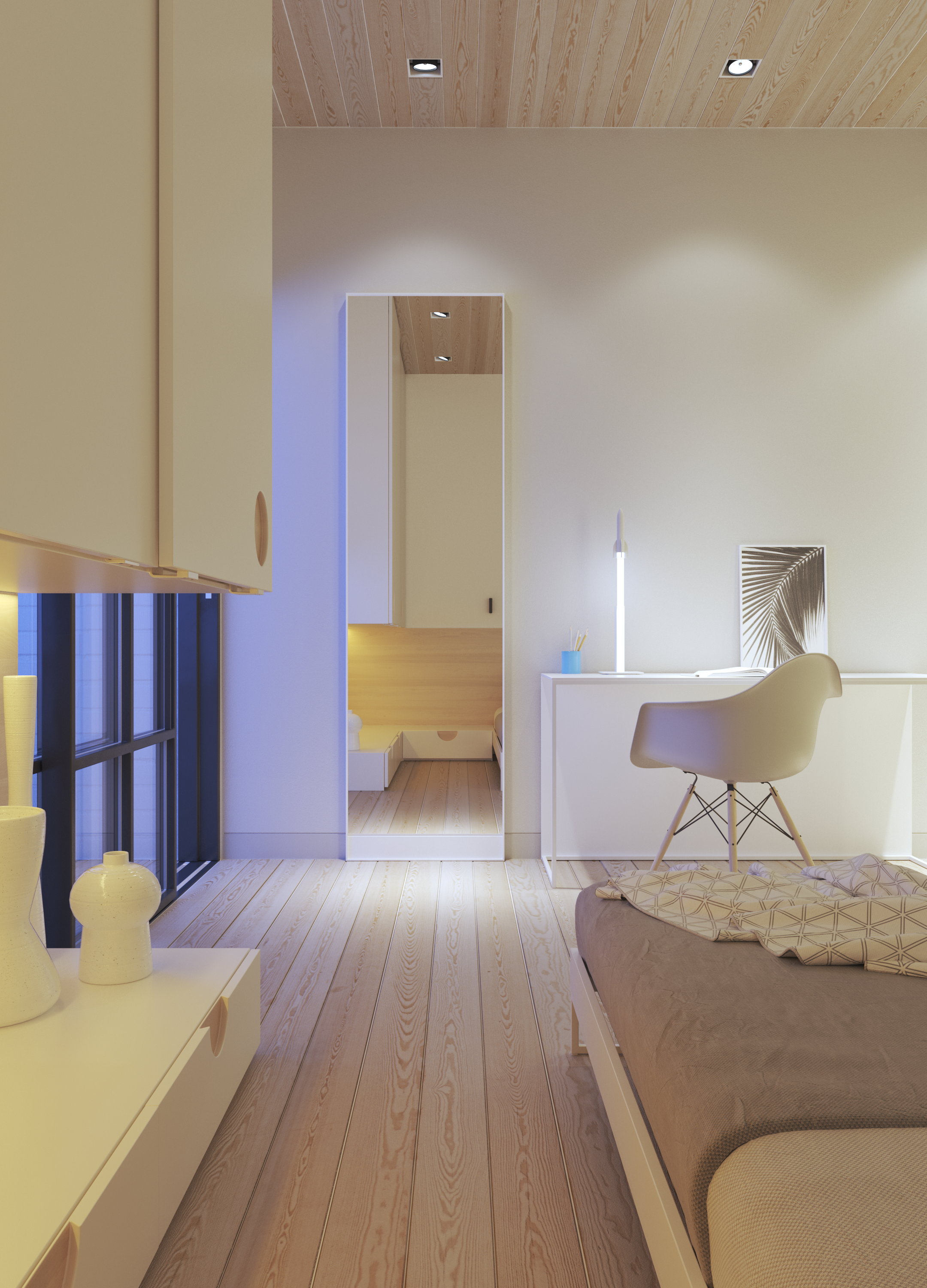
By default, every edit forces a full re-render of the image, and a final still or animation frame is one of the slowest things you can produce on a deadline. When there is not much runway left, even a small request from the client can collapse the schedule.
The distinction that matters is viewport speed versus final render speed. Moving furniture around or nudging a light in the viewport is instant. One frame at ten seconds of footage is already dozens of frames, each needing the same render time as a still. A final still might resolve in a few minutes; a heavy animation sequence can run into hours, sometimes overnight, depending on resolution and sampling. If you have run into this before, missed a render deadline over something this small, the fix is not more hardware, it is restructuring how the scene renders in the first place.
How do I set up renders so most changes don’t need a full re-render?
Render in layers or elements, so lighting, color, and materials are separated and adjustable afterward without cooking the whole image again.
For arch-viz work specifically, the passes worth rendering as standard are diffuse, reflection, refraction, lighting, global illumination, shadow, a material ID or mask, and z-depth. Both V-Ray and Corona also include LightMix, which lets you render once and then adjust the intensity and color of individual light groups directly in the frame buffer afterward.It also helps to separate context elements, trees, people, cars, into their own layer so adding or removing them does not touch the core architectural layer at all.
How do I keep versions so I never rebuild from zero?
Save scenes under a systematic version number and keep source files, proxies, textures, organized, so you can go back to any point without reconstructing it. A numbered naming convention, v01, v02, and so on, saved before every major change, is the simplest way. Using proxies for repeated or heavy objects keeps the working scene light, so it opens and edits quickly instead of dragging with every click. Keeping a low-resolution preview render on hand for client review, before committing to a full-quality render, saves real time, since reviewing a rough pass is noticeably faster than reviewing the final output.
Do real-time engines handle client changes better?
Yes, for the review stage. Lumion, Enscape, and D5 show changes to the client almost instantly, so the feedback loop runs noticeably faster than with an offline engine. But once it is time to export the final animation, they still have to render out thousands of frames.
Real-time apps genuinely shorten the “client watches and changes their mind” phase, since swapping a material or repositioning a light shows up immediately with no wait. The limit is that final animation export is still heavy, and any change to geometry or camera path still requires re-exporting. Real-time rendering isn’t a shortcut through the pipeline, it simply shifts the bottleneck from final export to the review stage.
When a re-render is unavoidable, how do I make the deadline anyway?
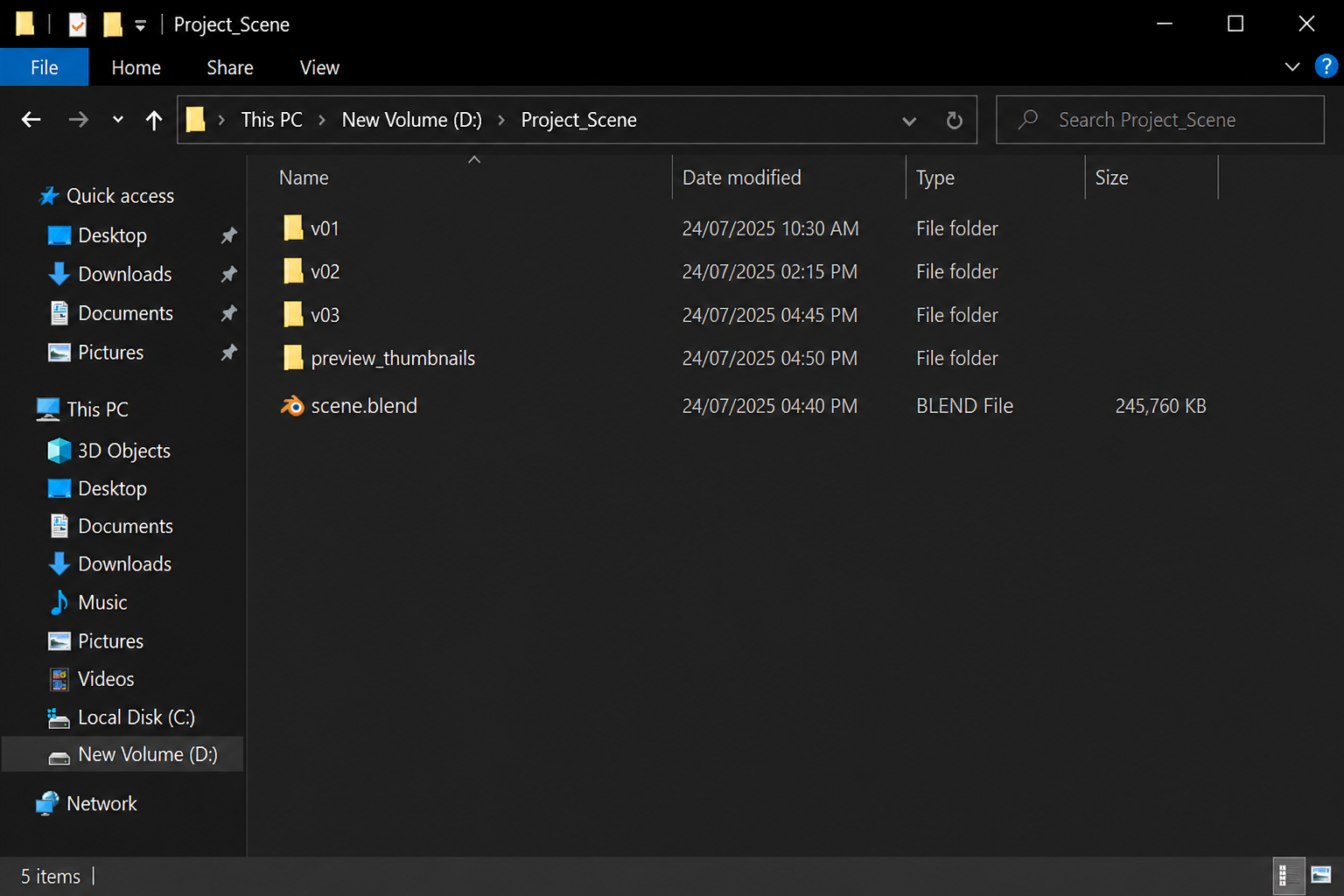
When a re-render is genuinely required, geometry or camera changes, the way to save the schedule is cloud render farm: throw the job across several cloud machines running in parallel, splitting the frame range, so you can meet the deadline. Renting several capable machines and having each one render a slice of the frame range, then merging the output, cuts wall-clock time substantially even though the total GPU-hours spent are roughly the same as running it on one machine.
| Service | Model | Best for | Real strength | Worth knowing |
| iRender | IaaS (rent the full machine, billed hourly) | Real-time apps and offline engines, plus urgent multi-machine re-renders | Full control of the machine: multiple RTX 4090 24GB cards, install your exact plugin version, runs Lumion, Enscape, and D5 as well as V-Ray | Billed until you shut the machine down, first-time setup takes roughly 15 minutes |
| GarageFarm | SaaS (per-frame) | Batch re-renders in offline engines like V-Ray or Corona | Easy onboarding, responsive support when you’re in a hurry | Offline engines only, limited to their supported plugin list |
| RebusFarm | SaaS (per-frame) | V-Ray or Corona re-renders where you need certainty | Scene checker flags errors before submission, cutting the risk of a last-minute failed job | Offline only, no control over the machine itself |
| Fox Renderfarm | SaaS (per-frame) | Large offline batch jobs on a budget | Usually the cheapest option for big batches | Offline only, no control over the machine itself |
RebusFarm‘s scene checker genuinely helps avoid a failed submission at the worst possible moment, and GarageFarm‘s onboarding and human support are a real advantage when there’s no time to figure out a new platform from scratch. iRender is different because you’re renting the whole machine: that means installing the exact environment you’re already working in, being able to re-render both real-time previews and offline finals on the same box, and spinning up several machines in parallel for a frame-range split.
Final thought
None of this makes last-minute changes disappear. Clients will keep changing their minds close to a deadline no matter how good the workflow is. What changes is how much of that actually lands on your render queue. A layered scene with proper passes turns most of those changes into a five-minute compositing job instead of an overnight one. Either way, the fix worth building now is the workflow, not just faster hardware for the next emergency.
FAQ
1. How do I handle last-minute client changes without missing the render deadline?
Build the render workflow around layers and passes, so lighting, color, and materials can be adjusted in post without cooking the whole image again. Keep the scene saved in numbered versions so nothing gets rebuilt from zero.
2. Can I change lighting without re-rendering the whole scene?
Usually, yes, if the scene was rendered with LightMix in V-Ray or Corona, or with light passes separated out. Both let you adjust the intensity and color of individual light groups directly in the frame buffer after the render is done.
3. Which client changes always require a full re-render?
Geometry changes, adding a room, altering the layout, moving the camera angle, or adding and removing objects from the main scene, almost always force a full re-render, because they change what the renderer actually has to calculate, not just how the final image looks. Color, lighting, and overall tone, by contrast, can mostly be handled in post if the scene was rendered with proper passes and light groups kept separate.
4. How can the cloud help when I’m forced to re-render before a deadline?
Renting many cloud machines and splitting the frame range across them lets each machine render only a portion of the job at the same time. A re-render that would otherwise run unattended overnight on a single workstation can often finish in one or two hours instead. Your own machine also stays free to keep working on other tasks while the cloud machines handle the render.