

Top Render Farms in 2026: Six Services Compared, and How Each One Has Evolved
Top render farms 2026 • SaaS vs IaaS • Alternatives
The top render farms in this 2026 shortlist are Fox Renderfarm, GarageFarm, iRender, Ranch Computing, RebusFarm and Super Renders Farm, listed alphabetically rather than ranked. Five are SaaS farms: you upload a scene and download frames. iRender is IaaS: you rent a whole GPU server and run your own software. Pick the model first, then compare each farm’s published pricing unit, disclosed hardware, supported software and trial on one of your own scenes. If you are looking for an alternative to one of these farms, the other five are the obvious shortlist.
- Pricing units differ: GHz-hour, OctaneBench-hour, node-hour and prepaid points, so compare invoices from a test job, not unit prices.
- SaaS fits: scenes whose software, renderer and plugins are on the farm’s supported list.
- IaaS fits: Lumion, D5 Render, Enscape, Twinmotion and other tools no managed farm runs.
- Trials: every farm here offers a trial credit or first-deposit bonus; use it on the same scene for each finalist.
- Security: check certifications, NDA options and data retention in writing before uploading client work.
Every year, thousands of 3D artists type “top render farms” into a search box and get back the same recycled lists. This year we wanted to do something more useful. Below are six cloud rendering services that earned a place on our 2026 shortlist, listed alphabetically, not ranked, because as you will see, “which one is best” is the wrong question. We also added a criterion we call momentum. Not just what a render farm offers today, but what it has actually shipped year over year. A farm that keeps investing tells you what your experience will look like a year into the relationship, a static feature list cannot.
First, the question that actually matters: IaaS or SaaS?
Most of the disappointment we hear about in cloud rendering comes from picking the wrong model, not the wrong brand. Cloud render farms come in two shapes.
IaaS (infrastructure as a service) rents you the machine itself. You get a powerful remote workstation, or eight of them, and you install your own software, your own plugins, your own licenses, and drive everything yourself, usually over a remote desktop session. Maximum freedom, maximum responsibility. If your pipeline runs on an unusual tool, a custom build, or software no managed farm supports, Lumion, D5 Render, Enscape, Twinmotion, KeyShot, IaaS is often the only way to render it in the cloud at all. In the list below, iRender is the example of this model.
SaaS (software as a service) farms take the opposite bet: you upload a scene, their system renders it on pre-configured nodes with licensed software already installed, and you download finished frames. You give up machine-level control and gain the ability to not think about any of it, no installs, no license management, no babysitting a remote session at 2 a.m. Super Renders Farm is the most fully managed example of this model here; GarageFarm, RebusFarm, Fox Renderfarm and Ranch Computing are SaaS farms too, each with its own flavor.
Neither model is better. A solo archviz artist rendering a Lumion walkthrough overnight needs different things than a 20-seat studio pushing a V-Ray animation against a Friday deadline. A simple sorting rule:
- Your software is on the farm’s supported list, and you want frames, not machines → SaaS.
- Your software is NOT on any supported list, or you need to drive the box yourself → IaaS.
- You genuinely do not know → try a SaaS farm’s trial first; if it cannot take your scene, you have your answer.
How we evaluated
We favored criteria you can verify yourself, in an afternoon, without trusting us or anyone else:
- Published pricing per standard unit. Can you estimate a job’s cost from the pricing page alone?
- Disclosed hardware. Does the farm tell you what card or CPU you are actually renting?
- Supported software, in writing. Version ranges on a public page beat “contact us” every time.
- Terms that respect your money. Credit expiry, refund posture, what happens when a render fails.
- Support you can reach. Live channels, response times, real humans.
- Momentum (new for 2026). What did the farm ship between 2023 and 2026, hardware refreshes, new software support, new products? We dug through each provider’s own blogs, release notes and archived pages to build this picture.
The top render farms of 2026 at a glance
| Render farm | Model | HQ / billing | Pricing (published) | Free trial |
| Fox Renderfarm | SaaS | China (global offices) | Via cost estimator; education discounts | Signup credit |
| GarageFarm.NET | SaaS | UK (datacenter in Poland) | CPU from $0.024/GHz-hr; GPU nodes $1.12-$25.76/hr by tier | $25 credit (10 nodes, 30 jobs) |
| iRender | IaaS | Vietnam | GPU servers $8.20-$52/node-hr (1x-8x RTX 4090), $10.80-$62/node-hr (1x-8x RTX 5090) | 100% bonus on the first top-up (minimum $50) |
| Ranch Computing | SaaS | France (EUR) | CPU €0.011-0.016/GHz-hr; GPU €0.005-0.01/OBh | €30 credit |
| RebusFarm | SaaS | Germany | Via RenderPoints (prepaid currency) | Signup RenderPoints |
| Super Renders Farm | SaaS (fully managed) | USA (USD) | CPU $0.004/GHz-hr; GPU $0.003/OBh, licenses included | $25 free render credits |
Suits simpler projects that are finished and only need final frames, using software, versions and plugins the farm already supports.
Suits more complex work: pipelines that depend on custom plugins or specific software versions, scenes you still need to adjust directly in the viewport, and simulations or caches you want to run yourself.
On an IaaS machine you set up and run the session yourself, and billing runs until you shut it down.
Momentum at a glance: 2023 → 2026
| Render farm | What their own public record shows |
| Fox Renderfarm | TPN assessment renewed (2025); DIBOOS partnership, dense event and community program (2026); new plugin support. The platform itself: stable and mature. |
| GarageFarm.NET | A real GPU climb: RTX A5000 (2023) → L40S / RTX 4000 Ada → RTX PRO 6000 Blackwell 96 GB (2026); 3ds Max and Maya 2027 support; a live client-app release train. |
| iRender | RTX 4090 and RTX 5090 servers in 1x, 2x, 4x and 8x GPU configurations, billed per minute (pricing page, November 2026). |
| Ranch Computing | RTX 5090 added alongside 4090 and 3090; three-generation AMD EPYC refresh; immersion-cooling engineering with AMD; Ecoprod sustainability label (2023). |
Fox Renderfarm

Fox Renderfarm homepage
| Model | SaaS render farm |
| Software | 3ds Max (2010+), Maya (2012+), Blender (2.63+), Cinema 4D, Houdini (21+), Nuke (10.0+), Unreal Engine, and more |
| Hardware | Large CPU + GPU fleet (models not itemized publicly) |
| Security | TPN Trusted Partner, ISO 27001 |
| Pricing | Cost estimator + member tiers; GoCloud education discounts |
The service. Fox Renderfarm is one of the largest and longest-running farms in the market, with a global customer base, multi-language support, and the credential that sets it apart in this list: TPN Trusted Partner status plus ISO 27001 certification, the content-security paperwork that studio and broadcast clients often contractually require. Its supported-software pages use deliberately open version floors (“3ds Max 2010 or later”), which makes old project files welcome, and transfers run over Raysync acceleration. Students and educators can check the GoCloud program for education discounts.
Momentum: what changed. Fox’s platform reads as mature and steady rather than fast-moving, those open version floors have barely needed to move in years, and that stability is part of the pitch. The visible energy is around the service rather than inside it: the 2025 TPN annual assessment completed on schedule, a strategic partnership with Spanish animation federation DIBOOS signed in 2026, sponsorships running from SIGGRAPH 2026 to community art challenges, and one of the most active publishing operations in the industry. Plugin support keeps arriving too, X-Particles, Forest Pack and RailClone were all added to the matrix.
Fits best: productions with contractual security requirements, education users, and teams with a drawer full of older project files that other farms might refuse.
GarageFarm.NET

GarageFarm.NET homepage
| Model | SaaS render farm |
| Software | 3ds Max (2016-2027+), Maya (2015-2027+), Blender, Cinema 4D, SketchUp, Rhino, and more |
| Hardware | GPU tiers: RTX 4000 Ada 20 GB → A5000 24 GB → L40S 48 GB → RTX PRO 6000 Blackwell 96 GB |
| Client app | renderBeamer (active release train) |
| Pricing | CPU from $0.024/GHz-hr; GPU nodes $1.12-$25.76/hr; bonus ladder to 100% at $12,500 |
The service. GarageFarm has built its reputation on two things: a support team it advertises as available 24/7, and renderBeamer, a polished desktop client that handles scene collection, upload and job management. Pricing is per machine tier on the GPU side, and the four-class GPU lineup now tops out at the RTX PRO 6000 Blackwell with 96 GB of VRAM, the largest single-card VRAM figure in this comparison, and the difference between “render” and “out of memory” for the heaviest single frames. GarageFarm lists a $25 trial credit, limited to 10 nodes and 30 jobs.
Momentum: what changed. GarageFarm’s own quarterly update roundups document a real multi-year hardware climb: RTX A5000 added in 2023 (announced by press release), L40S and RTX 4000 Ada tiers after that, and the Blackwell 96 GB node type arriving in early 2026, alongside same-cycle support for 3ds Max 2027 and Maya 2027, Redshift 2026.x fixes, and a renderBeamer release train that shipped four versions in eight months. The same housekeeping cut some things loose: support for 3ds Max 2013-2015 and Maya 2014 was retired in 2025, and the After Effects plugin is no longer in active development. Worth knowing if your pipeline leans on either.
Fits best: heavy single-frame scenes that need enormous VRAM, Blender and Unreal work, and anyone who values a first-class desktop client with humans behind it.
iRender
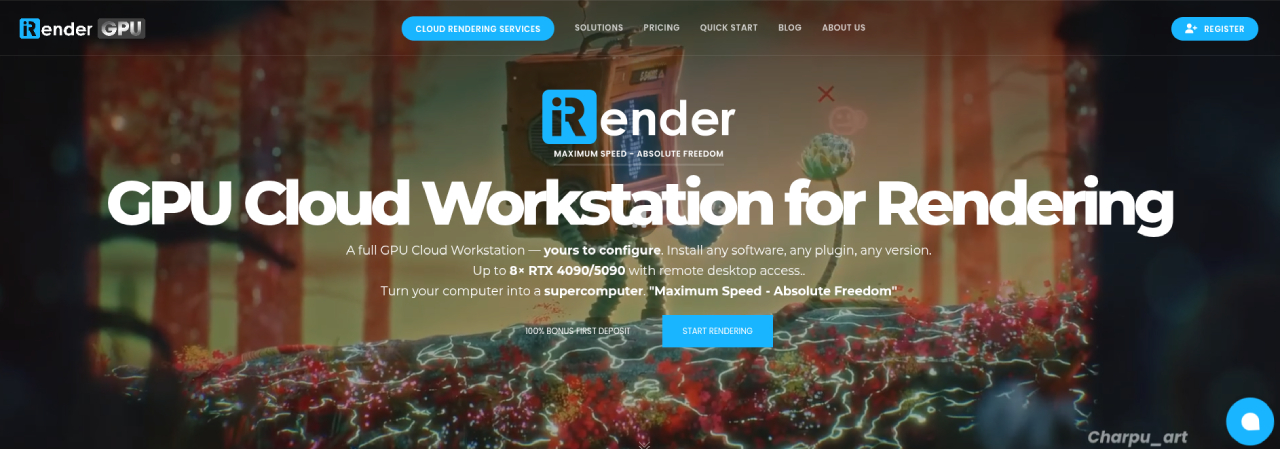
iRender homepage
| Model | IaaS, full remote machines you control |
| Software | Effectively anything on Windows/Ubuntu: all major DCCs plus Lumion, D5, Enscape, Twinmotion, KeyShot, Daz, Omniverse… |
| Hardware | 1x / 2x / 4x / 8x RTX 4090 (24 GB each) or RTX 5090 (32 GB each) |
| Pricing | RTX 4090: $8.20 / $15 / $30 / $52 per node-hour; RTX 5090: $10.80 / $20 / $38 / $62 per node-hour; about 10% off sessions of 3+ hours |
| Extras | iRender GPU app, 100% bonus on the first top-up (minimum $50) |
The service. iRender is an example of the rent-a-machine model. You boot a full remote workstation, from a single RTX 4090 or RTX 5090 up to an eight-GPU server, install whatever you want on it, and pay as you go. Because you control the software, the practical compatibility list is effectively “anything that runs”, which makes it an option for real-time arch-viz tools (Lumion, D5 Render, Enscape, Twinmotion) and for custom or unusual pipelines that no managed farm will take. The trade-offs are real: you install software and manage licenses yourself, a server takes some minutes to set up, billing runs from start-up until you shut the server down, and data is lost when a server is deleted. iRender’s pricing page lists its data center as Tier III (Uptime Institute) with ISO 27001, ISO 9001 and ISO 50001 certifications, and the company provides an NDA document for projects that need one (checked November 2026).
Momentum: what changed. The current pricing page lists RTX 4090 and RTX 5090 servers in 1x, 2x, 4x and 8x configurations, billed per minute (the single-GPU plan has a one-hour minimum), with about 10% off sessions of three hours or more and a 100% bonus on the first top-up of at least $50. iRender also publishes engine-by-engine GPU benchmarks on its own site; treat those as provider tests rather than third-party measurements.
Fits best: artists and studios that want full machine control, software no managed farm supports, or a predictable per-hour machine price they can multiply on a napkin.
Ranch Computing
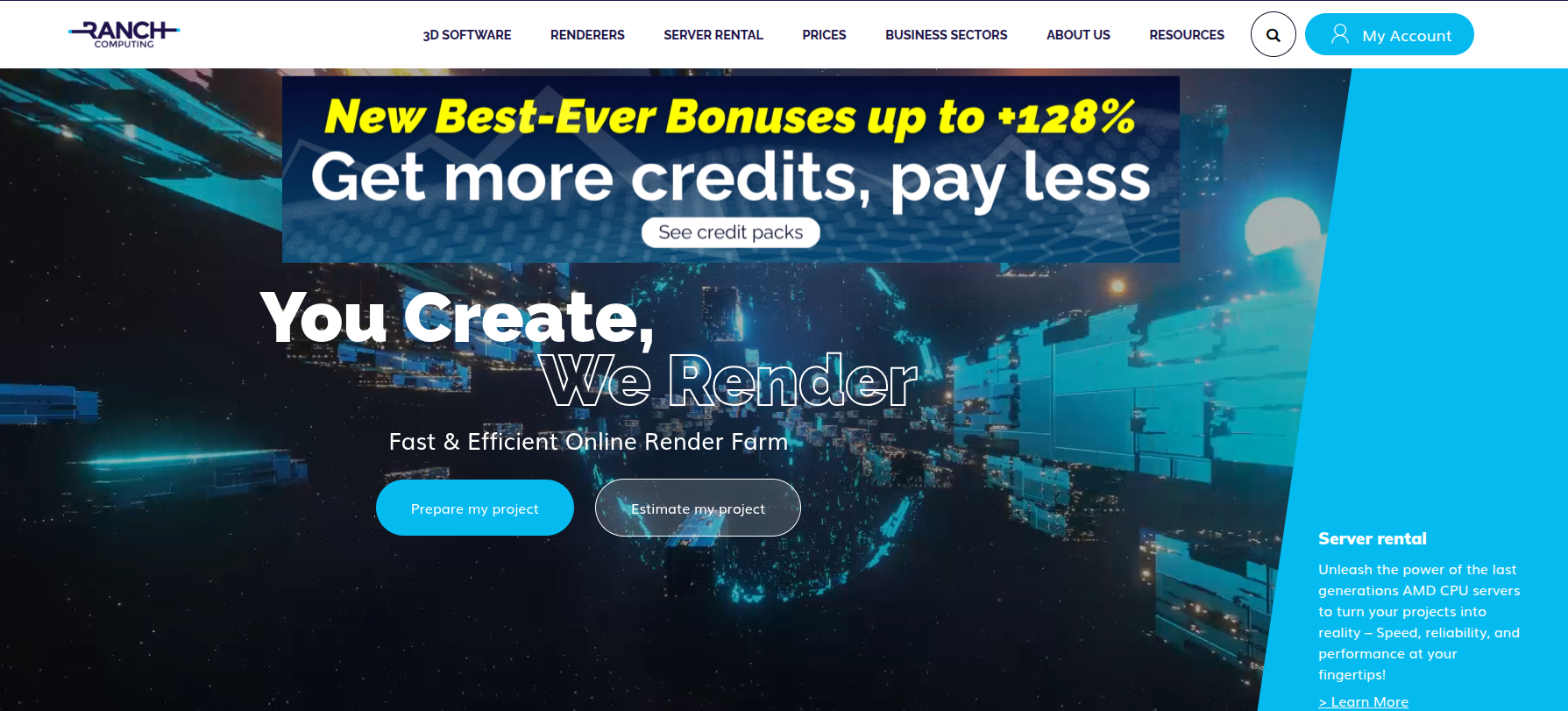
Ranch Computing homepage
| Model | SaaS render farm (France-based, operating since 2006) |
| Software | 3ds Max, Maya, Cinema 4D, Blender, Houdini (native, through 21.0.x), and a 10-engine renderer matrix incl. Karma XPU |
| Hardware | Disclosed per tier: RTX 3090 / 4090 / 5090 (32 GB); AMD EPYC Milan / Bergamo / Turin CPUs |
| Security | TPN Gold Shield |
| Pricing | CPU €0.011-0.016/GHz-hr; GPU €0.005-0.01/OBh (3 priority tiers); €30 trial; academic discount 50%; 20% discount currently running on all high- and low-priority GPU projects |
The service. Ranch Computing, a France-based farm with offices in Paris, has been rendering for two decades, and it has a habit we wish the whole market shared: exact hardware disclosure at the billing tier. Ranch tells you precisely which card you are renting, RTX 3090, 4090 or 5090 with 32 GB, and which AMD EPYC host it sits in. Pricing is published per unit in a clean three-tier priority system (EUR only). Houdini support is native and current through the latest 21.0.x builds with Karma XPU on the renderer list, prepared through the RANCHecker tool. And the sustainability story, the Ecoprod label since 2023 and a long-standing renewable-electricity commitment, is verifiable, not vibes.
Momentum: what changed. Ranch added the RTX 5090 alongside its existing GPU generations, refreshed the CPU fleet across three EPYC generations (Milan, Bergamo, Turin), and partnered with AMD on immersion-cooled rendering infrastructure, the kind of unglamorous engineering investment that shows up later as reliability rather than as a banner. Disclosed compute capacity has grown accordingly. This is a farm improving in the load-bearing places.
Fits best: European studios (billing, latency, GDPR comfort), Houdini and Karma pipelines, and buyers who want to know exactly which silicon their money buys.
RebusFarm
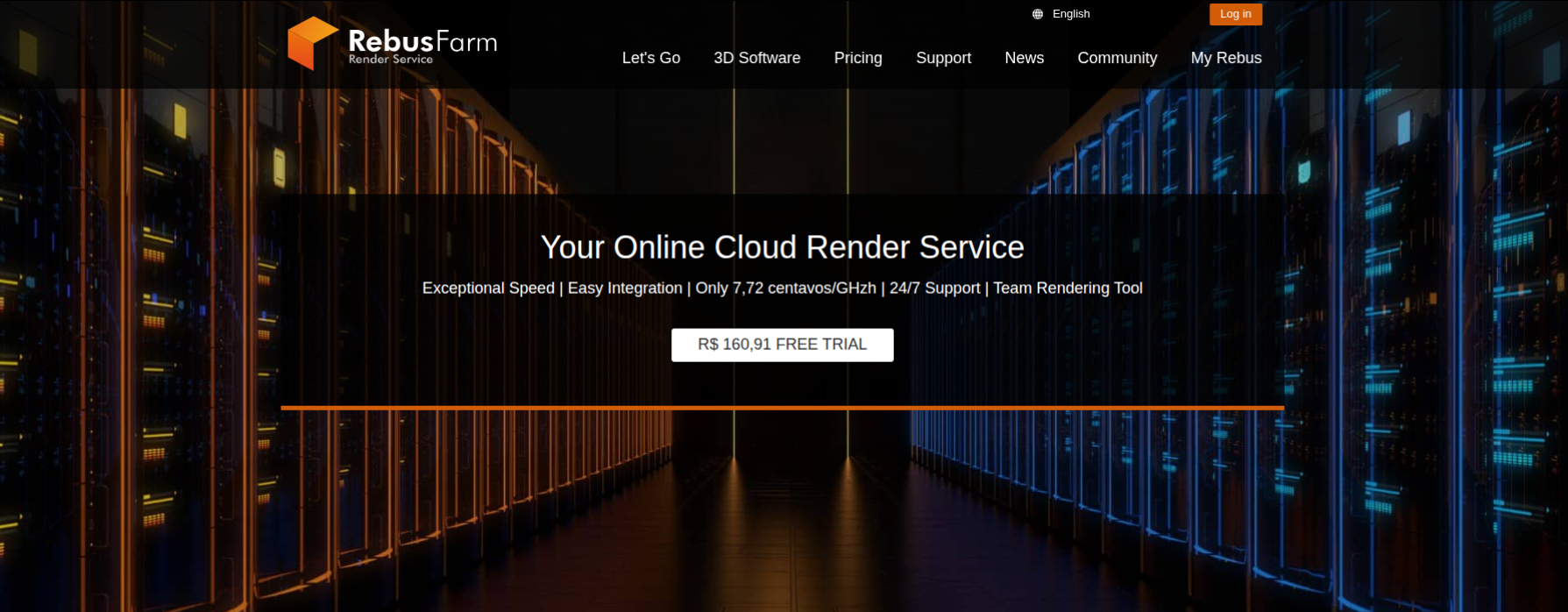
RebusFarm homepage
| Model | SaaS render farm |
| Software | 25+ integrated apps: 3ds Max (2013-2027), Maya (2014-2027), Cinema 4D (R14-2026), Blender, and more; V-Ray 7, Corona 15, Redshift 2026 |
| Hardware | Multi-GPU NVIDIA engines (models not named publicly) |
| Workflow | Farminizer in-app plugin + ControlCenter |
| Pricing | RenderPoints prepaid currency; green hydropower operation |
The service. RebusFarm, operating from Germany since 2006, is built around one core idea: never leave your DCC. The Farminizer plugin embeds farm submission inside more than 25 host applications, you click render, the scene ships, and the redesigned ControlCenter tracks everything centrally. Version ceilings are kept impressively current: 3ds Max and Maya through 2027, V-Ray 7, Corona 15, Redshift through 2026. Billing runs through RenderPoints, Rebus’s prepaid currency, budget one extra step to convert points into real money when you compare costs. The farm has run on certified hydropower for years.
Momentum: what changed. Rebus’s defining move in this window was the 2023 “New RebusFarm” relaunch, by the company’s own account its third major platform overhaul since 2006, which delivered the current ControlCenter and a Team Management tool for studios: shared budgets, member roles, and client-facing progress links. Since then, the record shows disciplined maintenance: each vendor release tracked, each ceiling raised on schedule. One transparency note: RebusFarm’s own pages describe the GPU engines only in general terms, and at different sizes in different places, the 2023 relaunch announcement mentioned “Nvidia GPU cards with up to 5 GPUs per engine,” while the current Redshift page says “8 powerful NVIDIA cards”, so hardware-sensitive GPU buyers should ask which configuration their job lands on before a big run.
Fits best: artists who live inside their DCC and want submission without leaving it, and studios that need team and budget controls out of the box.
Super Renders Farm
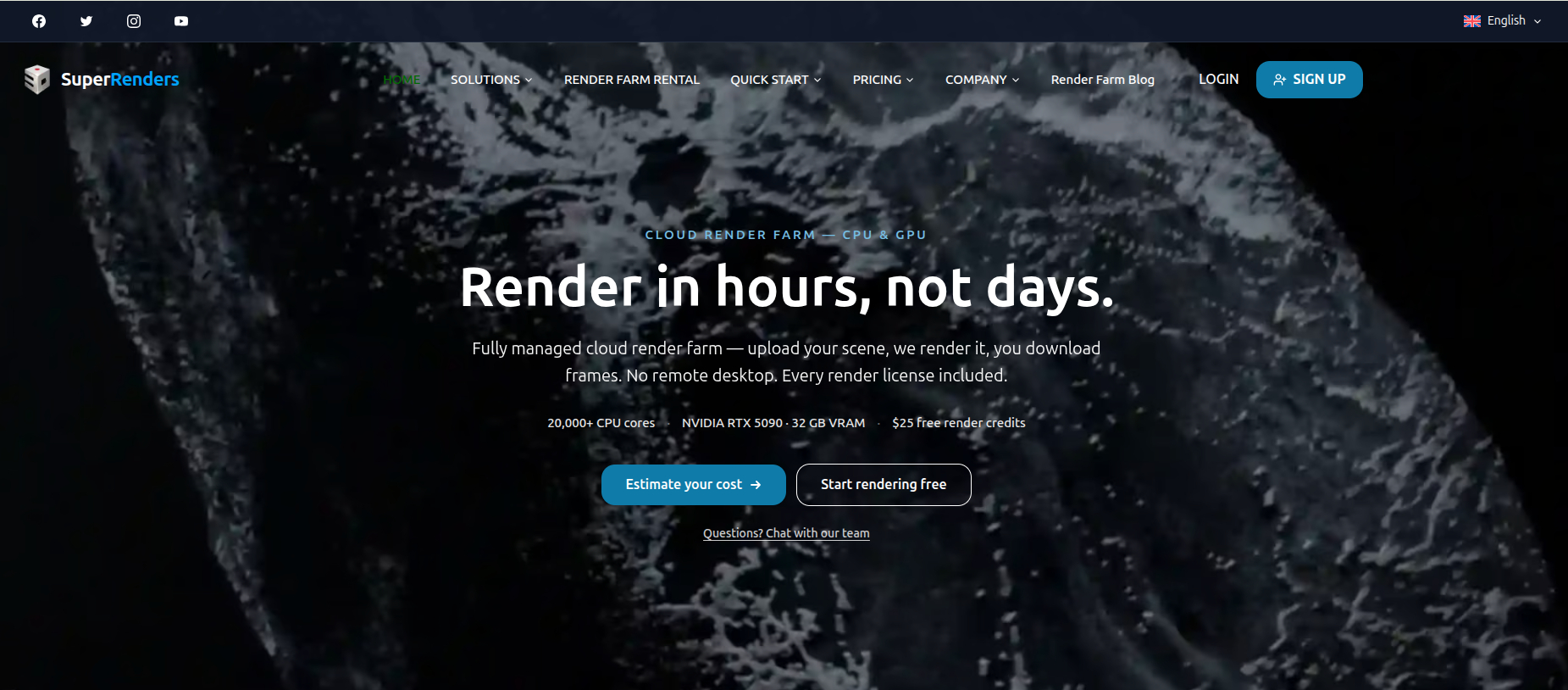
Super Renders Farm homepage
| Model | Fully managed SaaS, upload, render, download |
| Software | 3ds Max 2013-2027 · Maya 2014-2027 · Blender 2.79-5.2 · Cinema 4D R14-2026 · Houdini 21+ · After Effects 2024-2026 · Nuke · SketchUp · Rhino |
| Hardware | NVIDIA RTX 5090, 32 GB per card (disclosed at billing tier); 20,000+ Xeon CPU cores |
| Licenses | V-Ray, Corona, Redshift, Arnold, Octane included in the rate |
| Pricing | CPU $0.004/GHz-hr · GPU $0.003/OBh · one rate, no tiers · volume discounts to 30% · credits never expire |
The service. Super Renders Farm positions itself as a fully hands-off service. The workflow is upload, render, download: no remote desktop, no installs, no license management; a live-chat team that the farm advertises as 24/7 handles software, plugin and license setup on the customer’s behalf, and an NDA option covers confidential work. It is US-registered (Super Renders Farm LLC, California) with USD billing, and holds verifiable official partnerships with Chaos, Maxon and AXYZ design. Pricing uses one published rate per unit for every customer, with the major engine licenses included, automatic volume discounts to 30%, and credits that never expire. Two caveats from our full review: there is no public render API yet (submission is GUI and client-app only), and .zip archives are not accepted, pack .tar or .7z instead.
Why it enters this list in 2026: momentum. Two years ago Super Renders Farm was a capable but quiet mid-field service. The 2024-2026 record, checked against its live pages, shows a large change:
Hardware: the GPU fleet moved wholesale to the RTX 5090, the current Blackwell flagship, 32 GB per card, with the exact model disclosed at the billing tier, on top of a 20,000-core Xeon CPU infrastructure that remains the backbone for V-Ray, Corona and Arnold work.
Software: the published supported-software matrix widened considerably, and notably it widened legacy coverage, back to 3ds Max 2013 and Maya 2014, with no skipped years, in the same window in which parts of the market retired theirs. Dedicated Houdini (Karma, Karma XPU, Mantra and Redshift ready on every node) and After Effects pages both went live in 2026.
Pricing: per-unit rates published, the discount ladder made public and automatic, and a make-good policy stated in plain language: when a failure is caused by the farm’s own system, replacement credits are issued.
Company: US LLC formation completed, the site rebuilt across 10 languages, and a third-party footprint built from scratch, active profiles on Capterra, G2, GetApp, Software Advice and Trustpilot.
Our updated Super Renders Farm review 2026 covers the full details and the reasoning behind this year’s upgraded certification.
Fits best: deadline-driven archviz, animation and motion-graphics teams that want rendering handled end-to-end with USD billing, wide version coverage, and nothing to administer.
Looking for an alternative to one of these farms?
The other five farms in this list are the natural shortlist, and the right swap depends on why you want to leave. If you are comparing Super Renders Farm alternatives, GarageFarm and Ranch Computing are the closest like-for-like options here: both are managed farms that publish per-unit or per-tier pricing and name the GPUs you rent. If you are comparing GarageFarm alternatives, Super Renders Farm and Ranch Computing also publish their rates, while RebusFarm suits artists who want to submit without leaving their 3D application.
| Why you want to switch | Farms in this list worth testing |
|---|---|
| You need more VRAM for one very heavy frame | GarageFarm (RTX PRO 6000 Blackwell tier with 96 GB) |
| You want upload, render, download with engine licenses included | Super Renders Farm; GarageFarm, RebusFarm, Fox Renderfarm and Ranch Computing are also managed SaaS farms |
| You want to submit from inside 3ds Max, Maya or Cinema 4D | RebusFarm (Farminizer plugin), GarageFarm (renderBeamer client) |
| A client contract requires TPN or ISO 27001 paperwork | Fox Renderfarm (TPN Trusted Partner, ISO 27001), Ranch Computing (TPN Gold Shield) |
| You render Houdini with Karma XPU | Ranch Computing, Super Renders Farm, Fox Renderfarm (Houdini 21 or later) |
| You want euro billing and a European data center | Ranch Computing (France), RebusFarm (Germany) |
| Your tool is not supported by any managed farm (Lumion, D5, Enscape, Twinmotion) | iRender (IaaS, whole GPU server you control) |
Whichever farm you test, run the same scene and frame range on each trial and compare the invoices, because the farms bill in different units.
Q&A: choosing a render farm in 2026
Which render farm is the cheapest?
There is no one answer, because the six farms price in four different units, per GHz-hour, per OctaneBench-hour, per node-hour, and per RenderPoint. The reliable method: take one of your own scenes, render 5-10 frames on each candidate’s trial, and compare the invoices. Published unit rates are only a starting map: Super Renders Farm lists $0.004/GHz-hour (CPU) and $0.003/OB-hour (GPU), Ranch Computing lists €0.011 to 0.016/GHz-hour and €0.005 to 0.01/OBh, and iRender charges per machine-hour, which only works out well per frame when every GPU in the server stays busy. Cheap-per-unit and cheap-for-your-job are not always the same thing, which is exactly why trials exist.
Should I pick IaaS or SaaS?
Check the SaaS farms’ supported-software pages first. If your DCC, renderer and plugins are all listed, and most V-Ray, Corona, Redshift, Arnold and Cycles pipelines are, a SaaS farm will save you hours of administration per project. If your tool is not listed anywhere (Lumion, D5, Enscape, custom builds), IaaS is your lane; iRender is the IaaS option in this list. Hybrid studios often use both: SaaS for the overnight animation batches, a rented IaaS box for the odd real-time or experimental job.
Do render farms include software licenses?
The SaaS farms in this list render with properly licensed software, that is part of what you are paying for; Super Renders Farm goes furthest by explicitly including V-Ray, Corona, Redshift, Arnold and Octane licenses in its published rate. On IaaS, the model inverts: you install and license everything yourself, which is precisely what makes anything possible, budget for your own licenses accordingly (and check each vendor’s terms about cloud use).
What about free trials?
Every farm here lets you test before committing, in different shapes: GarageFarm gives $25 in trial credit (limited to 10 nodes and 30 jobs), Ranch gives €30, RebusFarm issues free RenderPoints on signup, Fox credits new accounts, Super Renders Farm grants $25 in free render credits, and iRender doubles your first deposit instead of giving a fixed credit. Use them literally: same scene, same frame range, on your two or three finalists. An afternoon of testing beats a month of regret.
How safe is my scene data?
Three things to check, in order. Certifications: if a client contract requires TPN, Fox Renderfarm (TPN Trusted Partner + ISO 27001) and Ranch Computing (TPN Gold Shield) carry the paperwork. iRender’s pricing page lists its data center as Tier III (Uptime Institute) with ISO 27001, ISO 9001 and ISO 50001 certifications, and iRender provides an NDA document for projects that need one (checked November 2026). NDAs: several farms sign them on request, Super Renders Farm keeps a dedicated NDA process for confidential projects. Retention: ask how long scenes and outputs stay on the farm’s storage after a job (Super Renders Farm, for example, publishes a 45-day output retention window). If a farm cannot answer the retention question in writing, keep looking.
Which farm should Houdini artists pick?
Houdini is the sharpest differentiator in this list. Ranch Computing supports it natively through the latest 21.0.x builds with Karma XPU. Super Renders Farm runs Houdini 21+ with Karma, Karma XPU, Mantra and Redshift ready on every node. Fox Renderfarm takes Houdini 21 or later. On the other side of the ledger, RebusFarm and GarageFarm have no dedicated Houdini offering (GarageFarm accepts standalone render-engine exports as a workaround). And on IaaS, iRender gives you a raw box where any Houdini build, including daily builds and custom HDAs, just works, because you install it yourself.
Does hardware generation really matter, or is it marketing?
It matters, with nuance. A current-generation card (RTX 5090, RTX PRO 6000 Blackwell) renders meaningfully faster per hour than a two-generation-old one, so the per-hour price alone can mislead, a cheaper old card can produce a more expensive frame. VRAM matters differently: it is not about speed but about whether the scene fits at all. A 32 GB card (Super Renders Farm, Ranch’s 5090 tier) covers the vast majority of production scenes; the rare monster frame that needs more is what GarageFarm’s 96 GB Blackwell tier, or CPU rendering with big RAM, exists for. The practical rule: match VRAM to your heaviest scene, then compare cost per finished frame, not cost per hour.
How much should I trust “what changed”, the momentum criterion?
Trust it more than a feature table, for one reason: it is hard to fake. Feature lists describe a snapshot that marketing controls; a three-year public record of shipped
hardware, version support and product launches describes behavior. Every momentum claim in this article traces to the providers’ own blogs, release notes and archived pages, and the pattern it reveals (which farms are investing, which are maintaining) is the best predictor we have of what each service looks like in 2027.
To go further, the render farm pricing guide explains GHz-hours, OB-hours and node-hours with worked examples, and the render farm comparison page lists more providers with their pricing units and evidence labels.
Is there a fully managed cloud render farm without a remote desktop?
Yes. SaaS render farms such as GarageFarm, RebusFarm, Fox Renderfarm, Ranch Computing and Super Renders Farm are fully managed: you submit the scene through a plugin or web uploader, the farm runs the software and spreads frames across its nodes, and you download finished frames without ever opening a remote desktop. The limit is that only the applications, versions and plugins each farm supports will render, and real-time tools such as Lumion, Enscape, D5 and Twinmotion are not supported. If you need your own software setup, an IaaS service such as iRender rents you a whole remote machine instead.
Is a cloud render farm faster than rendering Blender locally?
For animations, usually yes, because a farm renders many frames at the same time on separate nodes, so a sequence that would run all night on one workstation can finish in a fraction of the time. For a single still frame, the speed depends on the GPU each node uses compared with yours, plus upload, scene preparation and queue time, so a fast local card can still win on one image. Test one representative frame on the farm’s trial and compare the total time, including upload and download, before moving a deadline job.
The bottom line
Six farms, two models, no single winner, and that is the state of cloud rendering in 2026. Pick the model first (IaaS for control and unsupported software; SaaS for hands-off delivery), shortlist two farms whose published pages answer your questions without a sales call, spend their trial credits on your own scene, and let the invoices decide. And keep one eye on the momentum column: whichever farm you choose, you are not just buying today’s spec sheet, you are buying a trajectory.
See more: Best render farm for architecture in 2026: top 5 cloud services for architects