

Rate And Review Super Renders Farm 2026
Super Renders Farm is a US-based company that has been part of the commercial cloud rendering market for a long time – the team has been operating since 2010, and in 2026 the company completed its formation as Super Renders Farm LLC, headquartered in Santa Ana, California. They offer a cloud rendering service based on the model of SaaS (Software-as-a-Service), and among the SaaS farms we track, this is the most fully managed one: you upload your project, their system renders it, and you download the frames – you never remote into a machine, install software, or manage a license yourself.
Super Renders Farm is an official partner of Chaos (V-Ray, Corona), Maxon (Cinema 4D, Redshift) and AXYZ design, which you can verify on those vendors’ own partner pages.
Super Renders Farm homepage - captured August 27, 2026
| Company Name | Super Renders Farm |
| Website | https://superrendersfarm.com/ |
| Country | USA |
| Type of render farm | CPU and GPU |
| Free Trial | $25 in free render credits |
We first reviewed Super Renders Farm in 2021 and updated this page several times since. For 2026 we rewrote the review completely, because since our last update this service has changed more than any other render farm we track – new hardware generation, a much wider software list, new pricing transparency, and a new legal structure. We will go through each criterion and point out what is new.
The first thing we want to review is the workflow and UI/UX. As a fully managed SaaS render farm, what you need to do is prepare your project on your local computer, then send it through the web uploader, their desktop client app, or SFTP for very large projects. The farm can also pull your files in from Google Drive or Dropbox. After upload, scene analysis runs automatically and the job goes to the queue. Similar to other SaaS farms, your job is rendered frame by frame, and finished frames can be downloaded from the web, over SFTP, or automatically downloaded to a folder on your computer by the client app – convenient if you want the farm to work like a background process overnight.
Transferring files in terms of speed and data size is a crucial factor for any render farm. Super Renders Farm does not set a hard limit on upload size, but they recommend staying under about 300 GB per web upload and switching to SFTP or the client app above that, which is a reasonable guidance for heavy production projects. One thing we have to give a minus point for: .zip archives are not accepted at all – you must repack your project as .tar, .tar.gz or .7z, or skip archiving and send files over SFTP. It is a small quirk, but you will meet it on day one if your studio zips everything by habit. On the positive side, rendered output stays available for download for 45 days after the job completes, and this retention window is published on their pages instead of hidden in a support answer.
When evaluating an excellent render farm, the first criterion we rely on is the types of software they are supporting, and this is where the 2026 update matters most. Super Renders Farm now publishes one of the widest version ranges we have seen: 3ds Max 2013-2027 and Maya 2014-2027 with no skipped years, Blender 2.79 up to 5.2 with Cycles and EEVEE ready, Cinema 4D from R14 to 2026, Houdini 21.0 and later, After Effects 2024-2026 under Adobe’s render licensing, Nuke 10.0-12.2, and SketchUp and Rhino via V-Ray. For Houdini, the Karma, Karma XPU, Mantra and Redshift engines are ready on every node. One detail worth spelling out for Karma XPU: it renders on NVIDIA GPUs and is sensitive to driver and CUDA versions, so on a self-managed machine the version matching is your problem – on a managed farm like this one, the node images come pre-matched, which is exactly the kind of setup risk the model removes. Arnold, V-Ray and Octane for Houdini are provisioned on request – you should contact support to confirm before uploading. In terms of renderers overall, V-Ray, Corona, Redshift (through the 2026 line), Arnold, Octane and RenderMan for Maya are all covered, and the render engine licenses are included in the price, so there is no separate license cost on your invoice. Interesting to note: while some render farms have been retiring old software versions recently, Super Renders Farm went the opposite way and widened its coverage down to 3ds Max 2013 and Maya 2014 – good news if your studio maintains long-running projects on pinned versions. One limitation for pipeline developers: there is no public render API yet, so submission is through the GUI and client app only – in practice, render jobs cannot be triggered automatically from scripts or pipeline tools, so studios wanting scheduled or event-driven submission will need a person clicking until an API ships.
The next criterion to consider is the hardware used in Super Renders Farm’s system. According to their latest information, the GPU fleet now runs NVIDIA RTX 5090 cards with 32 GB of VRAM each – a notable step up from their previous RTX 4090 setup, and the current Blackwell flagship generation. We also appreciate that they disclose the exact GPU model at the billing tier, since several farms in this market only describe their GPU nodes in general words. For CPU rendering, the infrastructure runs more than 20,000 CPU cores on dual Intel Xeon machines with up to 256 GB of RAM, which remains the backbone for V-Ray, Corona and Arnold jobs – and the practical path for scenes too large for any GPU’s VRAM.
Another factor that has a substantial impact on our evaluation process is Services and Support.
First, we would like to talk about Super Renders Farm pricing. The CPU costs 0.4 cents/GHzh while the GPU costs 0.3 cents/OBh (OctaneBench-hour – a GPU benchmark unit that several farms bill in, which makes direct comparison possible). Put side by side in the same units: RebusFarm advertises 1.41 cents/GHzh for CPU rendering and, per our RebusFarm review, around 0.53 cents/OBh for GPU, while Ranch Computing lists 0.011-0.016 EUR per GHz-hour and 0.005-0.01 EUR per OBh. On like-for-like units, Super Renders Farm’s published rates come in clearly below both – and the engine licenses are already included in the price.
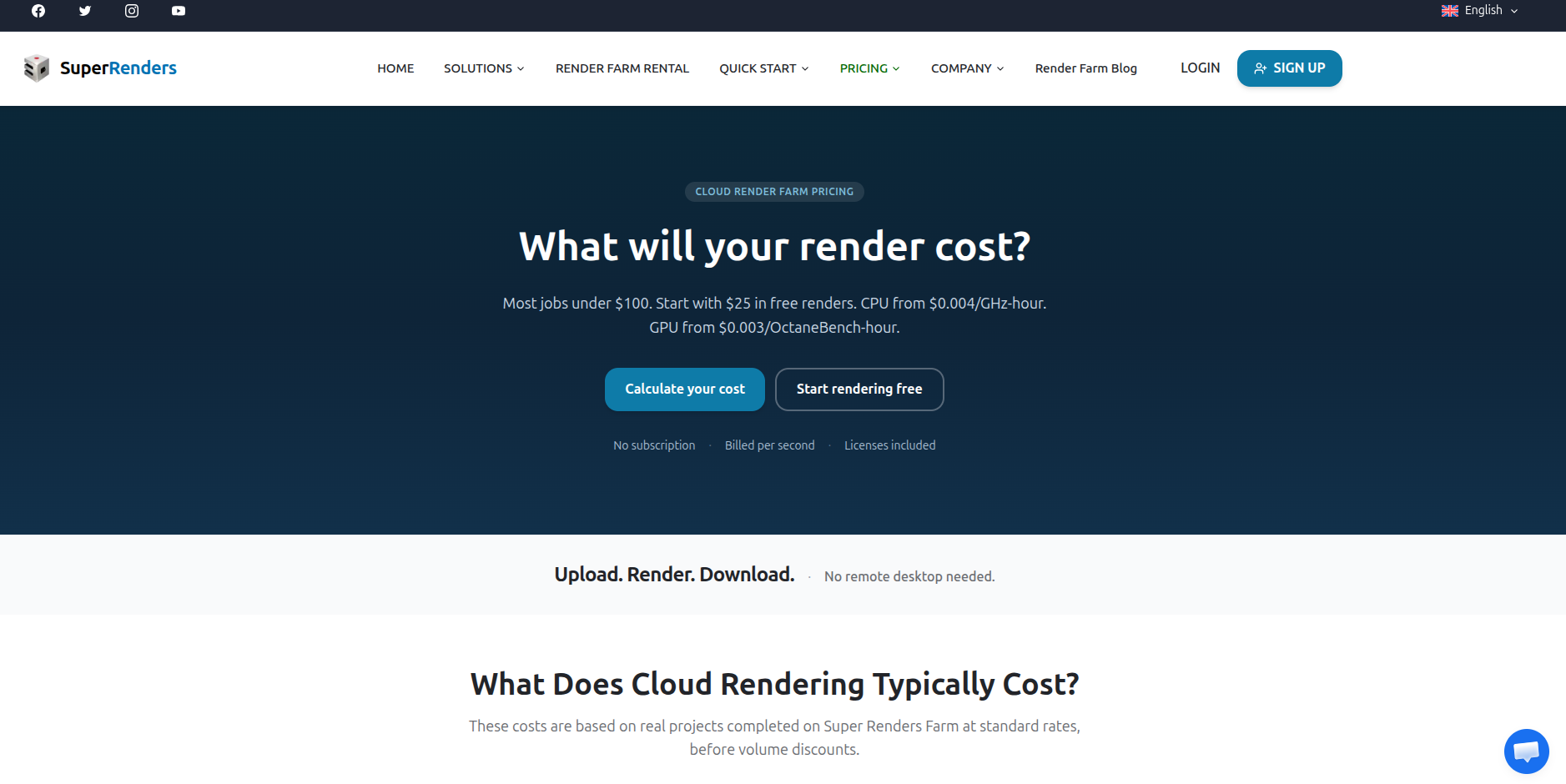
The pricing page publishes the per-unit rates directly - captured August 28, 2026
There are no plan tiers: every customer pays the same rate, and volume discounts are applied automatically on credit purchases, from 5% up to 30%, with no coupon codes. Purchased credits never expire – a real difference from credit that comes with a clock elsewhere (GarageFarm’s trial credit, for example, is valid for 30 days) – so the farm is easy to keep on standby for burst use. Their pricing FAQ also states the failure policy in plain language: customer-side errors are not refunded, but when a failure is caused by the farm’s own system, replacement credits are issued for the affected work. Compare that with Ranch Computing, whose terms state that the service is not refunded in whole or in part and that remaining credits are lost when an account is deleted – of the two written positions, Super Renders Farm’s is clearly the more customer-friendly. Like other good farms, they also provide a cost calculator to estimate the total render cost before uploading your project.
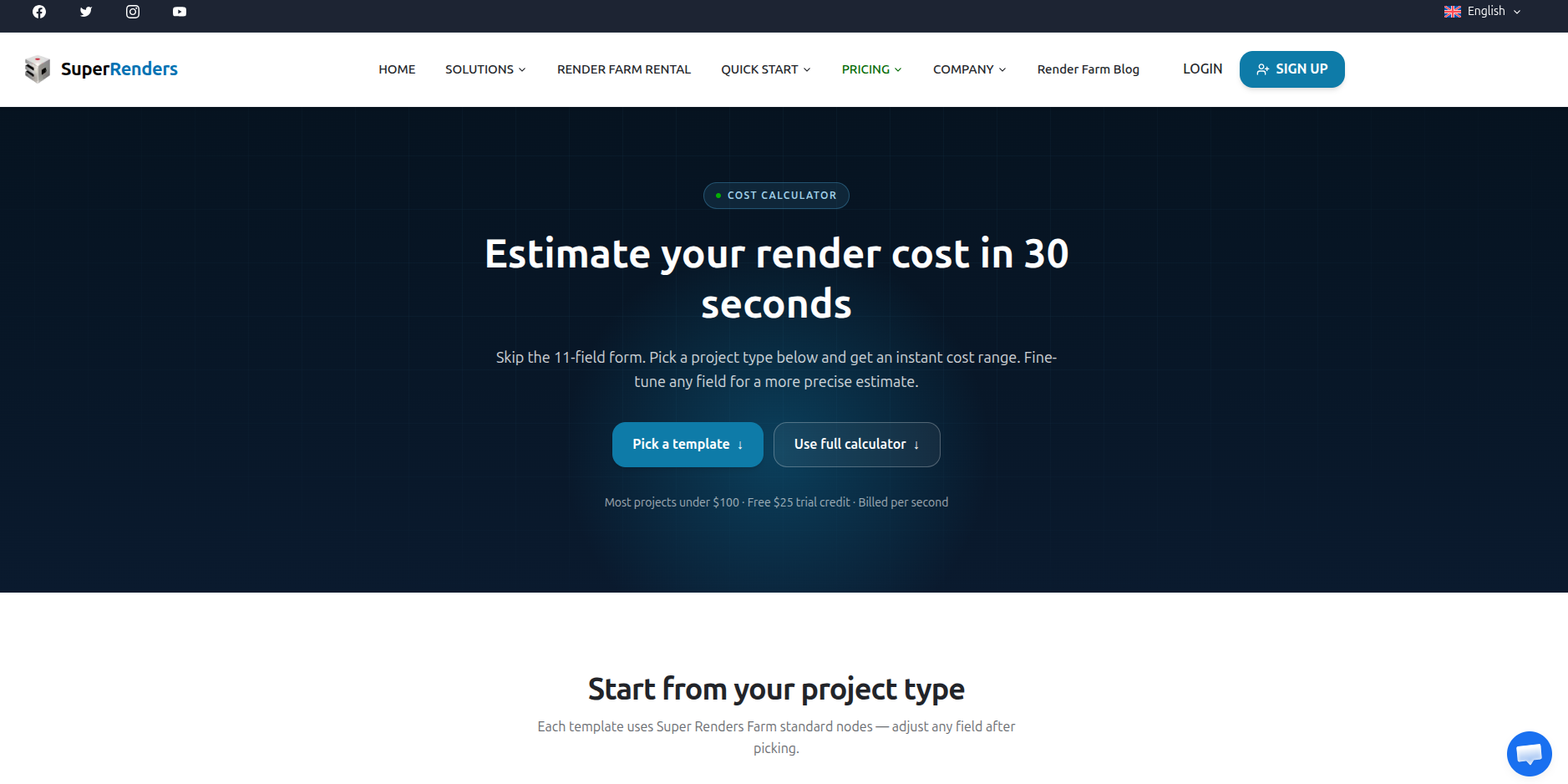
The cost calculator estimates a job from project type before any upload - captured August 28, 2026
Secondly, when it comes to support, Super Renders Farm supports customers via 24/7 live chat directly on their website, email, and a US phone line. In the fully managed model, support is really part of the product: their team handles software setup, plugin provisioning and license questions for your job. For confidential projects, an NDA option is available through a dedicated page.
Compared to our previous review, the changes add up to the biggest improvement we have recorded for this service: the fleet moved from RTX 4090 to RTX 5090, the software matrix went from narrow to one of the widest published, and pricing and discounts became fully public. This momentum is the reason Super Renders Farm enters our Top Render Farms list in 2026 and receives an upgraded certification this year.
Before we close, the minus points in one place, so you can weigh them against everything above:
- No .zip uploads – archives must be repacked as .tar, .tar.gz or .7z (or sent unarchived over SFTP).
- No public render API yet – submission is GUI and client-app only, so no scripted or automated job submission from pipeline tools.
- No TPN or ISO certification – studios whose client contracts require that paperwork should factor it in; the NDA option and the published retention windows cover most other confidentiality needs.
None of the three affects the rendered frames themselves, but each one is the kind of detail you want to know before the first deadline, not during it.