


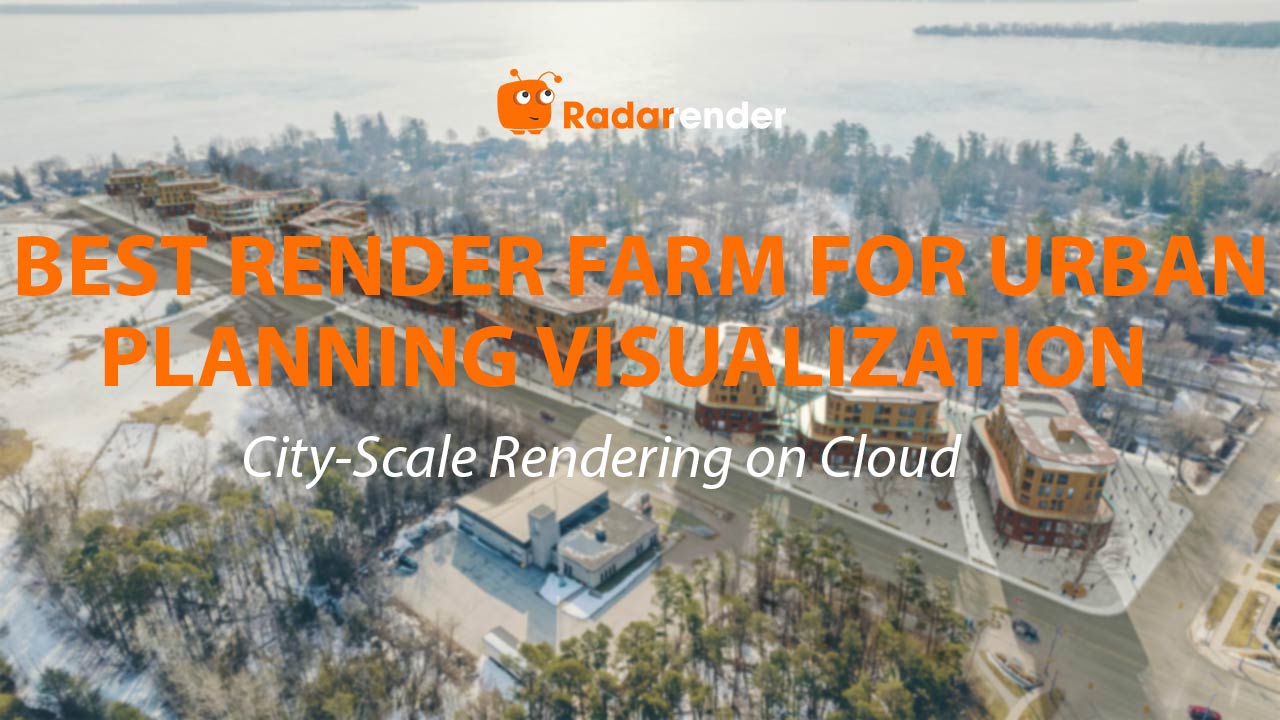
Best Render Farm for Urban Planning Visualization: City-Scale Rendering on Cloud
City-scale urban planning visualization is the most hardware-demanding arch-viz task — scenes with 10,000–50,000+ objects push both VRAM and system RAM to their limits. Lumion on iRender (RTX 4090, 24GB VRAM, 256GB RAM, ~$8.20/hour) handles masterplans up to approximately 20,000 objects, rendering 4K aerial views in 15–30 minutes ($2.05–4.10). For larger city-scale models exceeding 20,000 objects, V-Ray CPU on RebusFarm (multi-node, 256GB+ RAM per node) manages 200–500+ million polygons that overwhelm any single GPU. Twinmotion and D5 Render slow significantly above 8,000–10,000 objects — not recommended for urban-scale work.
| Urban Scale | Objects | Best Tool | Best Farm | 4K Aerial Cost |
|---|---|---|---|---|
| Neighborhood block | 3,000–8,000 | Lumion, Twinmotion, D5 | iRender | $1.40–2.50 |
| District masterplan | 8,000–15,000 | Lumion ⭐ | iRender | $2.05–3.40 |
| Large masterplan | 15,000–25,000 | Lumion (High quality) | iRender | $2.75–4.80 |
| City-scale urban | 25,000–50,000+ | V-Ray CPU + Forest Pack | RebusFarm (SaaS) | $5.00–12.00 |
Why Do Urban Planning Scenes Need 256GB RAM?
Urban models contain thousands of unique building types, street furniture, vehicles, pedestrians, and vegetation — all loaded simultaneously. A district masterplan with 15,000 objects in Lumion consumes 60–100GB RAM when fully loaded. City-scale V-Ray scenes with Forest Pack vegetation and proxy buildings can consume 120–200GB+ RAM. Local workstations with 32–64GB RAM crash or swap to disk, making viewport navigation painfully slow.
iRender’s 256GB RAM handles the largest Lumion masterplans without memory pressure. For V-Ray city-scale scenes exceeding even this, RebusFarm’s multi-node rendering distributes the load across several machines — each with sufficient RAM for its assigned frame region.
Should Urban Planners Use Lumion or V-Ray for Cloud?
Lumion for projects under 20,000 objects: faster setup, intuitive interface, excellent vegetation and context assets. Lumion’s OpenStreetMap import and terrain tools make it the most efficient option for planners needing quick aerial visualizations. The trade-off: Lumion’s performance degrades above 20,000 objects — viewport navigation becomes sluggish and render times increase disproportionately.
V-Ray + 3ds Max for city-scale above 20,000 objects: Forest Pack generates procedural vegetation across massive terrains, RailClone populates streets with urban elements, and V-Ray CPU mode handles 200–500+ million polygons using system RAM without polygon ceilings. Submit batch renders to RebusFarm — multi-node distribution finishes 10 aerials in 30–60 minutes vs 5–10 hours on a single iRender server.
See more: Render urban planning visualizations on cloud → Render urban planning visualizations on cloud → View high-RAM cloud servers on iRender
Frequently Asked Questions
- Can Twinmotion or D5 Render handle urban-scale scenes on cloud?
Only neighborhood-scale (under 8,000–10,000 objects). Both applications slow significantly above this threshold — viewport becomes unusable and render times increase disproportionately. For district-scale work, Lumion handles approximately 20,000 objects reliably. For true city-scale (25,000+), V-Ray CPU on SaaS farms manages virtually unlimited complexity. Twinmotion and D5 are better suited for individual building and small development visualization.
2. How much does a city masterplan visualization cost on cloud?
A typical urban presentation — 3 aerial views + 4 street-level perspectives + 2-minute flythrough — costs approximately $20–40 with Lumion on iRender (under 20,000 objects) or $50–120 with V-Ray on RebusFarm (25,000+ objects). For Lumion, upload time is the hidden cost: large masterplan files (10–20GB+) take 30–60 minutes to upload on 50 Mbps. Upload before starting the billable server to avoid wasted cloud hours.
3. Can I import GIS or OpenStreetMap data into Lumion on iRender?
Yes. Lumion supports OpenStreetMap context import and heightmap terrain directly. On iRender’s cloud server, download OSM data via Lumion’s built-in tool — the server’s fast internet makes the download nearly instant. For GIS data (shapefiles, DEM), import through 3ds Max or SketchUp first, then bring the processed model into Lumion. This workflow runs smoothly on iRender’s 256GB RAM server with no conversion issues.
Related post: Best Render Farm for Architectural Animation: Walkthrough Video on Cloud


