


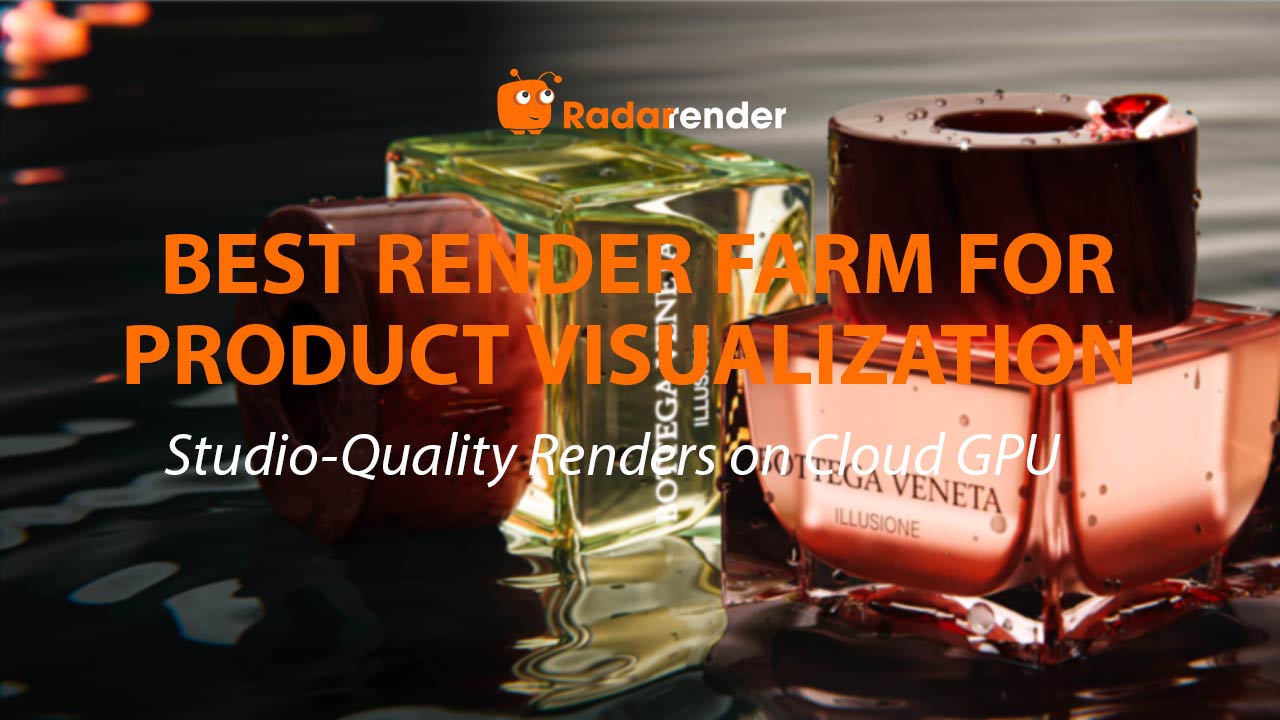
Best Render Farm for Product Visualization: Studio-Quality Renders on Cloud GPU
The best render farm for architectural product visualization is iRender for interactive material development and RebusFarm for batch catalog production. Product renders — furniture, fixtures, building materials, lighting — require extremely accurate material representation (fabric weaves, wood grain, metal finishes), making offline renderers the standard. On iRender’s RTX 4090 (~$8.20/hour), a 4K product still takes 8–25 minutes with KeyShot ($1.10–3.40), 10–30 minutes with V-Ray GPU ($1.40–4.10), or 6–18 minutes with Blender Cycles ($0.80–2.50, free software). Product scenes are lightweight — under 5 million polygons and 4–8GB VRAM — making GPU rendering efficient and VRAM overflow virtually impossible.
| Renderer | 4K Product Still (RTX 4090) | Cost/Image | Best For | SaaS Support |
|---|---|---|---|---|
| KeyShot ⭐ (product) | 8–25 min | $1.10–3.40 | Intuitive materials, turntables | ❌ IaaS only |
| V-Ray GPU | 10–30 min | $1.40–4.10 | Arch-viz integration, accuracy | ✅ RebusFarm |
| Blender Cycles (free) | 6–18 min | $0.80–2.50 | Budget, open-source | ✅ SaaS farms |
| Corona CPU | 15–45 min (SaaS) | $1.50–4.50 | Warm lighting, LightMix | ✅ RebusFarm |
Why Is Product Rendering Easier on Cloud Than Building Renders?
Product scenes are GPU-friendly for three reasons: (1) Low polygon counts — a detailed chair has 500,000–2 million polygons vs 50–200 million for a building exterior. VRAM overflow is virtually impossible. (2) Simple lighting — studio setups use 2–4 area lights with a plain background, requiring minimal GI calculations. (3) Small file sizes — product scenes are typically 50–300MB, uploading to iRender in under 1 minute. More of your billable cloud time is spent rendering, not waiting.
The challenge is material accuracy, not GPU power. A fabric sofa must show correct weave texture, color fidelity, and light absorption. This is where V-Ray and KeyShot’s physically-based material systems justify their longer render times compared to real-time tools.
Where Does Product Visualization Overlap with Architecture?
Architecture studios frequently render products in context: furniture in interiors (sofas, tables, lighting fixtures), building materials (facade panels, flooring samples, window systems), and bathroom/kitchen fixtures (faucets, sinks, appliances). For product-in-context renders, V-Ray is the best option — render product and architectural environment together in a single scene with consistent lighting.
For standalone product images (white background, studio lighting), KeyShot’s dedicated workflow is faster and more intuitive. For large catalogs (50+ images), submit to RebusFarm for multi-node distribution — the entire batch finishes in 1–3 hours vs 7–25 hours sequentially on iRender.
See more: Render product visualization on cloud GPU → View product rendering servers on iRender
Frequently Asked Questions
- How much does a 50-image product catalog cost on cloud?
On iRender (sequential): KeyShot takes approximately 7–21 hours ($57–172). V-Ray GPU: 8–25 hours ($66–205). On RebusFarm (V-Ray/Blender parallel): approximately $40–120 in 1–3 hours. For catalogs above 20 images, SaaS is significantly faster and often cheaper. We recommend iRender for interactive material development, then SaaS for final batch output.
2. Is KeyShot or V-Ray better for architectural product rendering?
KeyShot for standalone product shots (white background, turntable animations, material variants) — its drag-and-drop materials and studio presets make setup faster. V-Ray for products rendered within architectural contexts (furniture in a living room, fixtures in a bathroom) — shared render engine ensures consistent lighting. Many studios use both: KeyShot for catalogs, V-Ray for in-context lifestyle shots.
3. Can Blender Cycles produce professional product visualization?
Yes. Blender Cycles produces publication-quality renders and is completely free. On iRender’s RTX 4090, a 4K product still takes 6–18 minutes ($0.80–2.50). Blender also works on SaaS farms for batch rendering — a significant advantage for large catalogs. The trade-off: more manual material setup than KeyShot’s drag-and-drop, but the zero software cost makes it attractive for budget-conscious studios.
Related post:
Best Render Farm for Architectural Animation: Walkthrough Video on Cloud


