

Snap Renderfarm Review 2026: RTX 5090 Cloud Workstations and Per-Minute Pricing
2026 review: published on 17 November 2026. Pricing, hardware, software and policy details were checked against Snap Renderfarm’s official pages on 17 November 2026. We will update this page when the provider changes its offer.
Snap Renderfarm is not a queue-based farm but a rental service for cloud GPU workstations. Each workstation is a full Windows machine with 2 to 8 RTX cards, administrator access and a 4K remote desktop in the browser. Your project syncs through Dropbox, you render as you would locally, and frames sync back.
This is RadarRender’s first review of Snap Renderfarm, checked against its homepage on 17 November 2026.
| Company name | Snaprender OÜ (registry code 17497051) |
| Website | https://snaprender.farm/ |
| Country | Estonia (Tallinn) |
| Service model | Rented cloud GPU workstations in the browser (IaaS), files synced via Dropbox |
| Type of render farm | GPU |
| Main applications | Blender, Cinema 4D, Houdini, Octane, Redshift pre-installed; install other licensed software |
| Free trial | Not offered (free OctaneBench and calculator tools) |
| Last checked | 17 November 2026 |
Snap Renderfarm at a glance: our 2026 scores
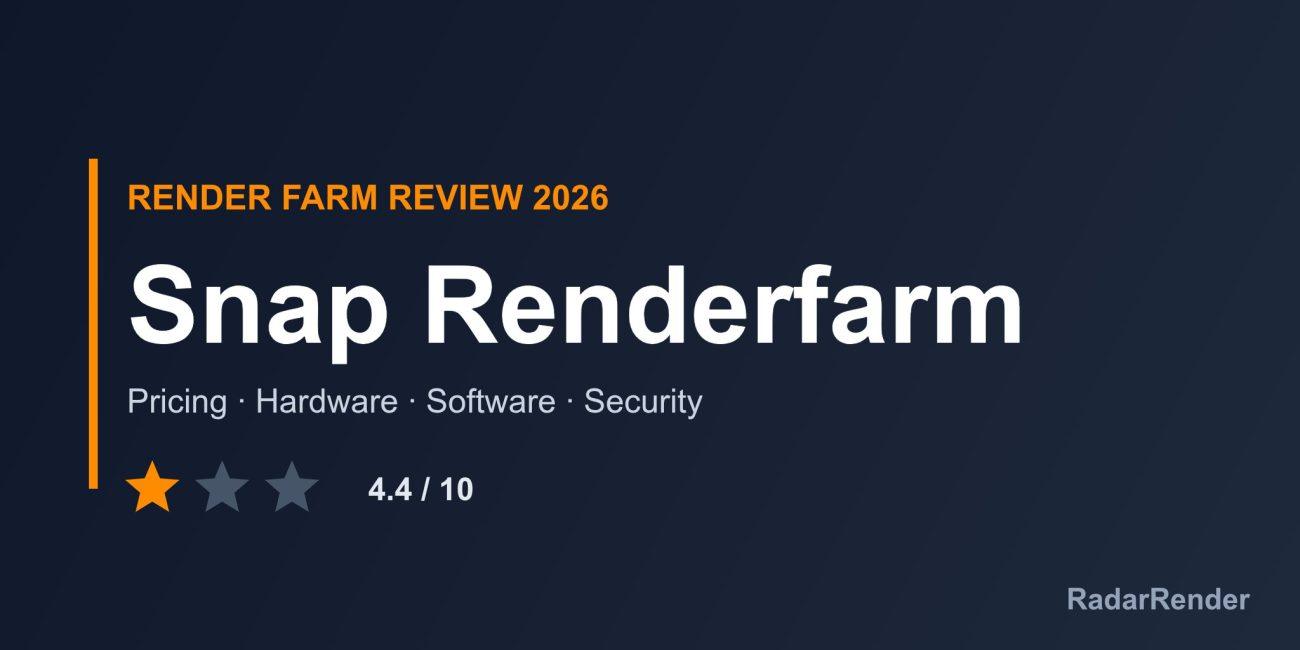
RadarRender scores every farm in our render farm directory on the same five axes with the same scale. Snap Renderfarm averages 4.4 out of 10 (1 star, Average).
| Axis | Score | Why |
|---|---|---|
| Hardware | 7 / 10 | RTX 3090, 4090 and 5090 cards, 2 to 8 per workstation, with 700 GB SSD; CPU and RAM are not specified. |
| Software | 4 / 10 | Blender, Cinema 4D, Houdini, Octane and Redshift pre-installed (bring your own licence), plus anything else you install. |
| Price | 5 / 10 | Public hourly starting prices with per-minute billing; an asterisked footnote is missing and there is no trial. |
| Service | 3 / 10 | AI assistant on Telegram only; no human support channel, trial or student offer listed. |
| Security | 3 / 10 | No security details beyond terms and privacy links. |
These are editorial scores based on published information, not lab results. We have not run a paid production test for this review, so any speed figures below are the provider’s own claims.
Workflow and supported software
You sign in (Google, Dropbox, Telegram or e-mail), add your project to Files, which syncs via Dropbox to the workstation, choose 2 to 8 GPUs, then work and render in the browser. Frames sync back to Files as they finish and can be downloaded as a ZIP. A TeamWork feature lets a studio pool funds and add members.
Blender, Cinema 4D, Houdini, Octane and Redshift are pre-installed, but you supply your own licences. You can install other licensed software such as 3ds Max, Maya or Nuke.
Hardware and rendering speed
Workstations carry 2 to 8 RTX 3090 (24 GB), RTX 4090 (24 GB) or RTX 5090 (32 GB) cards, 700 GB of SSD storage and Windows with CUDA ready at boot. CPU and system RAM are not specified. The render calculator is tuned for Cinema 4D with Octane, and the site says other engines may vary by about 15%.
Pricing and actual costs
Starting prices per hour: RTX 3090 $6, RTX 4090 $10 and RTX 5090 $15. These carry an asterisk whose footnote is not on the page, so confirm whether they refer to the smallest 2-GPU workstation. Billing is per minute with no subscription, and unused balance stays in your wallet.
Payment is by card, Apple Pay, Google Pay or crypto through Confirmo. Software licences are extra, since you bring your own.
Free trial and discounts
No free trial is advertised. The free OctaneBench benchmark and the cost calculator are the only free tools.
Customer support
Support is an AI assistant (ReSnapBot) on Telegram and on the workstation, which can report status and stop sessions. No human support channel is listed.
Security and privacy
Security is not described beyond the terms and privacy links. Because files sync through Dropbox, your project also passes through Dropbox’s infrastructure; check that this is acceptable for client work.
Pros and cons
What works well
- Full Windows workstation with up to 8 RTX 5090 cards.
- Per-minute billing with no subscription.
- Install any software you are licensed for.
- Team wallets for studios.
What to weigh before you commit
- No trial and no human support listed.
- You need your own software licences.
- CPU and RAM not specified; price footnote missing.
- No security documentation.
Who Snap Renderfarm is for
Snap Renderfarm suits experienced Cinema 4D, Blender or Houdini artists with their own licences who want an interactive multi-GPU machine for a few hours. Anyone who wants a managed farm, included licences or human support should choose a traditional service.
Compare Snap Renderfarm with other farms in our render farm directory or estimate a job in the render farm cost calculator.
Frequently asked questions
How much does Snap Renderfarm cost?
Starting prices are $6 per hour for RTX 3090, $10 for RTX 4090 and $15 for RTX 5090 workstations, billed per minute.
Is Snap Renderfarm a render farm or a workstation rental?
A workstation rental: you get a full Windows machine with 2 to 8 RTX GPUs in your browser.
Do I need my own software licences?
Yes. Blender, Cinema 4D, Houdini, Octane and Redshift are pre-installed, but you supply licences.
Who operates Snap Renderfarm?
Snaprender OÜ, registered in Tallinn, Estonia.
Sources
- Snap Renderfarm homepage (checked 17 November 2026)
No reader reviews yet. Have you rendered on this render farm? Be the first to rate it.