

Render-Fast Review 2026: Ruble Pricing, GTX 1080 Ti GPUs and Workflow
2026 review: published on 17 November 2026. Pricing, hardware, software and policy details were checked against Render-Fast’s official pages on 17 November 2026. We will update this page when the provider changes its offer.
Render-Fast is a Moscow-based render farm with a Russian-language site and prices in rubles. Staff submit jobs for you: you upload the scene by FTP or send a cloud link, set up remote access with TeamViewer or AnyDesk, approve test frames and download the finished frames.
This is RadarRender’s first review of Render-Fast, checked against its homepage on 17 November 2026.
| Company name | Render-Fast |
| Website | https://render-fast.com/ |
| Country | Russia (Moscow) |
| Service model | Managed render service: staff submit your job; FTP or cloud link upload, remote access via TeamViewer or AnyDesk |
| Type of render farm | CPU and GPU |
| Main applications | 3ds Max, Maya, Cinema 4D, Houdini, After Effects, Blender |
| Free trial | Test frames before the full job; no free credit |
| Last checked | 17 November 2026 |
Render-Fast at a glance: our 2026 scores
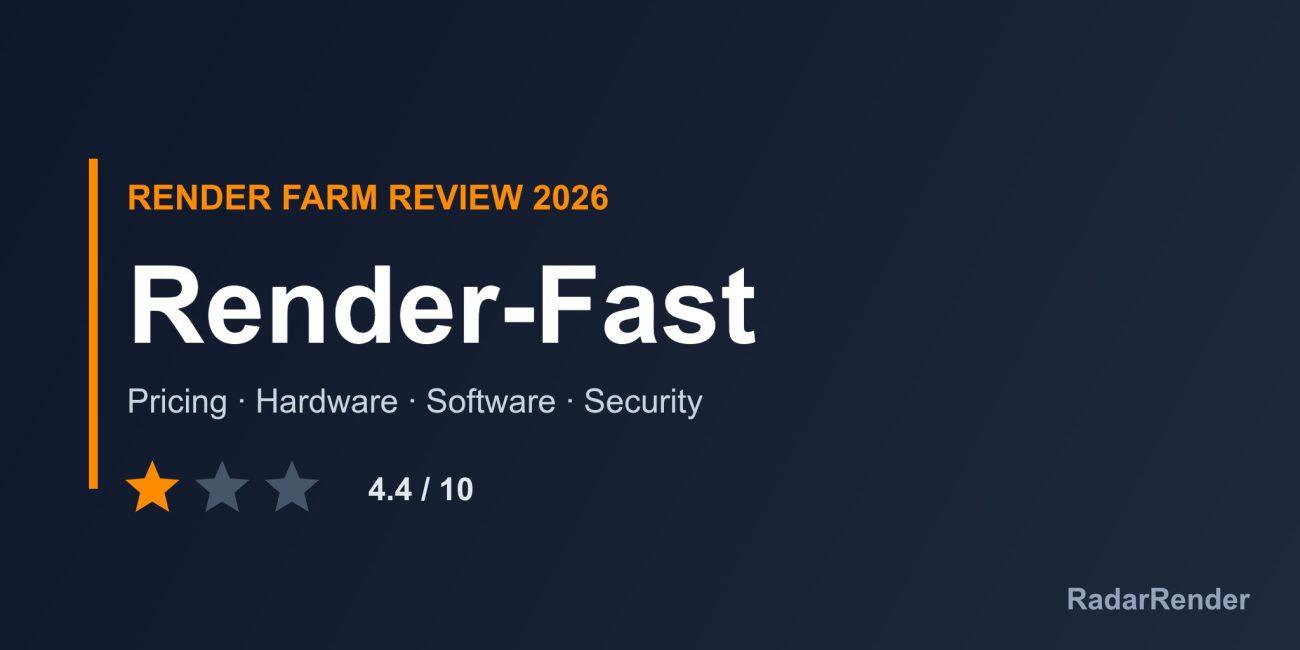
RadarRender scores every farm in our render farm directory on the same five axes with the same scale. Render-Fast averages 4.4 out of 10 (1 star, Average).
| Axis | Score | Why |
|---|---|---|
| Hardware | 4 / 10 | GTX 1080 Ti and Tesla SXM2 16 GB GPUs and servers from 96 GB RAM; old GPUs and no CPU model. |
| Software | 6 / 10 | 3ds Max, Maya, Cinema 4D, Houdini, After Effects and Blender with Redshift, Octane, V-Ray, Corona and Arnold. |
| Price | 5 / 10 | Public tariffs per GHz-hour and per card-hour, but the page has inconsistent figures and final prices come after a test. |
| Service | 4 / 10 | Many contact channels but technical support on Skype only and no stated hours; no trial credit. |
| Security | 3 / 10 | No security claims beyond a privacy policy link. |
These are editorial scores based on published information, not lab results. We have not run a paid production test for this review, so any speed figures below are the provider’s own claims.
Workflow and supported software
Contact the company to receive an FTP login, archive the scene and upload it (or send a cloud link), then set up TeamViewer or AnyDesk so staff can open it. The company submits the job, you check test frames, and you download the output. For 3ds Max, XRefs should be merged and proxies copied manually; Cinema 4D projects should be saved with Save Project and archived with textures. Folder and file names must use Latin characters.
Supported applications are 3ds Max, Maya, Cinema 4D, Houdini, After Effects and Blender, with Redshift, Octane, V-Ray, Corona and Arnold.
Hardware and rendering speed
The site names NVIDIA GTX 1080 Ti (from 11 GB) and Tesla SXM2 16 GB GPUs, with 64 GB of video memory per server and at least 96 GB of system RAM. Total capacity is given as more than 6,000 GHz. CPU models are not named; the calculator uses Cinebench R15 and OctaneBench scores.
Pricing and actual costs
CPU tariffs per GHz-hour: Economy 0.73 RUB (30 RUB per server-hour), Ordinary 0.80 RUB (35 RUB) and Premium 0.85 RUB (48 RUB).
GPU tariffs per GTX 1080 Ti card-hour: Economy 40 RUB, Ordinary 45 RUB and Premium 50 RUB (120 to 200 RUB per server-hour).
The header advertises lower figures (from 38 kopecks per GHz-hour and from 15 RUB per hour) that do not match the tariff table, and a Redshift/Octane rate of 60 kopecks per OBh is unclear. Final time and cost are set after a test on the farm. Payment by Visa/Mastercard, Yandex.Money, WebMoney, QIWI, WalletOne or PayPal.
Free trial and discounts
Test frames are rendered before the full job, but no free credit or student discount is offered.
Customer support
Contacts are phone (+7 910 820-00-02), Skype, Telegram, WhatsApp, Viber and e-mail; technical support is listed on Skype only. Hours are not stated.
Security and privacy
The site makes no specific security claims beyond a privacy policy. Staff open your scene over remote access, so ask for written confidentiality terms before sending client files.
Pros and cons
What works well
- Low ruble prices for CPU rendering.
- Hands-on service with test frames.
- Several GPU engines supported.
- Many payment and contact options.
What to weigh before you commit
- Old GPUs (GTX 1080 Ti).
- Inconsistent price figures on the homepage.
- Manual workflow with FTP and remote desktop.
- No security information; Russian-language site.
Who Render-Fast is for
Render-Fast suits Russian-speaking artists who want a low-cost, staff-run CPU farm and are comfortable with FTP and remote access. GPU-heavy or confidential projects are better placed with a farm that has modern GPUs and documented security.
Compare Render-Fast with other farms in our render farm directory or estimate a job in the render farm cost calculator.
Frequently asked questions
How much does Render-Fast cost?
CPU rendering costs 0.73 to 0.85 RUB per GHz-hour and GPU rendering 40 to 50 RUB per GTX 1080 Ti card-hour, with the final price set after a test.
Which GPUs does Render-Fast use?
NVIDIA GTX 1080 Ti and Tesla SXM2 16 GB cards.
How do I send files to Render-Fast?
By FTP with a login from the company, or by a cloud storage link.
Where is Render-Fast based?
Moscow, Russia.
Sources
- Render-Fast homepage (checked 17 November 2026)
No reader reviews yet. Have you rendered on this render farm? Be the first to rate it.