

MaxCloudON Review 2026: RenderSonic Farm, Dedicated GPU Servers and Pricing
2026 review: published on 17 November 2026. Pricing, hardware, software and policy details were checked against MaxCloudON’s official pages on 17 November 2026. We will update this page when the provider changes its offer.
MaxCloudON runs two services under one brand. RenderSonic is an automated render farm: you upload a project, get an upfront per-frame estimate and outputs download automatically. MaxCloudON itself rents dedicated CPU and GPU servers and cloud workstations with full administrator access, by the day, week or month.
This is RadarRender’s first review of MaxCloudON, checked against its homepage on 17 November 2026. The homepage links to price pages for each server type but shows no figures itself.
| Company name | MaxCloudON |
| Website | https://maxcloudon.com/ |
| Country | Not stated (contact number uses Bulgaria’s +359 code) |
| Service model | Two services: RenderSonic managed farm (per-frame quote) and dedicated server rental |
| Type of render farm | CPU and GPU |
| Main applications | Blender, 3ds Max, Maya, Cinema 4D, KeyShot (RenderSonic); any software on rented servers |
| Free trial | Our directory records a 48-hour free trial; not shown on the current homepage |
| Last checked | 17 November 2026 |
MaxCloudON at a glance: our 2026 scores
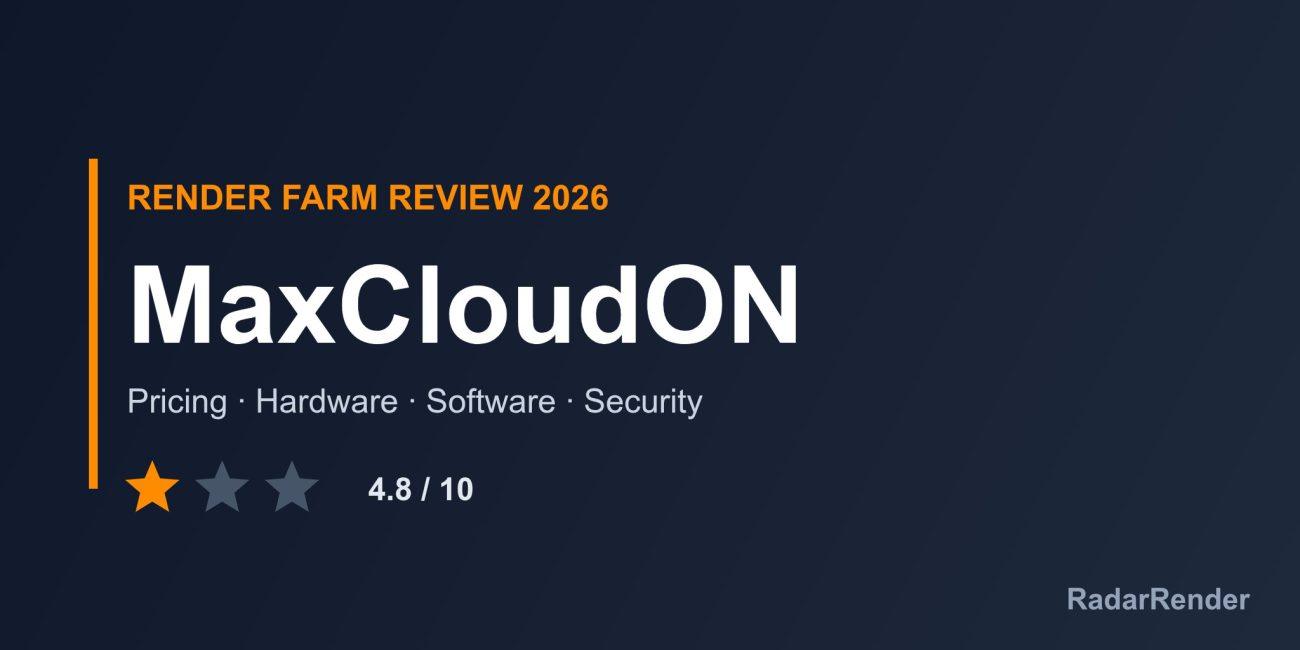
RadarRender scores every farm in our render farm directory on the same five axes with the same scale. MaxCloudON averages 4.8 out of 10 (1 star, Average).
| Axis | Score | Why |
|---|---|---|
| Hardware | 4 / 10 | Dedicated CPU and GPU servers and “specialized PCIe hardware” are mentioned, without models on the homepage. |
| Software | 7 / 10 | RenderSonic covers Blender, 3ds Max, Maya, Cinema 4D and KeyShot, with engine pages for Arnold, V-Ray, Redshift, Octane, Corona, Lumion, Modo and Unreal Engine; servers run anything you install. |
| Price | 4 / 10 | Per-frame quotes for RenderSonic and rental pricing on separate pages; no figures on the homepage. |
| Service | 5 / 10 | A help section and contact page; the 48-hour trial in our records is not visible on the homepage. |
| Security | 4 / 10 | An NDA page is linked; no other security detail. |
These are editorial scores based on published information, not lab results. We have not run a paid production test for this review, so any speed figures below are the provider’s own claims.
Workflow and supported software
With RenderSonic you upload a project, review an upfront estimate, start rendering and receive outputs automatically, with no server setup. The homepage names Blender, 3ds Max, Maya, Cinema 4D and KeyShot, and links engine pages for Arnold, V-Ray, Redshift, Octane, Corona, Lumion, Modo and Unreal Engine.
With MaxCloudON rental you pick a configuration and period, get persistent Windows or Linux access with root or administrator rights, and install your own applications. This suits tools that are not on any managed farm’s list, as long as you bring the licences.
Hardware and rendering speed
The homepage describes dedicated CPU and GPU servers, reserved resources and specialised PCIe hardware, with separate pages for Intel servers, AMD servers, GPU servers and cloud desktop PCs. No model, VRAM or RAM figure appears on the homepage, so compare configurations on those pages.
Pricing and actual costs
RenderSonic quotes an upfront price per frame for each project. Server rental is priced daily, weekly or monthly on the linked pricing pages. Payment methods and refund terms are not described on the homepage. For short jobs RenderSonic is the simpler choice; rental only makes sense when you keep a machine busy for at least a day.
Free trial and discounts
Our directory records a 48-hour free trial, but it is not mentioned on the homepage we checked, so confirm it with sales before planning around it. No student discount is listed.
Customer support
The homepage links to a help section (dedicated server guide and FAQ) and a contact page. Support hours, channels and response times are not published.
Security and privacy
An NDA page is linked in the footer. Certifications, encryption and isolation between customers are not described. On rented servers, security of the machine during the rental is largely in your hands.
Pros and cons
What works well
- Choice between a managed per-frame farm and full server rental.
- Wide engine coverage on RenderSonic.
- Root or administrator access on rented servers.
- NDA available.
What to weigh before you commit
- No prices or hardware specs on the homepage.
- Free trial not visible on the current homepage.
- Company location and legal entity not stated.
- No published support hours or certifications.
Who MaxCloudON is for
MaxCloudON suits artists who want both options from one provider: a quoted per-frame farm for standard jobs and a rented machine for unusual software. Users who want a published hourly rate or documented security should check the pricing and NDA pages first.
Compare MaxCloudON with other farms in our render farm directory or estimate a job in the render farm cost calculator.
Frequently asked questions
What is RenderSonic?
RenderSonic is MaxCloudON’s automated render farm: upload a project, get an upfront per-frame estimate and receive outputs automatically.
Can I rent a dedicated GPU server from MaxCloudON?
Yes. Dedicated CPU and GPU servers and cloud workstations are rented by the day, week or month, with administrator access.
Does MaxCloudON have a free trial?
Our records show a 48-hour trial, but it is not on the current homepage; confirm with the company.
Does MaxCloudON sign NDAs?
An NDA page is linked from the site footer.
Sources
- MaxCloudON homepage (checked 17 November 2026)
No reader reviews yet. Have you rendered on this render farm? Be the first to rate it.