


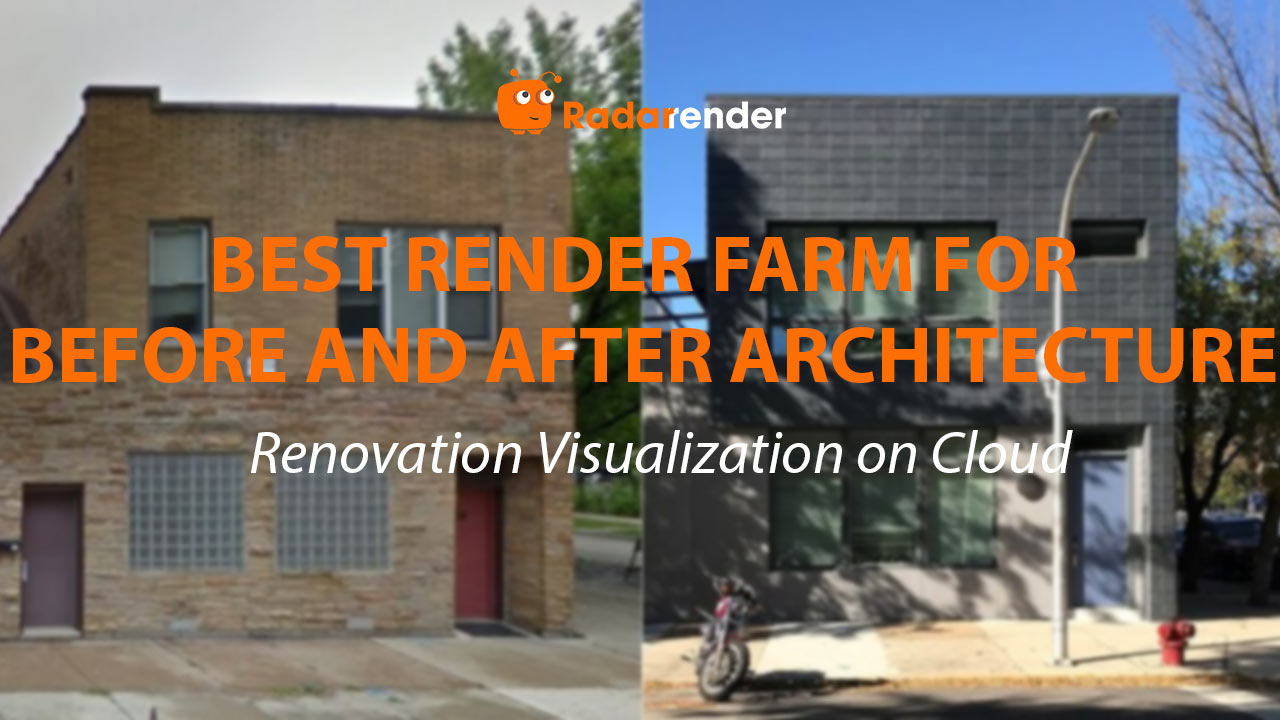
Best Render Farm for Before-and-After Architecture: Renovation Visualization on Cloud
Before-and-after renovation visualization requires photo-matched rendering — the “after” render must precisely match the camera angle, lighting conditions, and perspective distortion of the “before” photograph. On iRender’s RTX 4090 (~$8.20/hour), V-Ray’s camera match tool produces the most accurate photo-matched renders: a 4K “after” image takes 10–30 minutes ($1.40–4.10). Enscape offers faster results (2–5 minutes, $0.30–0.70) but with less precise camera matching — suitable for concept-level before/after comparisons. A typical renovation package — 4 exterior matched pairs + 4 interior matched pairs = 8 “after” renders — costs approximately $5–15 with Enscape or $11–33 with V-Ray GPU on iRender.
| Before/After Type | V-Ray GPU (RTX 4090) | Enscape (RTX 4090) | V-Ray Cost | Accuracy Level |
|---|---|---|---|---|
| Facade renovation (exterior) | 15–35 min | 3–7 min | $2.05–4.80 | Excellent (photo match) |
| Interior remodel (kitchen/bath) | 12–30 min | 2–5 min | $1.65–4.10 | Excellent |
| Extension / addition | 18–40 min | 4–8 min | $2.45–5.50 | Very good |
| Landscape renovation | 20–45 min | 5–10 min | $2.70–6.15 | Good (vegetation varies) |
| Heritage restoration | 15–35 min | 3–7 min | $2.05–4.80 | Excellent (material focus) |
How Does Photo-Matched Rendering Work on Cloud?
The workflow requires matching the 3D camera to the real photograph’s perspective: (1) Import the “before” photo as a background plate in your 3D application (SketchUp, 3ds Max, Revit). (2) Use camera matching tools — V-Ray’s Physical Camera with perspective correction, or SketchUp’s Photo Match — to align the 3D model’s perspective lines to the photograph’s vanishing points. (3) Match the sun angle and time of day to the photograph’s lighting conditions. (4) Render only the proposed changes (new facade, extension, interior finishes), keeping the existing photograph visible through transparent “before” elements.
On iRender’s cloud server, this workflow benefits from the RTX 4090’s GPU Interactive preview (V-Ray) — you see the photo-match alignment update in real-time as you adjust camera parameters. This interactive feedback is impossible on SaaS farms, making iRender the only practical option for photo-matched rendering.
What Are the Common Pitfalls of Before/After Renders on Cloud?
Lighting mismatch is the biggest issue — if the “after” render uses a different sun angle or sky color than the “before” photo, the comparison looks fake. V-Ray’s HDRI sky matching helps: photograph the sky on-site, use the HDRI as a lighting environment in V-Ray to replicate exact lighting conditions. Lens distortion is the second issue — wide-angle “before” photos (common with smartphone cameras) have barrel distortion that standard 3D cameras don’t replicate. V-Ray’s lens distortion shader corrects this; Enscape cannot.
For interior renovations, color temperature of the “before” photo’s artificial lighting must match the render’s lighting. Corona’s LightMix helps — adjust light color temperature post-render to match the existing photograph without re-rendering.
See more: Render before-and-after renovation on cloud → Best Render Farm for Aerial View Architecture: Bird’s Eye Rendering on Cloud
Frequently Asked Questions
- How much does a complete renovation visualization package cost on cloud?
A typical package — 4 exterior pairs + 4 interior pairs = 8 “after” renders + post-production compositing setup — costs approximately $5–15 with Enscape on iRender (20–45 minutes) or $11–33 with V-Ray GPU (80–240 minutes). Most renovation architects budget $10–30 per project for cloud rendering. The client presentation typically pairs each “after” render side-by-side with the “before” photograph.
2. Can Enscape match camera angles accurately enough for before/after?
For concept-level comparisons (client meetings, design review), Enscape is sufficient — manually position the 3D camera to approximate the photograph’s angle. For planning submissions and marketing materials where precise alignment matters, V-Ray’s camera matching tools produce pixel-accurate perspective alignment. The difference: Enscape pairs look “close enough” (90% match); V-Ray pairs look seamlessly matched (99%+ match).
3. Should I render the full scene or composite the “after” onto the photograph?
Composite whenever possible — render only the changed elements (new facade, extension, interior finishes) with a transparent background, then overlay onto the original photograph in Photoshop. This preserves the photograph’s authentic lighting and texture in unchanged areas. V-Ray supports alpha-channel rendering for this workflow. Full-scene renders are necessary only when the renovation changes lighting conditions throughout the scene (adding windows, removing walls).
Related post: Best Render Farm for Aerial View Architecture: Bird’s Eye Rendering on Cloud


