

XRender Review 2026: Pricing, Student Discount, Software and Support
2026 review: published on 17 November 2026. Pricing, hardware, software and policy details were checked against XRender’s official pages on 17 November 2026. We will update this page when the provider changes its offer.
XRender is a CPU and GPU render farm with an office in Shanghai. You download the XRender Client for Windows, log in and submit jobs, with a web portal for account and cloud rendering management.
This is RadarRender’s first review of XRender, checked against its homepage on 17 November 2026.
| Company name | XRender.cloud |
| Website | https://www.xrender.cloud/ |
| Country | China (Shanghai office) |
| Service model | Managed render farm with Windows client and web portal |
| Type of render farm | CPU and GPU |
| Main applications | Maya, 3ds Max, Houdini, Cinema 4D, Blender, Clarisse, Katana, KeyShot, Modo, RealFlow, Phoenix FD |
| Free trial | $25 of free trial credits |
| Last checked | 17 November 2026 |
XRender at a glance: our 2026 scores
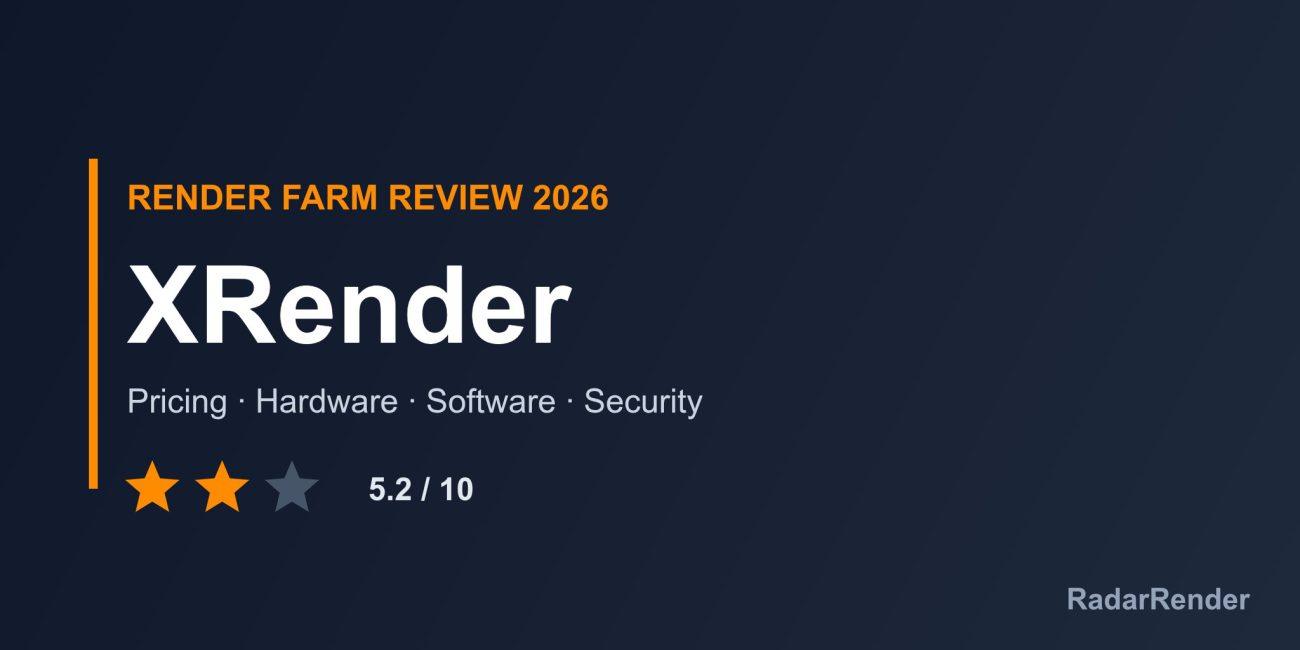
RadarRender scores every farm in our render farm directory on the same five axes with the same scale. XRender averages 5.2 out of 10 (2 stars, Good).
| Axis | Score | Why |
|---|---|---|
| Hardware | 4 / 10 | “High-performance” CPU and GPU nodes are claimed, but no CPU, GPU, RAM or VRAM specifications are published. |
| Software | 6 / 10 | Eleven host applications and four main engines (V-Ray, Arnold, Redshift, Corona), with a service for special plugins. |
| Price | 5 / 10 | Pay-as-you-go billing from $0.03 per thread-hour in our records; the homepage itself shows no rates. |
| Service | 7 / 10 | $25 free trial, 50% student discount and 24/7 technical support. |
| Security | 4 / 10 | Encrypted channels are claimed; no certification is named. |
These are editorial scores based on published information, not lab results. We have not run a paid production test for this review, so any speed figures below are the provider’s own claims.
Workflow and supported software
XRender’s own Windows client (version 2.20.5 on the homepage banner) handles upload and download, and a submission guide is linked. Users register and log in on the website, which has a Cloud Rendering section. The company also makes CG Magic, a 3ds Max toolkit.
Supported tools are Maya, 3ds Max, Houdini, Cinema 4D, Blender, Clarisse, Katana, KeyShot, Modo, RealFlow and Phoenix FD, with V-Ray, Arnold, Redshift and Corona. A news item mentions After Effects cloud rendering, and a dedicated service is offered for special plugins.
Hardware and rendering speed
The homepage describes elastic, high-performance CPU and GPU nodes without naming any model or spec. Data centre locations are not stated either. Ask XRender which GPU and VRAM a GPU job would run on before you send heavy Redshift scenes.
Pricing and actual costs
The homepage describes a pay-as-you-go bill system and links to a separate pricing page. Our directory records a starting price of $0.03 per thread-hour for CPU work. GPU rates, minimum charges, payment methods and the refund policy are not shown on the homepage; check the pricing page and terms before topping up.
Free trial and discounts
New users get $25 of free trial credits after downloading the client. Students get 50% off worldwide, and campus or education discounts are available on request.
Customer support
XRender advertises 24/7 exclusive technical support with a team monitoring renders. Channels are e-mail ([email protected]), a contact form, WhatsApp, Skype and Line.
Security and privacy
The homepage claims world-class data security with encrypted channels but names no certification, NDA terms or data retention policy. The legal entity name is not given either.
Pros and cons
What works well
- $25 free trial and a 50% student discount.
- 24/7 support on several channels.
- Wide software list including Clarisse, Katana and Houdini.
- Low entry CPU price per thread-hour.
What to weigh before you commit
- No hardware specifications or data centre locations.
- Rates are on a separate page, not the homepage.
- No named security certification or legal entity.
- Windows-only client.
Who XRender is for
XRender suits students and freelancers who want a low-cost CPU farm with round-the-clock support and a generous student discount. Studios that need documented hardware, security certificates or a named legal entity should ask for them before signing up.
Compare XRender with other farms in our render farm directory or estimate a job in the render farm cost calculator.
Frequently asked questions
Does XRender have a free trial?
Yes. New users get $25 of free trial credits after installing the client.
Does XRender offer a student discount?
Yes. Students get 50% off worldwide.
How much does XRender cost?
Our records show CPU rendering from $0.03 per thread-hour on a pay-as-you-go basis; check the pricing page for GPU rates.
Where is XRender based?
Its office address is in Shanghai, China.
Sources
- XRender homepage (checked 17 November 2026)
No reader reviews yet. Have you rendered on this render farm? Be the first to rate it.