

RenderBuzz Review 2026: 3ds Max and Cinema 4D Farm, €0.012/GHz-h and Plugins
2026 review: published on 17 November 2026. Pricing, hardware, software and policy details were checked against RenderBuzz’s official pages on 17 November 2026. We will update this page when the provider changes its offer.
RenderBuzz is a CPU render farm for 3ds Max and Cinema 4D. You install the RenderBuzz plugin, click “Render with RenderBuzz” in your 3D application to upload the project, then place and track the order on the website.
This is RadarRender’s first review of RenderBuzz, checked against its homepage on 17 November 2026.
| Company name | RenderBuzz |
| Website | https://www.renderbuzz.com/ |
| Country | Not stated |
| Service model | Plugin-based render farm: submit from 3ds Max or Cinema 4D, order on the website |
| Type of render farm | CPU |
| Main applications | 3ds Max, Cinema 4D (V-Ray, Corona, Anima, Phoenix FD, Forest Pack, RailClone) |
| Free trial | 100 free Render Points after account verification |
| Last checked | 17 November 2026 |
RenderBuzz at a glance: our 2026 scores
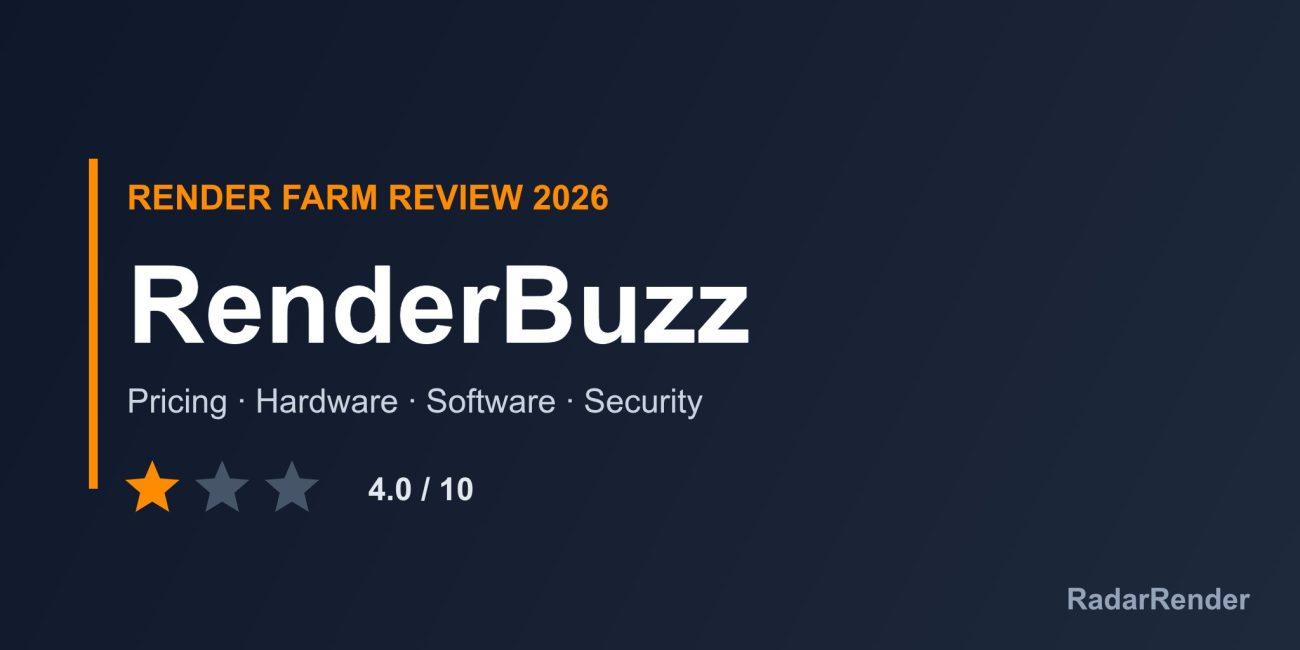
RadarRender scores every farm in our render farm directory on the same five axes with the same scale. RenderBuzz averages 4.0 out of 10 (1 star, Average).
| Axis | Score | Why |
|---|---|---|
| Hardware | 3 / 10 | Multi-node rendering on all nodes is described, but no hardware is specified. |
| Software | 3 / 10 | 3ds Max and Cinema 4D only, with V-Ray, Corona and common archviz plugins. |
| Price | 6 / 10 | Two public GHz-hour rates and free Render Points. |
| Service | 5 / 10 | 100 free Render Points and “full support”; no channels, hours or student offer. |
| Security | 3 / 10 | No security information. |
These are editorial scores based on published information, not lab results. We have not run a paid production test for this review, so any speed figures below are the provider’s own claims.
Workflow and supported software
Create an account, wait for activation, add company details, install the plugin (3ds Max plugin v3.19, Cinema 4D plugin v1.06), then click “Render with RenderBuzz” in your 3D application and upload. On the website, open Projects, place the order and follow it under Orders. Supported tools are 3ds Max and Cinema 4D with V-Ray, Corona, Anima, Phoenix FD, Forest Pack and RailClone. Tips on the page include enabling compress-on-save in 3ds Max for up to 3x faster uploads and saving V-Ray output through the V-Ray Frame Buffer.
Hardware and rendering speed
RenderBuzz describes multi-node rendering with access to all nodes but does not specify the hardware.
Pricing and actual costs
Two plans: Standard at €0.012 per GHz-hour, with jobs queued in order, and High Priority at €0.018 per GHz-hour, with jobs starting ahead of others. Neither has render limits. The page also mentions “Business” and “Premium” plans that do not appear in the plan list. Payment is by PayU, PayPal, MasterCard, Visa, Discover or American Express.
Free trial and discounts
New accounts get 100 free Render Points after verification. The page says that equals 5 hours on a “Basic plan” on one node, but no Basic plan is listed. No student discount is mentioned.
Customer support
Standard includes “full support” and High Priority “highest priority support”, but no channels, hours or response times are listed.
Security and privacy
The homepage does not describe security measures, and the company and country are not named.
Pros and cons
What works well
- Clear euro GHz-hour pricing with a priority option.
- Plugins for 3ds Max and Cinema 4D.
- Common archviz plugins supported.
- Many card and PayPal payment options.
What to weigh before you commit
- No hardware specifications.
- Only 3ds Max and Cinema 4D.
- Plan names on the page are inconsistent.
- No security, company or support details.
Who RenderBuzz is for
RenderBuzz suits 3ds Max and Cinema 4D archviz artists using V-Ray or Corona who want plugin submission and simple euro pricing. Studios needing documented security or hardware should ask before uploading.
Compare RenderBuzz with other farms in our render farm directory or estimate a job in the render farm cost calculator.
Frequently asked questions
How much does RenderBuzz cost?
€0.012 per GHz-hour on Standard and €0.018 per GHz-hour on High Priority.
Does RenderBuzz have free credit?
Yes. New accounts get 100 free Render Points after verification.
Which software does RenderBuzz support?
3ds Max and Cinema 4D, with V-Ray, Corona, Anima, Phoenix FD, Forest Pack and RailClone.
How do I submit to RenderBuzz?
Install the plugin and click “Render with RenderBuzz” in your 3D application, then place the order on the website.
Sources
- RenderBuzz homepage (checked 17 November 2026)
No reader reviews yet. Have you rendered on this render farm? Be the first to rate it.