

Flux Render Review 2026: CPU Render Nodes, Free Tier, Plans and Security
2026 review: published on 17 November 2026. Pricing, hardware, software and policy details were checked against Flux Render’s official pages between 15 and 17 November 2026. We will update this page when the provider changes its offer.
Flux Render is a newer cloud rendering service that pitches itself to archviz, VFX and animation teams. You upload a scene, Flux reads saved configurations, renders a test job, and shows full-resolution previews, delivery time and cost before the final render. An assistant called Neo AI is built into the workflow.
This is RadarRender’s first review of Flux Render. The homepage was checked on 17 November 2026; pricing and hardware come from our directory check of its pricing page between 15 and 17 November 2026.
| Company name | Flux Render |
| Website | https://fluxrender.io/ |
| Country | Not stated |
| Service model | Cloud render service: upload a scene, review previews and cost, then render |
| Type of render farm | CPU |
| Main applications | Not listed on the pricing page (Corona and V-Ray appear in its articles) |
| Free trial | Free tier (25 credits per week), no card required |
| Last checked | 15 to 17 November 2026 |
Flux Render at a glance: our 2026 scores
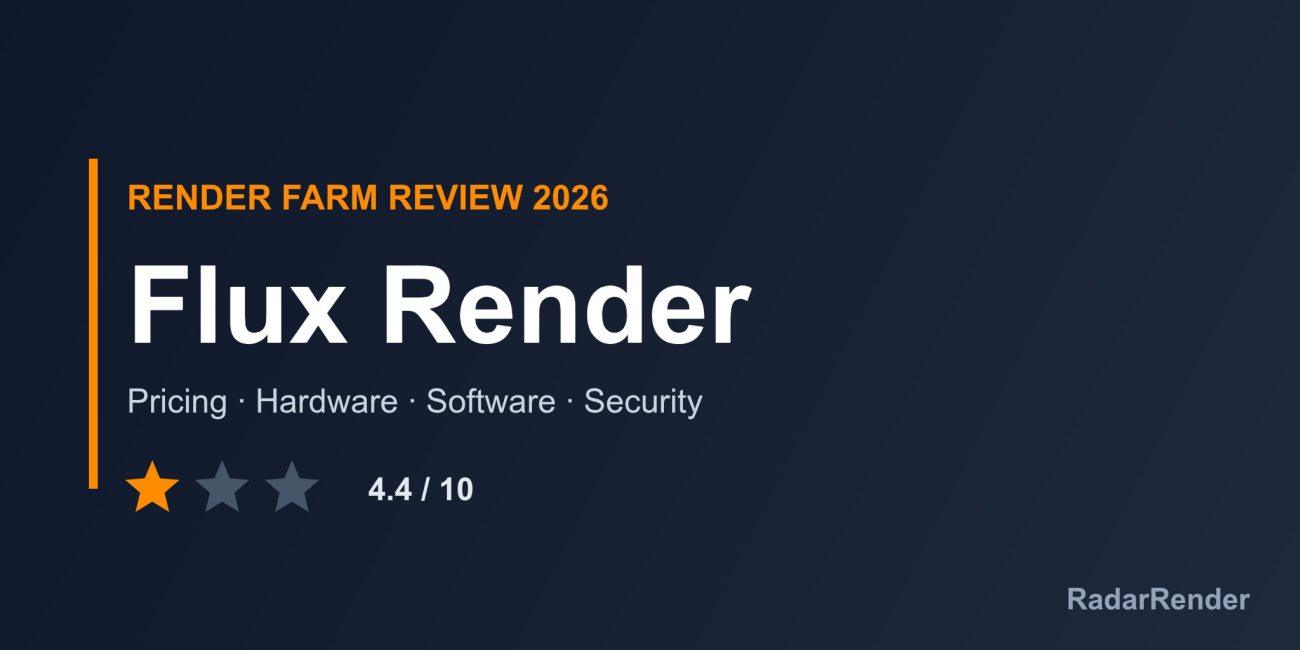
RadarRender scores every farm in our render farm directory on the same five axes with the same scale. Flux Render averages 4.4 out of 10 (1 star, Average).
| Axis | Score | Why |
|---|---|---|
| Hardware | 4 / 10 | CPU nodes with 48 or 96 threads and 64 to 192 GB RAM; CPU models not listed and no GPU. |
| Software | 2 / 10 | The site says it is compatible with all major archviz, VFX and animation projects but names no supported application or engine. |
| Price | 6 / 10 | A free tier and monthly plans with a published node-hour price. |
| Service | 5 / 10 | Free tier without a card and documentation, status page and changelog; no support hours. |
| Security | 5 / 10 | ISO 27001:2022, SOC 2 Type II and GDPR alignment (as stated), isolated resources and deletion after each job. |
These are editorial scores based on published information, not lab results. We have not run a paid production test for this review, so any speed figures below are the provider’s own claims.
Workflow and supported software
Upload a scene (Flux says it takes under 60 seconds), let Flux fetch the saved configuration and create a test job, review full-resolution previews with delivery time and cost, then run the final render. High-performance storage handles large transfers. Supported applications and engines are not listed; Flux’s Render Playbook articles discuss Corona and V-Ray, which suggests 3ds Max archviz work, but confirm before you sign up.
Hardware and rendering speed
Our directory records CPU nodes with 48 or 96 threads and 64 to 192 GB of RAM, hosted on Microsoft Azure with Cloudflare. CPU models are not listed and no GPU rendering is offered.
Pricing and actual costs
Our directory check found a free tier of 25 credits per week, paid plans from $4.99 to $49.99 per month, and a 48-thread node at about $0.96 per hour. The homepage itself shows no figures, so check the pricing page for the current plan limits. Cancel anytime, according to the homepage.
Free trial and discounts
The free tier needs no credit card. No student discount is listed.
Customer support
The homepage lists documentation, a status page, a changelog, a partner programme and the Render Playbook. Support channels and hours are not described.
Security and privacy
Flux says it is aligned with ISO 27001:2022, SOC 2 Type II and GDPR, uses encrypted storage, runs each render on isolated resources, deletes files after the render and never trains AI on customer assets. Alignment is not the same as certification; ask for the audit report if your client requires one.
Pros and cons
What works well
- Free weekly tier without a card.
- Previews, time and cost shown before the final render.
- Strong stated data-handling policy, with deletion after each job.
- Low published node-hour price.
What to weigh before you commit
- CPU only, no GPU rendering.
- Supported software and engines are not listed.
- Security standards are “aligned”, not certified.
- No legal entity, country or support hours.
Who Flux Render is for
Flux Render may suit archviz studios rendering CPU engines who want cost previews and a strict data-deletion policy, and anyone who wants to try a farm free each week. Confirm your software is supported before relying on it.
Compare Flux Render with other farms in our render farm directory or estimate a job in the render farm cost calculator.
Frequently asked questions
Does Flux Render have a free plan?
Yes. Our check found a free tier of 25 credits per week with no credit card.
Does Flux Render support GPU rendering?
No. It offers CPU nodes only.
Is Flux Render ISO 27001 certified?
Flux says it is aligned with ISO 27001:2022 and SOC 2 Type II; it does not show a certificate.
Which software does Flux Render support?
The site does not list supported applications; contact Flux before you start.
Sources
- Flux Render homepage (checked 17 November 2026)
No reader reviews yet. Have you rendered on this render farm? Be the first to rate it.