Best Architectural Rendering Software for 3D Visualization
Today, in the design industry, 3D visualization is no longer a “nice to have.” It has become a basic expectation. Clients don’t just want technical drawings; they want to see realistic images, explore spaces before they’re built, and receive results quickly. That’s why choosing the right architectural rendering software matters. It affects not only image quality, but also workflow, speed, and creative flexibility.
In this article, we’ll look at some of the best architectural rendering software for 3D visualization available today, compare their strengths, and help you decide which one fits your projects best.
I. The Importance of 3D Visualization in Modern Architecture
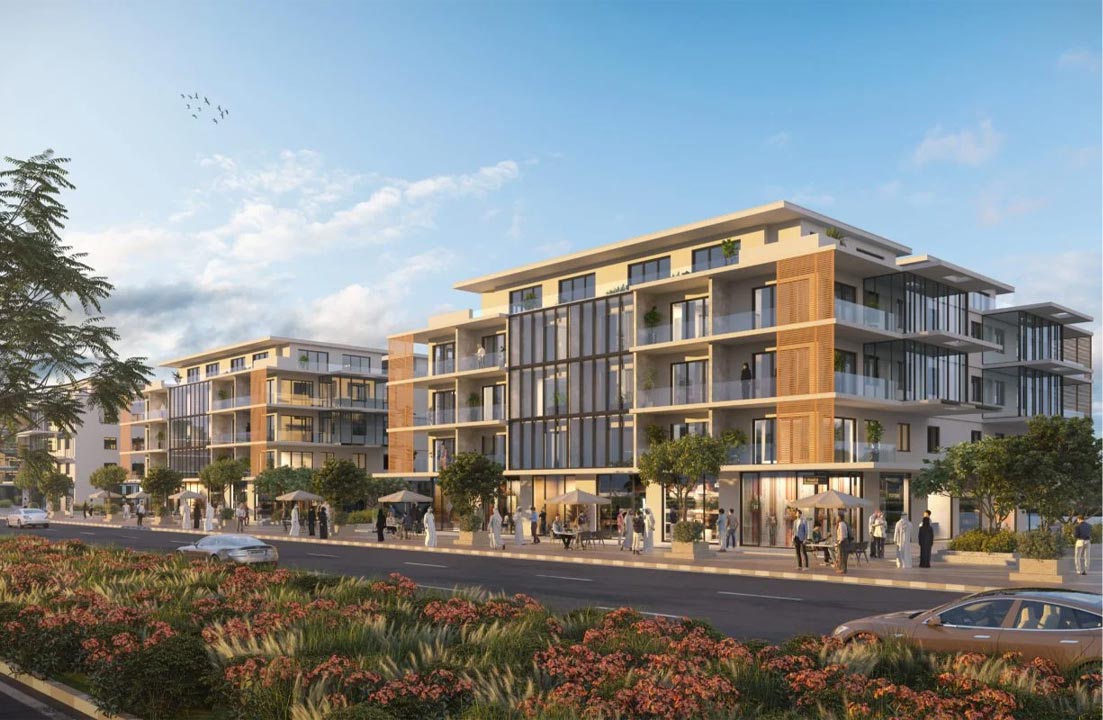
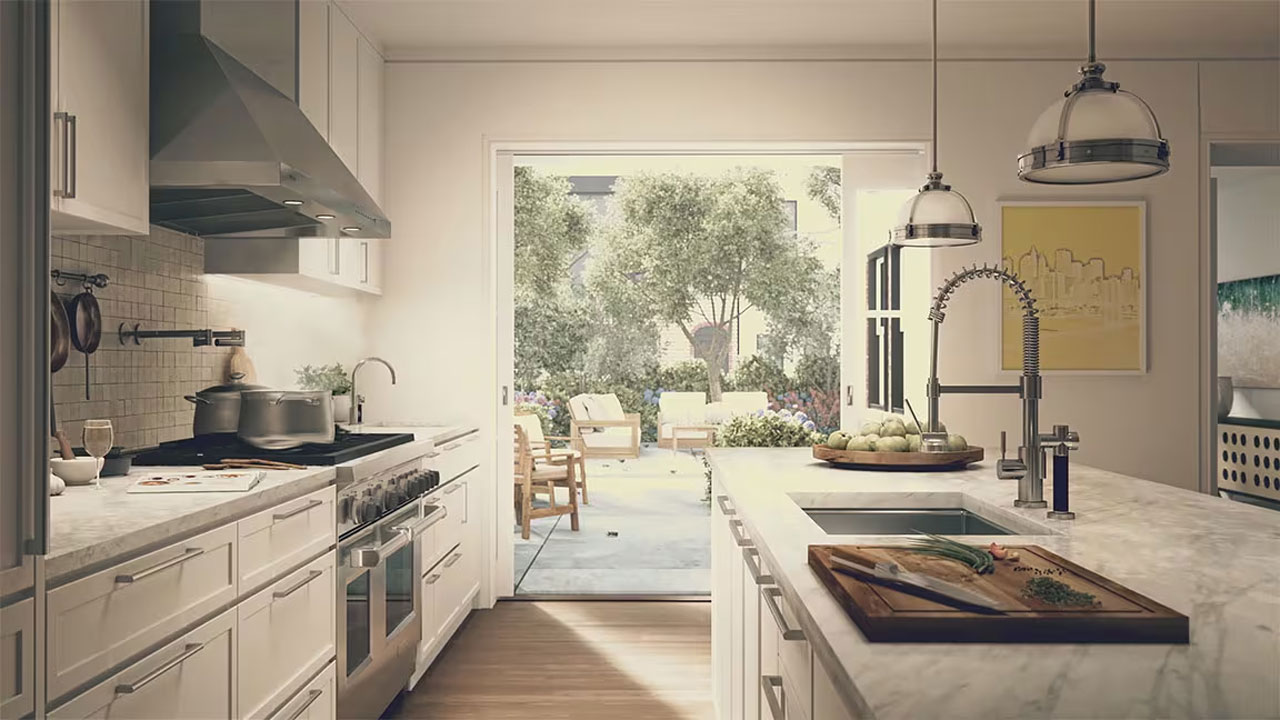
In modern architecture, 3D visualization isn’t just for making nice images anymore — it’s part of the core design process. Instead of asking clients to imagine a space from flat drawings, we can show them exactly how it might look and feel before anything is built.
It makes communication much easier. Even if someone can’t read technical plans, they can understand a realistic render or walkthrough right away. That helps avoid misunderstandings and reduces the need for changes later on.
3D visualization also helps architects make better decisions. We can quickly test materials, lighting, colors, and layouts, and see what works. On top of that, strong visuals are powerful for marketing and project approval.
Source: Render Atelier
II. The Features of Architectural Rendering Software
Modern architectural rendering software offers a wide range of features designed to support both creative and technical workflows.
1. 3D Modeling Integration
Most architectural rendering software integrates seamlessly with 3D modeling tools. Designers can:
- Import models from CAD and BIM platforms.
- Modify geometry, materials, and layouts.
- Maintain real-world scale and accurate dimensions.
This integration ensures that renderings reflect precise architectural plans and technical specifications.
2. Realistic Lighting and Shadow Simulation
Lighting plays a critical role in achieving realism. Advanced rendering software offers:
- Natural daylight simulation based on geographic location and time.
- Artificial lighting with customizable intensity, color temperature, and spread.
- Global illumination and ray tracing for realistic light bounce and shadow softness.
Software like V-Ray and 3ds Max use physically-based rendering (PBR) to simulate how light interacts with surfaces in real-world conditions.
3. Animation and Walkthrough Creation
Architectural rendering software can produce animated sequences and virtual tours, including:
- Camera path animations.
- Fly-through and walk-through experiences.
- Time-lapse lighting studies.
- Animated elements like moving vehicles or people.
This is particularly useful for marketing, stakeholder presentations, and urban planning proposals.
4. Virtual Reality (VR) and Augmented Reality (AR) Support
Many modern rendering programs support VR and AR integration, allowing clients to:
- Explore spaces immersively.
- Interact with design elements.
- Experience scale and proportion more accurately.
This enhances engagement and improves design approval processes.
III. Best Architectural Rendering Software for 3D Visualization
1. SketchUp
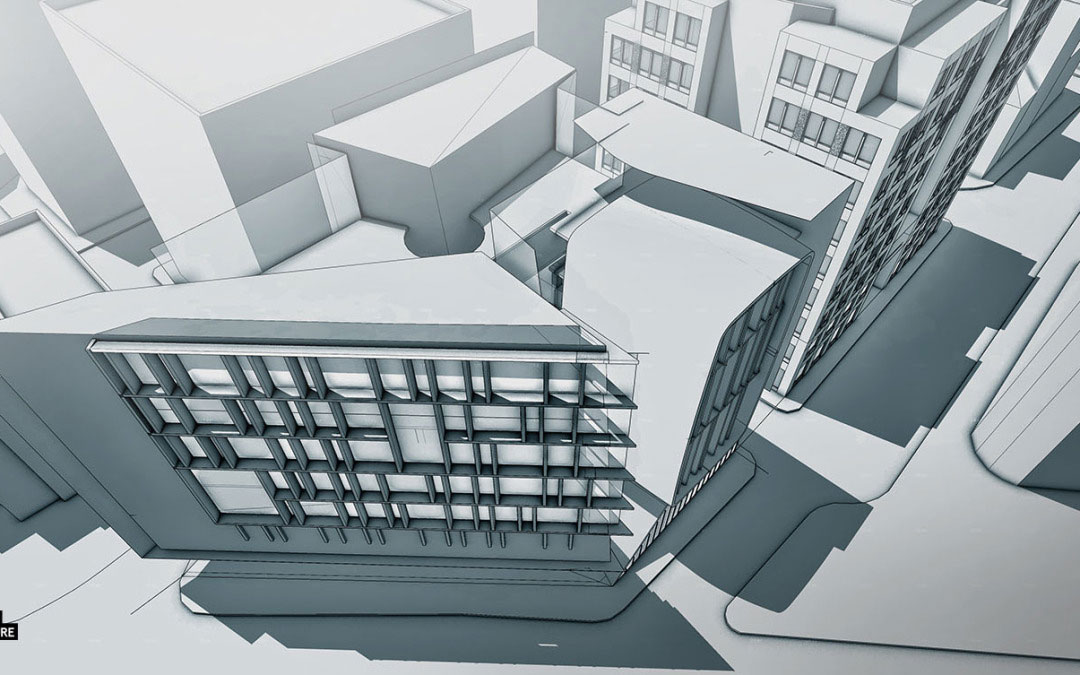
SketchUp is one of the most widely used tools in architectural design and visualization. Known for its intuitive interface and flexibility, it serves as both a 3D modeling platform and a foundation for high-quality architectural rendering.
One of SketchUp’s strongest advantages is its ease of use. Architects and designers can quickly:
- Create 3D building models using push-pull tools.
- Draw precise floor plans and elevations.
- Modify geometry with simple editing tools.
While SketchUp focuses primarily on modeling, it becomes a powerful rendering solution when combined with rendering plugins such as V-Ray, Enscape, Lumion.
These plugins add advanced lighting, material realism, and real-time visualization features, transforming SketchUp models into photorealistic images and animations.
Source: Visualizing Architecture
2. Lumion
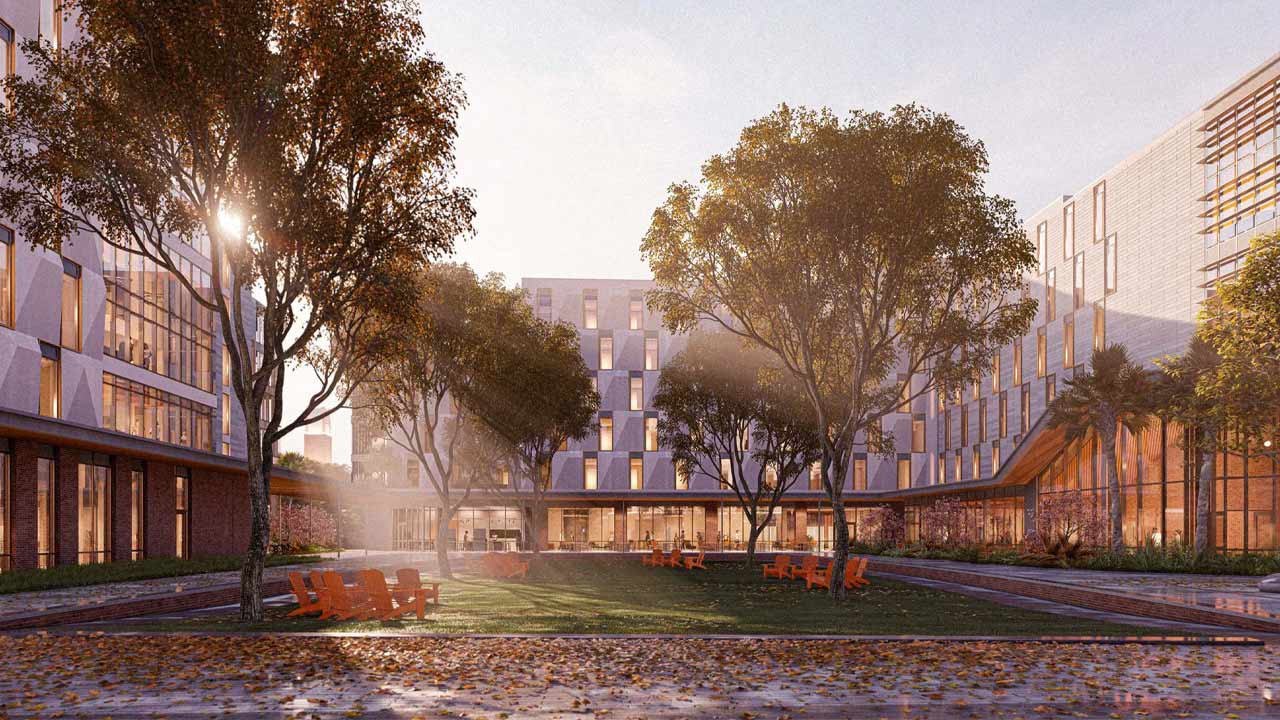
Lumion is one of the most popular real-time architectural visualization tools because it produces high-quality renders quickly and intuitively. It excels at:
- Realistic landscapes and environments with vegetation, skies, water, and weather effects.
- Immersive animations and 360° panoramas.
- Fast feedback during design iterations.
Lumion is particularly strong for exterior visualizations and client presentations thanks to its large asset library and visual effects.
Source: lumion.com
3. V-Ray
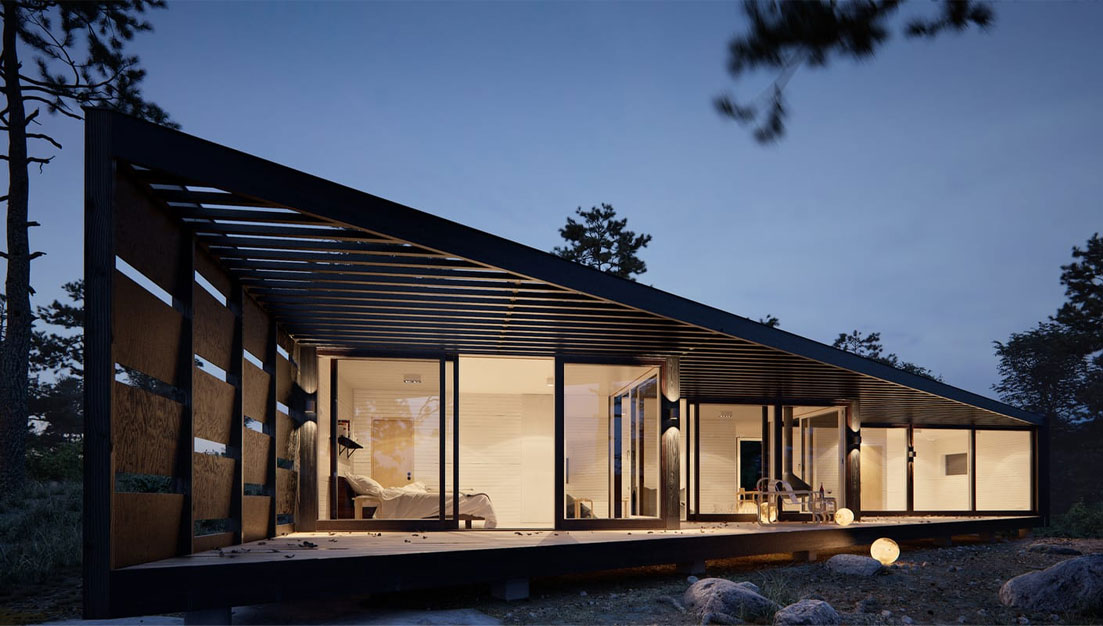
V-Ray is the industry standard for high-end architectural rendering and is widely used in studios that demand photorealism. V-Ray is a rendering plugin and standalone engine that integrates with major 3D modeling and CAD applications such as SketchUp, Autodesk Revit, 3ds Max, Rhino, and more. It uses advanced algorithms like ray tracing and global illumination to simulate how light behaves in the real world, resulting in highly realistic imagery.
- Advanced ray-traced lighting and materials.
- Accurate global illumination and shadows.
- Integration with platforms like SketchUp, 3ds Max, Rhino, Revit, and more.
Source: Microsol Resources
4. Enscape
Enscape is a real-time architectural rendering and visualization tool that integrates directly inside popular CAD and BIM platforms like Revit, SketchUp, Rhino, Archicad, and Vectorworks. This means you don’t have to export models to a separate program to render them. It’s designed for fast, intuitive, and interactive visualization that helps architects, designers, and stakeholders make decisions quickly and confidently.
- Real-time Rendering: Enscape displays fully rendered 3D views instantly as you work, which eliminates long rendering wait times.
- Immersive Experiences: It supports virtual reality (VR) so users can explore their designs immersively, enhancing the presentation and feedback process.
- Workflow Integration: Because it plugs directly into the authoring environment, there’s no need for manual exporting or rebuilding scenes — this keeps design and visualization tightly linked.
5. 3Ds Max
Autodesk 3ds Max is a professional-grade 3D modeling, animation, and rendering software used widely across industries such as architecture, design, film, and games. It enables designers to create highly detailed building models, realistic materials, and advanced lighting setups for photorealistic images and animations. With powerful modeling tools, physical camera controls, and support for render engines like Arnold and V-Ray, 3ds Max is ideal for producing high-quality interior and exterior visualizations. Its strong integration with CAD and BIM software such as Revit and AutoCAD makes it a preferred choice for architectural studios that require precision, flexibility, and professional-grade visual results.
Source: Autodesk
6. Revit
Autodesk Revit is a Building Information Modeling (BIM) software widely used by architects, engineers, and construction professionals for designing and documenting buildings. Unlike traditional drafting tools, Revit allows users to create intelligent 3D models that contain both geometric and data-rich information, such as materials, dimensions, structural details, and cost data. Any change made in one view—such as a floor plan, section, or elevation—automatically updates across the entire project, ensuring accuracy and coordination.
In architectural visualization, Revit includes built-in rendering tools for creating realistic images with lighting, shadows, and materials. It also integrates seamlessly with advanced rendering software like V-Ray, Enscape, and 3ds Max for higher-quality visual outputs.
7. Twinmotion
Twinmotion is a real-time 3D visualization software mainly used by architects, designers, and urban planners to create high-quality images, videos, and walkthroughs of their projects. It is known for being easy to use and fast, making it a good choice for both beginners and professionals.
Twinmotion allows users to import 3D models from programs like Revit, SketchUp, Archicad, and 3ds Max. After importing, you can quickly add materials, lighting, furniture, trees, people, vehicles, and weather effects such as rain or snow. It also includes a large built-in library of ready-to-use objects to make scenes look realistic.
IV. Conclusion
All in all, choosing the best architectural rendering software isn’t about finding the most powerful tool — it’s about finding the one that fits you. If you need speed and smooth presentations, tools like Lumion and Twinmotion can help you create impressive visuals quickly. If your goal is highly realistic images with detailed lighting and materials, then V-Ray or sketchUp might be a better choice. For larger projects that require modeling and BIM workflows, Autodesk 3ds Max and Autodesk Revit offer strong professional support.
In the end, there’s no one-size-fits-all solution. The right software depends on your project type, your experience level, your hardware, and your budget. As rendering technology keeps improving, it’s becoming easier for designers to turn ideas into clear, realistic visuals that clients can truly understand and connect.