Arnold GPU vs Redshift for Houdini: Which Renderer Is Better?
When you work with Houdini, you are usually dealing with complex things like massive explosions, flowing water, or magical effects. But to show your work to the world, you need a renderer—the engine that turns all those points and data into a beautiful picture.
For a long time, two names have dominated the industry: Arnold GPU and Redshift. In this guide, we will compare Arnold GPU vs Redshift for Houdini to help you decide which renderer suits your needs better in 2026—whether you prefer the high-quality, production-proven rendering of Arnold GPU or the blazing-fast GPU performance of Redshift.
Let’s dive in!
I. Overview of Arnold GPU vs Redshift for Houdini
When talking about Arnold GPU vs Redshift for Houdini, it’s important to first understand what each tool does and how they fit into a modern 3D/VFX pipeline. Each plays a different role, but together they form a powerful workflow for creating high-end visuals.
Houdini is a professional 3D software developed by SideFX, widely used in the VFX, animation, and game industries. It is especially popular for its procedural workflow, which allows artists to create complex simulations using node-based systems. Houdini is commonly used for explosions, fire, and smoke simulations, fluid and water effects, destruction and large-scale environments, procedural modeling and animation.
Arnold GPU is the GPU-accelerated rendering mode of Arnold Renderer, a widely used render engine in the film, VFX, and animation industry. While Arnold was originally designed as a CPU-based renderer, Arnold GPU allows it to use graphics cards (GPUs)—specifically NVIDIA GPUs—to render images faster and more interactively.
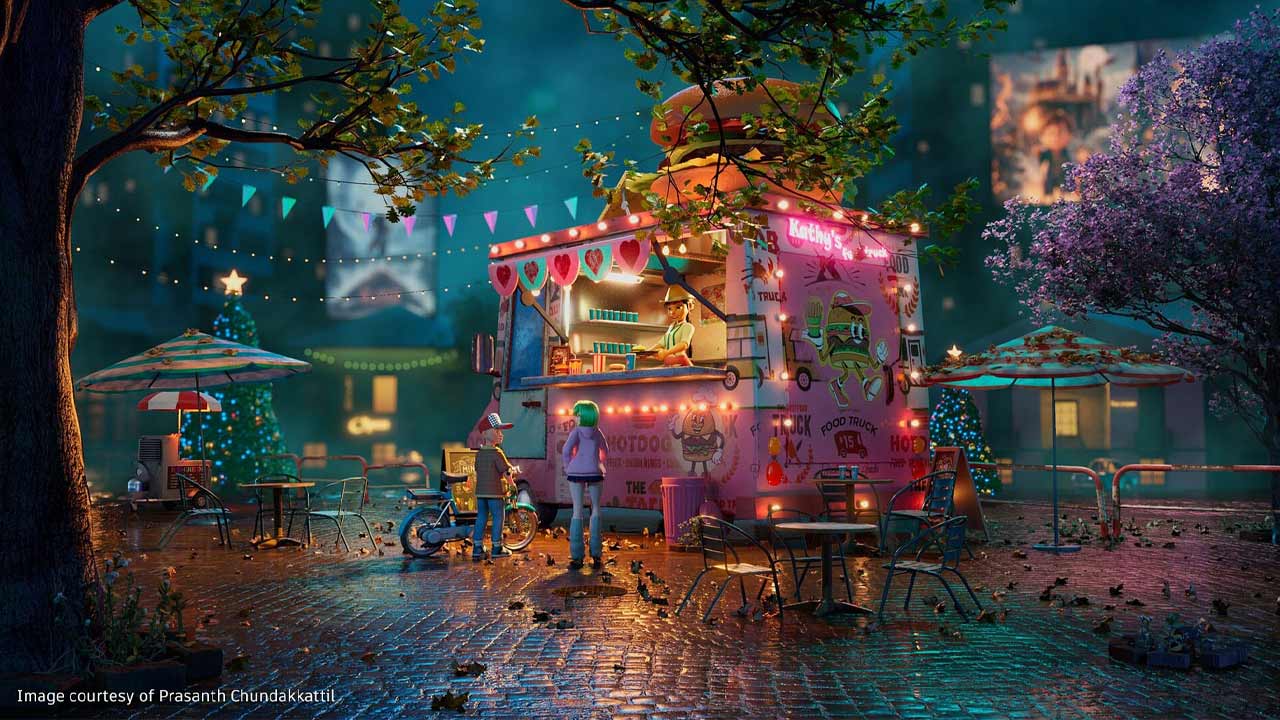
source: Arnold
Redshift is a GPU-accelerated render engine designed for fast, high-quality rendering in 3D production. It is widely used by 3D artists, motion designers, and VFX studios who need to render complex scenes quickly without sacrificing too much visual quality.
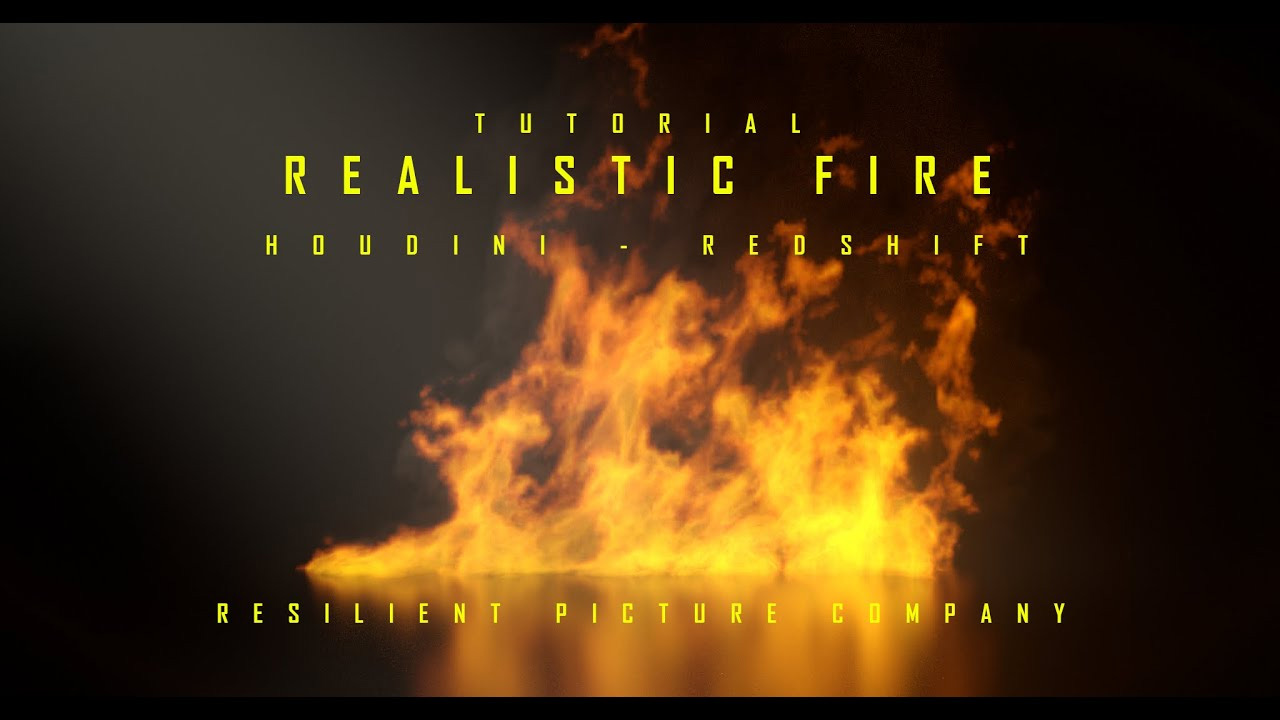
source: Houdini
II. Arnold GPU vs Redshift for Houdini: A Complete Comparison
1. User Interface
When comparing the user interface of Arnold GPU and Redshift in Houdini, the difference is quite easy to understand even at a basic level. Arnold GPU, made by Autodesk, has a simple and clean interface. It looks very similar to Houdini’s default node system, so it feels familiar if you already know Houdini. The settings are organized clearly, but they can look a bit technical and not very visual. Arnold does not focus much on real-time preview, so users often need to adjust settings and wait to see the result. Because of this, it is more suitable for users who prefer a stable and physically accurate workflow.
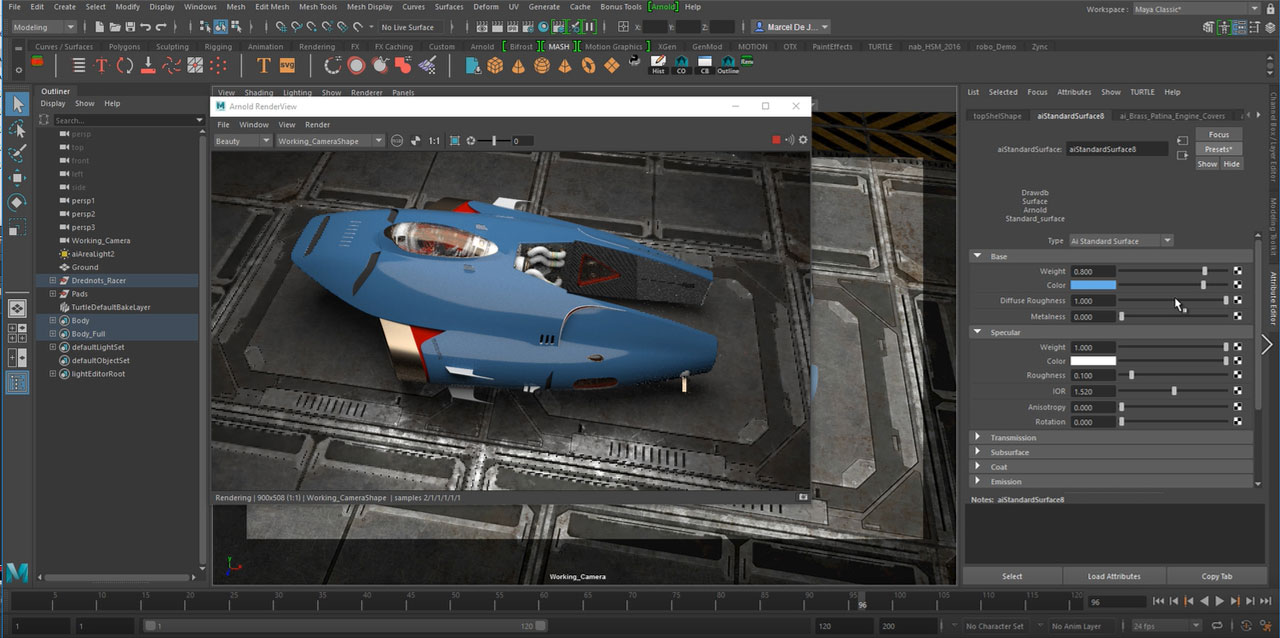
source: Autodesk
On the other hand, Redshift, developed by Maxon, has a more user-friendly and interactive interface. It provides better real-time feedback with its preview render, so users can see changes quickly while working. The controls are easier to understand, with clearer labels and helpful presets. This makes Redshift more comfortable for beginners and artists who want faster results. Overall, Arnold GPU feels more technical and simple, while Redshift feels more visual, faster, and easier to use.
2. Speed
Arnold GPU focuses on physical accuracy and consistency. Because of this, its rendering speed is usually slower compared to Redshift, especially in complex scenes. Arnold uses a more straightforward path tracing method, which can take more time to clean up noise, so users may need to wait longer to get a final high-quality image.
Redshift is designed for speed and efficiency. It uses a biased rendering approach, which means it applies optimizations to reduce render time while still keeping good visual quality. In practice, Redshift is often much faster than Arnold GPU, especially for production work where time is important. It also gives faster feedback in the viewport, helping artists work more quickly.
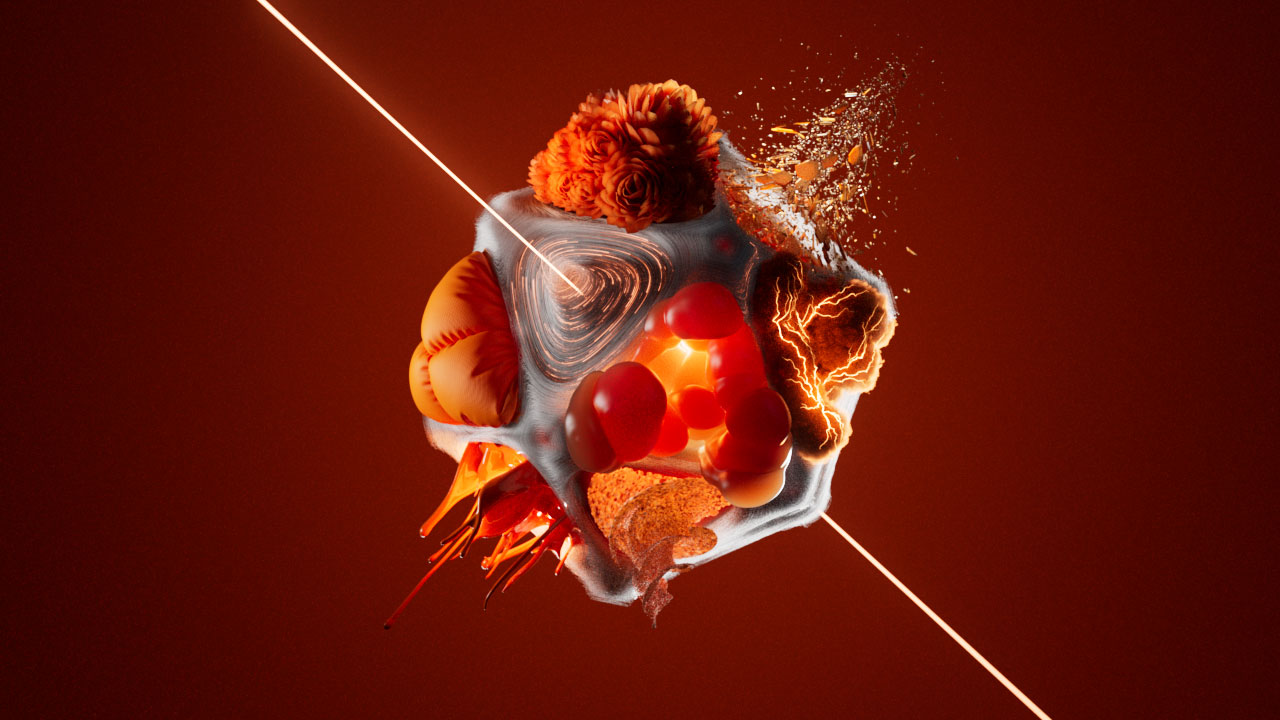
source: Houdini
In short, if you want to see your results immediately while you work, choose Redshift. If you don’t mind waiting a few extra seconds for perfect quality, Arnold GPU is great too.
3. Integration
When we talk about Integration, we mean how well the renderer ‘talks’ to Houdini. Since Houdini is a very technical software, you want a renderer that understands its data easily.
Arnold is famous for its deep and stable integration. It feels like it was built specifically for Houdini’s advanced systems. It handles things like Solaris (USD) and complex Volumes (smoke and fire) perfectly. If you create a special attribute in Houdini, Arnold usually recognizes it immediately without any extra work. This makes it a favorite for big movie studios where scenes are huge and complicated.
Redshift also has a very good integration, especially for speed. It has its own special nodes inside Houdini that are very fast to set up. However, because Redshift is a GPU renderer, it can sometimes be a bit ‘picky’ with how you organize your data. You might need to add a few extra nodes to tell the software exactly what to do. It is very user-friendly, but you might need to click a few more buttons to get everything working perfectly compared to Arnold.
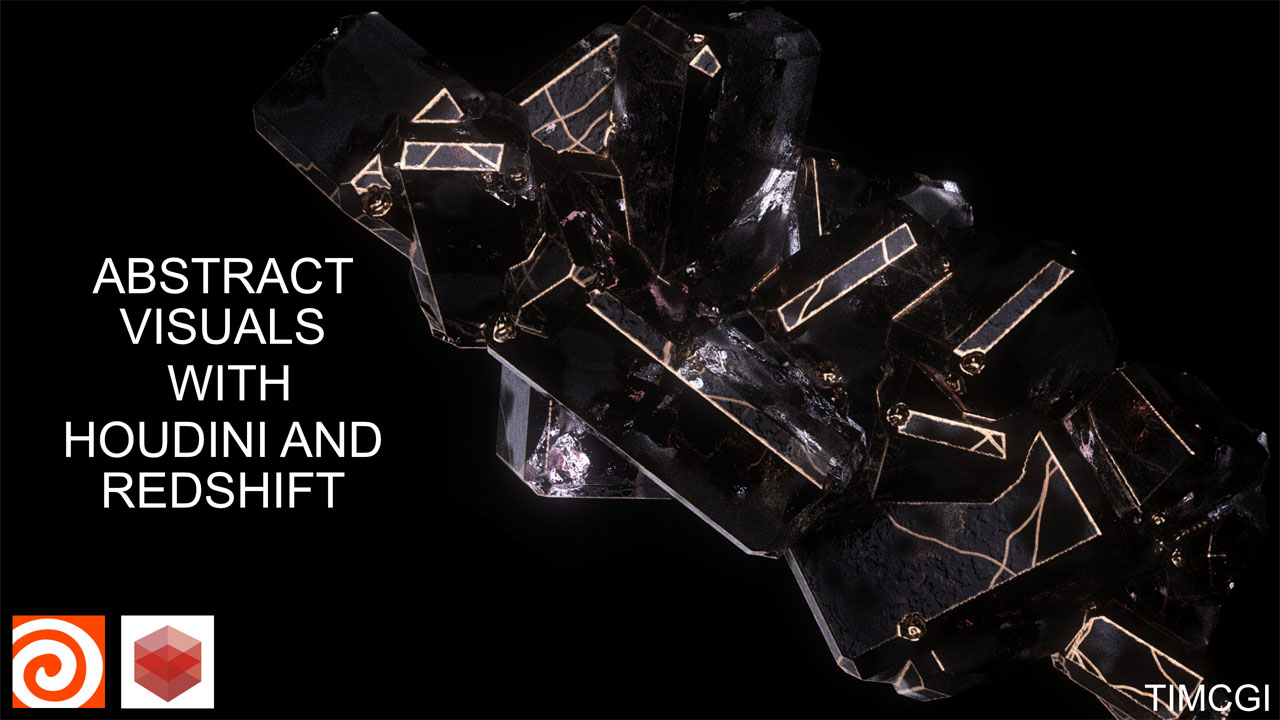
source: Sidefx
4. Real-time Rendering
Arnold GPU supports interactive rendering through Houdini’s IPR, but the feedback is usually slower. When you change lighting, materials, or geometry in Houdini, Arnold takes more time to update the image and reduce noise. This can make the workflow feel less “real-time,” especially in complex scenes. However, it stays consistent with Houdini’s system and focuses more on accurate results.
In contrast, Redshift is much more optimized for real-time work inside Houdini. Its IPR updates very quickly in the viewport, so when you adjust lights, shaders, or camera, you can see the result almost immediately. This makes the look development process in Houdini faster and more interactive. Artists can tweak settings continuously without waiting too long.
5. Learning Curves
When we look at the Learning Curve, Arnold is like a friendly teacher. It is very easy to start using because it has a simple design with only a few buttons to worry about. Arnold does most of the hard work for you, so you can get a beautiful picture almost immediately without being an expert. It is the best choice if you want to focus on your art and not on complex settings.
Redshift is a bit like a professional toolkit. Redshift can feel steeper to learn at first because it has more specialized GPU controls, custom nodes, and optimization settings. This can be a bit confusing for beginners on the first day. However, once you learn how to use all the buttons, Redshift gives you much more power to control your speed and make your renders finish incredibly fast.
III. Which One Should You Choose?
Choosing between Arnold GPU and Redshift in Houdini depends on your priorities, experience, and project type.
If your focus is accuracy and simplicity, Arnold GPU is often the better choice. Its clean interface, beginner-friendly workflow, and stable integration with Houdini make it ideal for users who want predictable results without spending too much time on technical optimizations. It’s especially good for complex simulations, volumetrics (like smoke and fire), and large-scale scenes where reliability is critical.
On the other hand, if your priority is speed and interactivity, Redshift is the stronger option. Its GPU-based rendering allows for fast viewport previews, rapid iterations, and high-speed production rendering. While it has a steeper learning curve at first because of GPU-specific settings and extra nodes, once mastered, it can dramatically reduce render times and make look development much more efficient. Redshift is great for fast-paced projects, commercials, animations, and environments where time is limited.
Here’s a clear comparison table between Arnold GPU and Redshift in Houdini.
| Aspect | Arnold GPU | Redshift |
| User Interface | Clean, simple, and close to Houdini’s native node system. More technical and less visual. | More user-friendly, with clearer controls, presets, and better visual feedback. |
| Speed | Generally slower, especially in complex scenes. Focuses on accuracy over speed. | Much faster due to GPU optimization and biased rendering techniques. |
| Integration | Very natural and stable. Works smoothly with Houdini attributes, volumes, and workflows. | Strong integration but requires some extra nodes or setup (like Redshift Object Parameters). Optimized for GPU efficiency. |
| Real-time rendering | Interactive rendering exists but updates are slower and noisier. | Very fast IPR with near real-time viewport feedback. Ideal for look development and quick adjustments. |
| Learning curves | Beginner-friendly and easier to pick up. Clean interface and predictable workflow make it forgiving for new users. | Steeper learning curve. GPU-specific controls, extra nodes, and optimization settings require more effort to master. |
IV. Final Thoughts
In conclusion, both Arnold and Redshift are amazing tools, but they serve different purposes. Arnold is built for artists who want the highest quality. It is the perfect choice if you are working on a movie or a realistic character because it makes lighting look natural and beautiful with very little effort. It is simple to learn, very stable, and it feels like a natural part of Houdini. If you don’t mind waiting a little longer for a perfect render, Arnold is for you. Redshift, however, is built for speed and efficiency. It is the best tool for freelancers and motion designers who need to finish projects fast. Because it is so interactive, you can see your changes instantly, which makes the creative process feel fun and quick. If you have a tight deadline and want to render many frames in a short time, Redshift is the winner.
See more: GPU rendering performance in Redshift vs Arnold GPU