Why should 3D artists use Blender in 2026?
In 2026, the world of 3D art is growing faster than ever. 3D artists are working in many fields such as animation, games, films, product design, and online content. To keep up with these changes, artists need software that is powerful, flexible, and easy to access. Blender has become one of the best tools for this purpose.
Blender is a free and open-source 3D software that allows artists to create models, animations, visual effects, and renders all in one place. Over the years, it has improved greatly and is now used by professionals as well as beginners. This article explains why Blender is useful for 3D artists in 2026, focusing on its features, flexibility, and benefits for learning and professional growth.
Let’s get started!
What is Blender?
Blender is a powerful, free, and open-source 3D computer graphics software used to create animated films, visual effects, art, 3D-printed models, motion graphics, interactive 3D applications, and video games, offering tools for modeling, sculpting, rigging, animation, simulation, rendering, and video editing. It’s a versatile, cross-platform suite that democratizes 3D content creation, making professional-level tools accessible to individuals and small studios.
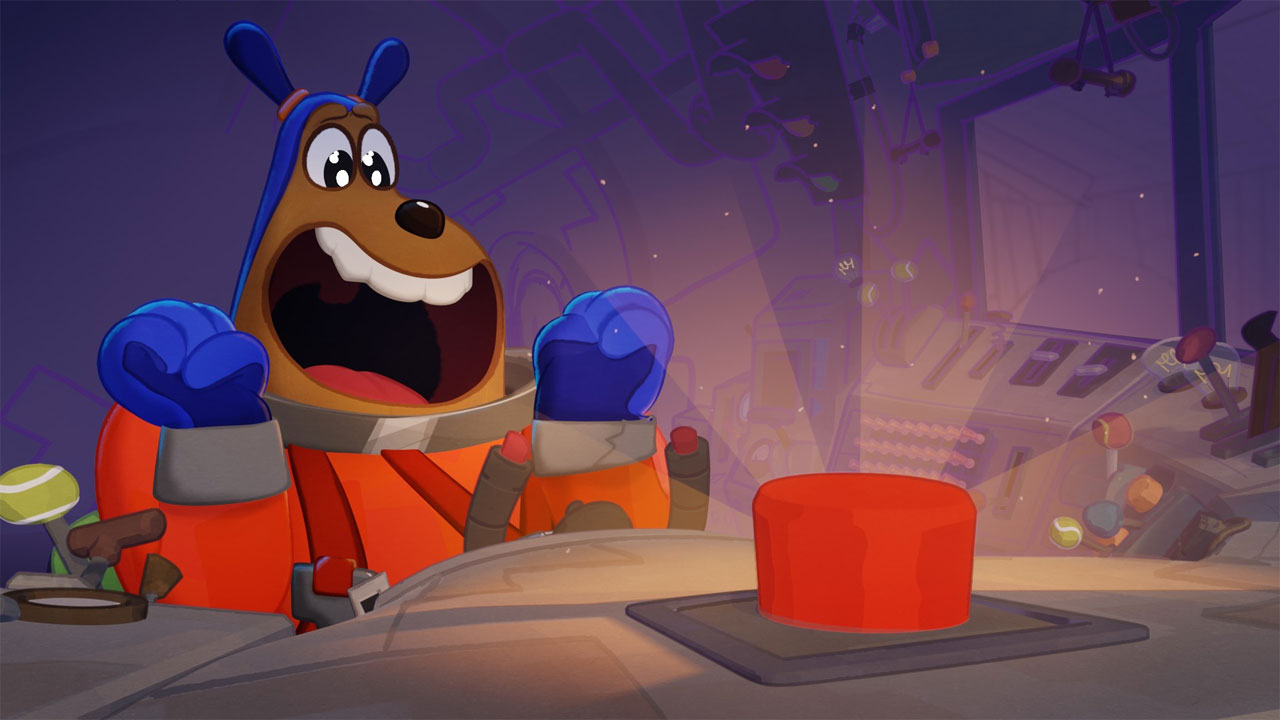
Blender 3D is a powerful all-in-one software that allows users to create a wide range of digital content. Here are some key features and components of Blender:
- 3D Modeling: Blender supports various modeling techniques, including polygonal modeling, sculpting, and retopology.
- Animation: It provides a wide range of tools for animating objects, characters, and scenes, including rigging, keyframe animation, and non-linear animation editing.
- Rendering: Blender includes two primary rendering engines:
- Cycles: A ray-trace-based renderer known for its photorealistic output.
- Eevee: A real-time rendering engine that provides quick previews and high-quality results suitable for game assets.
- Texturing and Materials: Artists can create complex materials using a node-based shader system, allowing for detailed customization.
- Sculpting: Blender has a robust sculpting toolset, enabling artists to create highly detailed models intuitively
Source: Blender
Why should 3D artists use Blender in 2026?
1. Open-source software
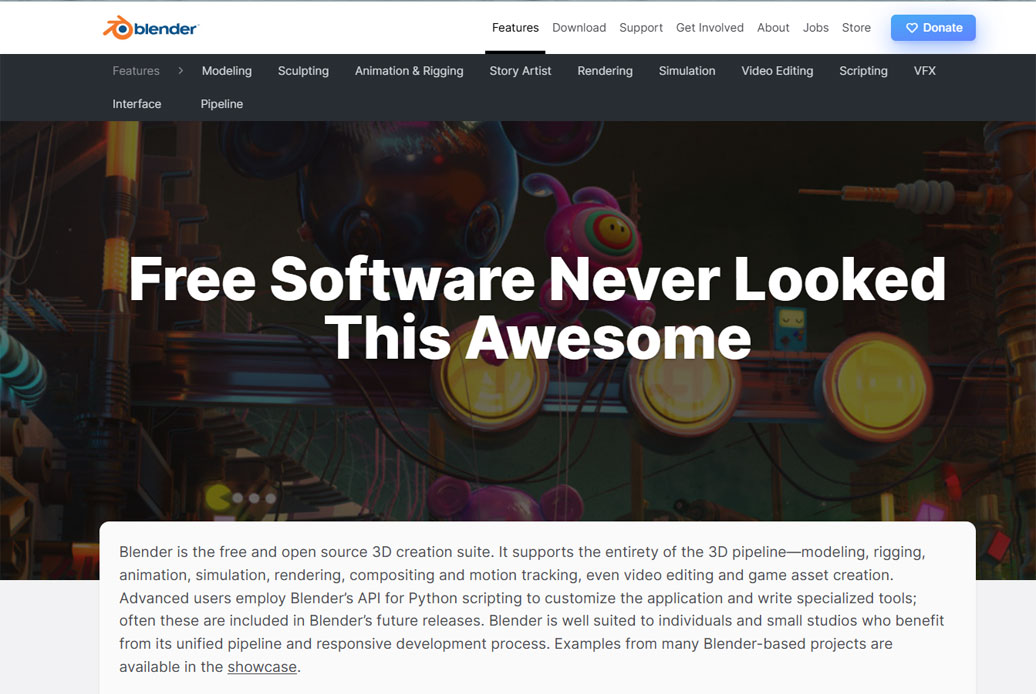
Blender being open-source is one of its most compelling features and has significant implications for both users and the software’s ecosystem. This open-source nature allows Blender to be developed and improved by a global community of artists, developers, and researchers, making it one of the most transparent and continuously evolving 3D creation tools. Because it is not controlled by a single company, Blender remains free from expensive licenses and restrictive subscriptions, which benefits students, independent creators, and professional studios alike.
Here’s a detailed discussion on the importance of Blender’s open-source nature:
Free to Use: Blender is completely free to download and use without any license fees. This lowers the barrier to entry for individuals, hobbyists, and small studios, allowing anyone to explore 3D art and animation.
Community-Driven Development: developers from around the world can contribute to Blender’s codebase. This collaborative effort leads to faster development cycles, a wide range of features, and regular updates. The community actively participates in discussions, providing feedback and suggestions that guide new features and improvements.
Customization and Flexibility: Developers can modify Blender’s source code to suit their specific needs, creating custom versions of the software.
Learning and Education: The open-source nature encourages the creation of extensive educational resources, tutorials, and documentation that are often shared for free.
Source: Blender
2. Comprehensive Features
Blender is a complete 3D creation suite that offers a wide range of features for artists, designers, and creators. It is not just a modeling tool but an all-in-one platform that covers the entire 3D production pipeline.
3D modeling and sculpting
3D modeling and sculpting are the core features of Blender that allow artists to create detailed objects, characters, and environments. In Blender, you can build low-poly models for games or high-poly models for movies and animations. The sculpting tools let you add fine details like wrinkles, textures, and realistic shapes, almost like digital clay.
Animation and Rigging
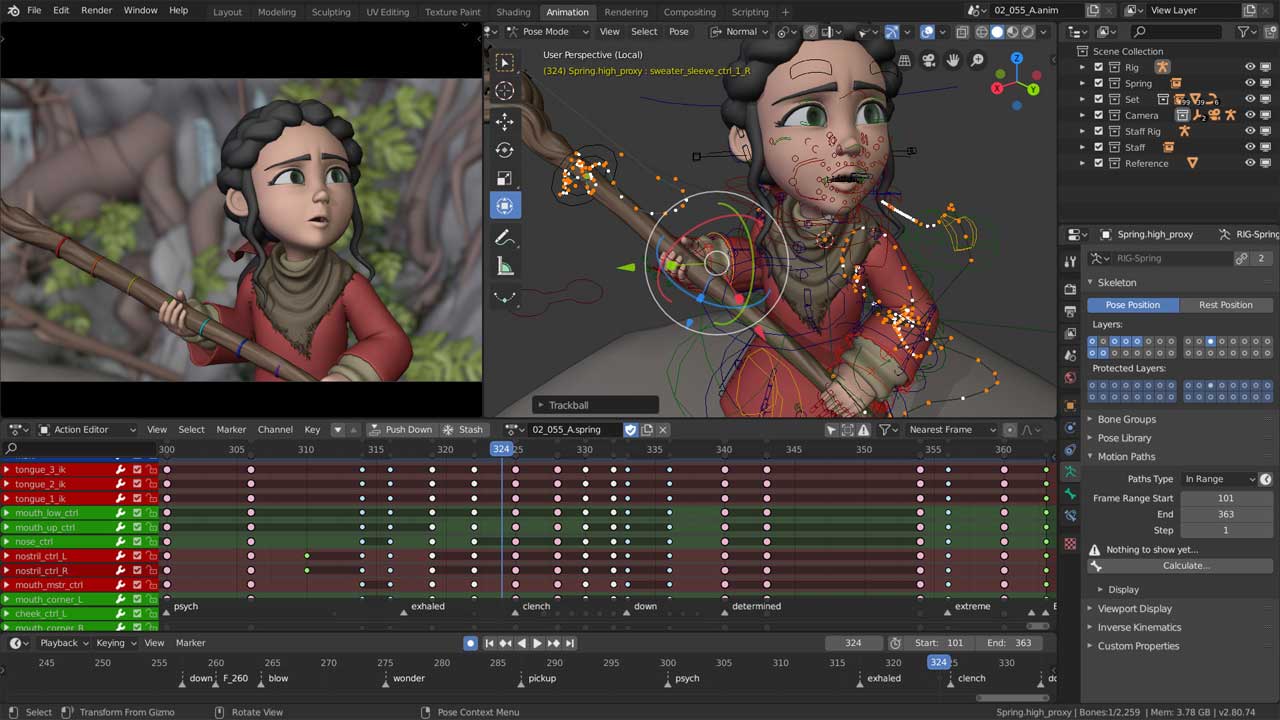
With rigging, you can create a skeleton or bone structure for characters or objects, making it easier to move them realistically. Blender supports keyframe animation, where you set positions over time, as well as procedural and physics-based animations for natural motion. You can animate characters, objects, cameras, and even lights, creating everything from simple movements to complex cinematic scenes.
Source: Blender
Rendering Engines
Blender offers powerful rendering engines that turn 3D models and scenes into realistic animations. Its main engines are Cycles and Eevee. Cycles is a physically accurate renderer that produces high-quality, photorealistic results, making it ideal for films, product visualization, and detailed artwork. Eevee is a real-time engine that renders scenes quickly while still maintaining impressive visuals, making it perfect for previews, animations, or projects that require fast results. Together, these engines provide artists with the flexibility to create both realistic and creative visuals directly within Blender, eliminating the need for additional software.
Video Editing
Blender is not only a 3D creation tool, but it also includes a built-in Video Sequence Editor (VSE) that allows users to edit videos directly within the software. With Blender’s video editing tools, artists can cut, trim, and arrange video clips, add transitions and effects, and overlay text, images, or audio tracks. It also supports color grading, masking, and compositing, which makes it possible to enhance the visual quality of videos and combine multiple layers seamlessly.
3. A huge number of add-ons
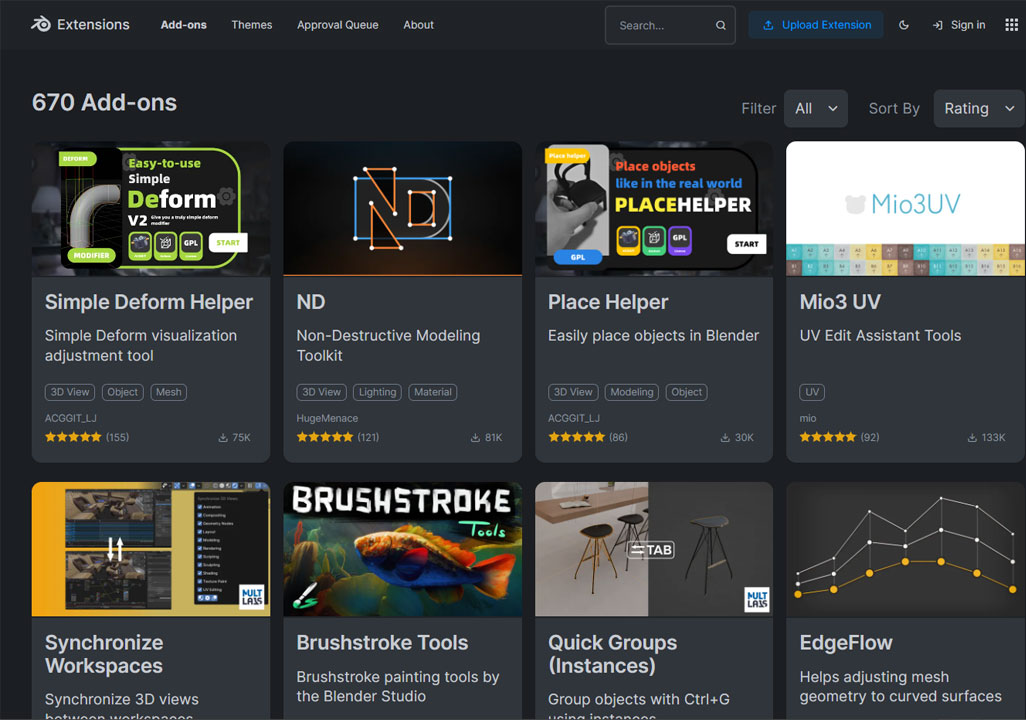
Blender comes with a huge number of add-ons that extend its functionality and make 3D creation faster and easier. Add-ons are extra tools or scripts that can help with modeling, texturing, animation, rendering, and more. Some add-ons are built into Blender, while others are created by the community or third-party developers. For example, you can use add-ons to generate complex objects automatically, speed up rigging, create realistic materials, or export models for games. These add-ons make Blender highly flexible and customizable, allowing artists to tailor the software to their workflow and work more efficiently on both simple and advanced projects.
4. Growing Community and Resources
Blender has a large and active community of artists, developers, and educators from around the world, which makes learning and using the software much easier. Beginners and professionals can find thousands of free tutorials, courses, and documentation online, as well as forums and social media groups to ask questions and share knowledge. This community also contributes add-ons, templates, and project files that anyone can use. Because of this support network, artists can solve problems quickly, stay updated with the latest features, and continuously improve their skills, making Blender a powerful and accessible tool for both learning and professional work.
Is Blender a smart choice for beginners?
Yes, Blender is a smart choice for beginners because it is completely free, powerful, and has a huge range of learning resources. Beginners can start with simple modeling, animation, or sculpting projects without worrying about expensive software licenses. Blender’s interface may seem complex at first, but its active community, tutorials, and step-by-step guides make learning easier. Since Blender combines 3D modeling, animation, VFX, and video editing in one program, beginners can explore different areas of 3D art without switching software. Over time, as skills grow, Blender can also handle professional-level projects, making it a tool that beginners can continue to use as they advance.
Conclusion
In 2026, Blender remains one of the smartest choices for 3D artists due to its powerful features, flexibility, and accessibility. It is a free and open-source platform that allows artists to model, sculpt, animate, render, create visual effects, and edit videos—all in one program. Blender’s constantly growing community, add-ons, and learning resources make it easy for artists to improve their skills and stay up-to-date with industry trends. Its integration with modern workflows, real-time rendering, and procedural tools ensures that artists can work efficiently and creatively. For both beginners and professionals, Blender offers the freedom, tools, and support needed to bring any 3D vision to life, making it a future-ready choice for the evolving world of digital art.
See more: Blender Eevee vs Cycles: Which is Better for Your Workflow in 2025?