Top Maya Plugins Every 3D Artist Should Know
Autodesk Maya is one of the most powerful 3D software tools used in the film, animation, game, and VFX industries. While Maya offers a strong set of built-in features, professional-quality results often depend on the use of plugins. Maya plugins extend the software’s capabilities by adding specialized tools for rendering, modeling, texturing, rigging, animation, and visual effects. Many professional studios rely heavily on plugins to meet production demands and achieve high-quality results.
This blog explores the top Maya plugins every 3D artist should know, highlighting the tools that are widely used in the industry and valued for their efficiency, quality, and reliability.
Overview of Maya
What is Maya?
Maya is a powerful and industry-standard software application developed by Autodesk, widely used for 3D modeling, animation, simulation, and rendering. Primarily employed in the fields of film, television, and video game development, Maya offers a comprehensive set of tools that cater to various aspects of the 3D art pipeline. Maya is used at almost every stage of 3D production, including:
- 3D Modeling – creating characters, props, and environments
- Animation – character animation, motion graphics, and simulations
- Rigging – building skeletons and controls for characters
- Texturing & Shading – applying materials and surface details
- Lighting & Rendering – creating realistic lighting and final images
- Visual Effects (VFX) – fire, smoke, water, cloth, and hair effects
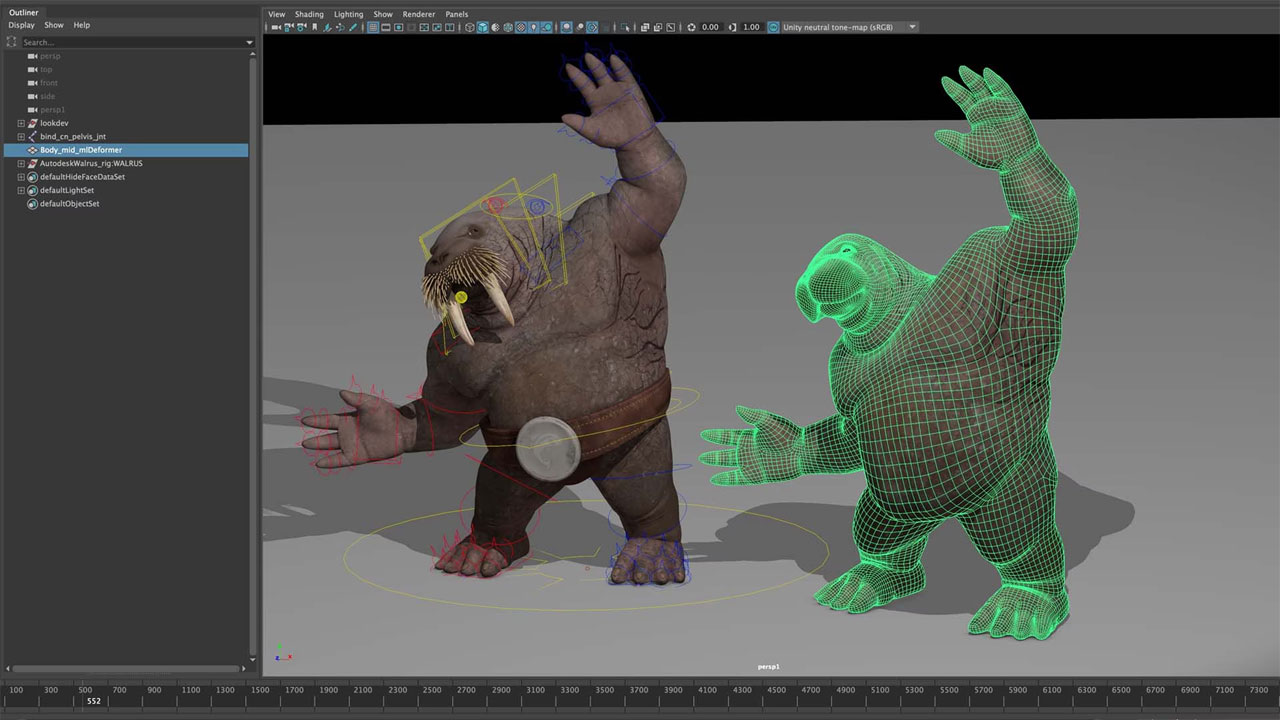
Source: autodesk
What is Maya Plugin?
A Maya plugin is an extra tool that is added to Autodesk Maya to help it do more work easily. Maya already has many features, but plugins give it additional abilities that make tasks faster and better. In simple words, a plugin helps Maya work smarter.
Maya plugins are used to make 3D work easier and quicker. They help artists save time and improve the quality of their work. With plugins, artists can create realistic lighting, textures, animations, and effects without doing everything manually. This is very helpful when working on big or detailed projects.
There are different kinds of Maya plugins. Some plugins are used for rendering, some for modeling, others for texturing, rigging, animation, and special effects like hair, cloth, fire, or water. Each plugin focuses on one type of task and makes it easier to complete.
Top Maya plugins every 3D artist should know
1. RealFlow
RealFlow is a powerful fluid simulation plugin that integrates with Autodesk Maya. It allows 3D artists to create realistic liquid effects like water, oil, lava, or any other type of fluid. By using RealFlow, artists can simulate natural behaviors of liquids, such as splashes, waves, drops, and interactions with other objects, making scenes look more realistic. RealFlow uses advanced physics to mimic how liquids move and interact. You can simulate flowing rivers, pouring drinks, ocean waves, or even complex effects like splashing water hitting a wall.
| Specification | Details |
| Plugin name | RealFlow |
| Compatibility( Maya versions) | Autodesk Maya 2017–2018 (Windows, Linux, macOS); Maya 2019–2020 (Windows only) |
| Operating systems | Windows( 64-bit), macOS( 64-bit), Linux( varies by version) |
| System Requirements | 4‑bit Intel/AMD multi‑core CPU; 8 GB RAM (minimum);
GPU‑accelerated simulation supported (CUDA or OpenCL) |
| Price | Around $795 (perpetual license) for a node‑locked plugin |

Source: RealFlow
2. Arnold
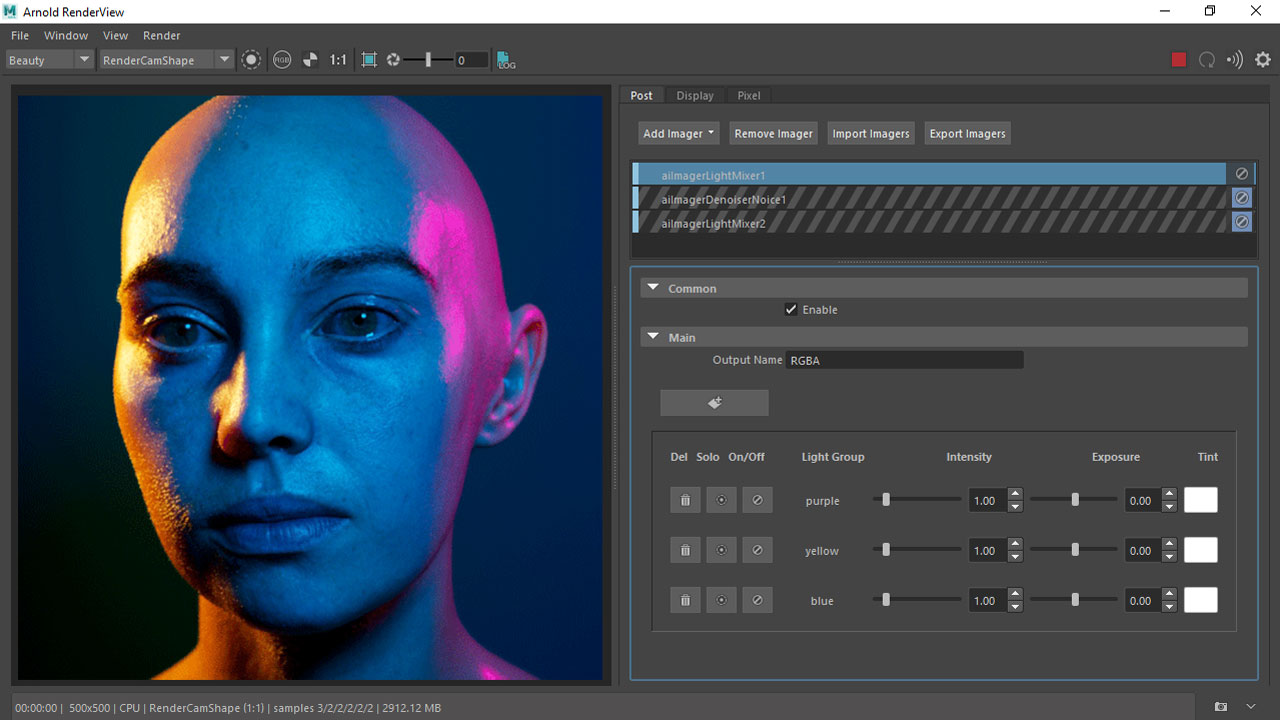
Arnold is a high-quality, physically-based rendering engine that works directly inside Autodesk Maya. A rendering engine is the tool that takes a 3D scene—models, lights, materials, and cameras—and calculates how it should look as a final 2D image or animation. Arnold is widely used in the film, animation, and VFX industries for creating photorealistic images with realistic lighting and materials.
Source: Autodesk product documentation
3. Phoenix FD
Phoenix FD is a fluid dynamics simulation plugin for Autodesk Maya created by Chaos Group. It allows 3D artists to simulate realistic fluids and effects like water, fire, smoke, explosions, splashes, mist, ocean waves, foam, and more directly inside Maya. It’s widely used in film, animation, and VFX to create dynamic liquid and gaseous effects with strong control and high quality.
| Specification | Details |
| Plugin name | Phoenix FD |
| Compatibility( Maya versions) | Works with Autodesk Maya 2015–2025 |
| Operating systems | Windows 64-bit (Windows 7 / 8.1 / 10 / 11) — support for Linux 64-bit |
| System Requirements | CPU: Intel 64-bit or compatible processor with SSE4.2 support RAM: 8 GB minimum |
| Price | Approx $390/year subscription (standard) Around $830 for a single perpetual workstation license |

Source: Chaos
4. XGen
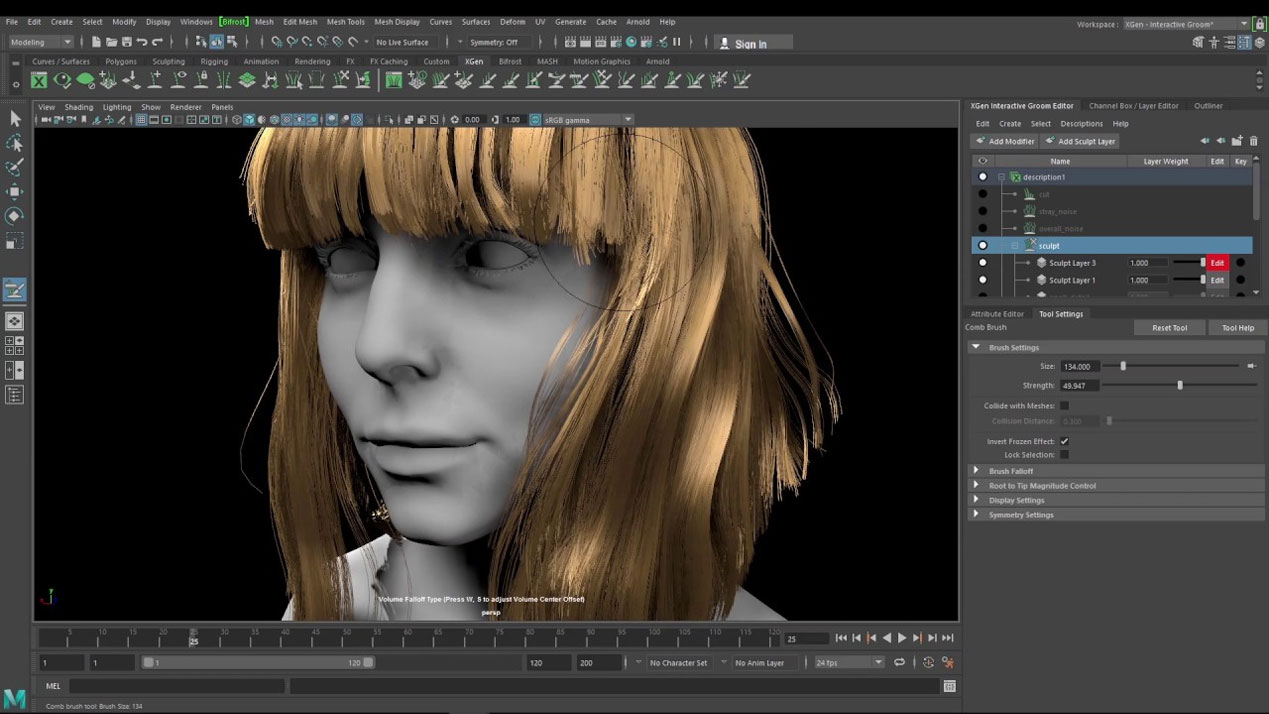
XGen is a built-in plugin in Autodesk Maya used to create hair, fur, feathers, grass, and other instanced geometry on 3D models. It lets artists generate and style large amounts of detail procedurally — for example, realistic hair on characters or vegetation in environments. XGen includes grooming tools to shape and style fibers and works with Maya’s rendering engines (like Arnold) to produce high-quality final images.
| Specification | Details |
| Plugin name | XGen |
| Compatibility( Maya versions) | Works with Autodesk Maya 2015–2025 |
| Operating systems | Windows 10/11 64-bit, macOS (supported versions), and Linux 64-bit (same as Maya) |
| System Requirements | 64-bit OS, multi-core CPU, recommended 16 GB RAM or more |
| Price | Maya subscription roughly $235/month or $1,875/year |
Source: Toolfarm
5. Redshift
Redshift is a GPU-accelerated rendering plugin for Autodesk Maya and other 3D software. It’s designed to provide fast, high-quality renders by using your computer’s graphics card (GPU) to calculate lighting, materials, shadows, and effects much faster than traditional CPU renderers. Redshift integrates directly into Maya and supports features like global illumination, volumetrics, motion blur, and many production-level tools used in animation, VFX, and visualizations.
| Specification | Details |
| Plugin name | Redshift |
| Compatibility( Maya versions) | Works with Maya 2018–2025 |
| Operating systems | Windows 10 / 11 (64-bit) CG Channel • Linux (glibc 2.17+ / 2.28+ depending on version) CG Channel • macOS 13.3+ (Ventura / Sonoma |
| System Requirements | 8 GB RAM minimum; 16 GB+ recommended for large scenes • 64-bit CPU with SSE4.2 support • GPU with CUDA or supported acceleration: NVIDIA GPU with CUDA |
| Price | $46–$49/month or $264–$289/year |

Source: maxon
Conclusion
Maya plugins play a vital role in modern 3D production by extending the power and flexibility of Autodesk Maya. From high-quality rendering plugins like Arnold and Redshift, to advanced FX tools such as XGen, RealFlow, and Phoenix FD, each plugin is designed to solve specific challenges and improve workflow efficiency. Learning these plugins helps 3D artists work faster and create better results. Knowing the right Maya plugins is important for anyone who wants to grow their skills and succeed in the 3D industry.
See more: Arnold CPU vs Arnold GPU render engine: What should you choose for Maya?