Top 6 Modeling Software 3D Artists Should Use in 2026
In 2026, 3D modeling software plays a crucial role in the creative workflow of every 3D artist. With the rise of AI tools, real-time rendering, and advanced production pipelines, choosing the right 3D modeling software can greatly improve speed, quality, and creative freedom.
Are you having difficulty choosing a suitable software? If yes, the article is for you. Here is a list of highlights of the top 6 modeling software 3D artists should use in 2026.
Let’s take a look at this to find software for your workflow.
I. Overview of Modeling Software in 2026
In 2026, 3D modeling software continues to improve in many exciting ways. AI tools are now built directly into many programs, helping artists create base models, clean geometry, and make changes faster with less effort. Real-time rendering has become more common, allowing artists to see lighting, materials, and details instantly while they work.
Software tools also connect better with each other, making it easier to move models between different programs. Cloud features support teamwork, letting artists share files, track changes, and collaborate from anywhere. These updates help 3D artists save time, work more efficiently, and focus more on creativity.
II. How to choose the right 3D rendering software?
Choosing the right 3D rendering software depends on what you create, how you work, and your skill level. Here’s a guide to help you make an informed decision:
- Your purpose and demand: Depending on your project and industry, you might need a specific piece of software.
- Your level of skill: Beginner: Look for user-friendly software with good tutorials and a supportive community. Intermediate/Advanced: You might want features that allow for greater control and customization.
- Speed and Quality: check whether the software you are considering supports GPU rendering for faster performance or if CPU rendering is sufficient for your project’s needs.
- Ease of use: From beginner-friendly tools with mild learning curves to complex ones.
- License and Budgets: When considering 3D rendering software, it’s essential to understand the available licensing models and how they align with your financial constraints and usage needs.
III. Top 6 Modeling Software 3D Artists Should Use in 2026
1. Blender
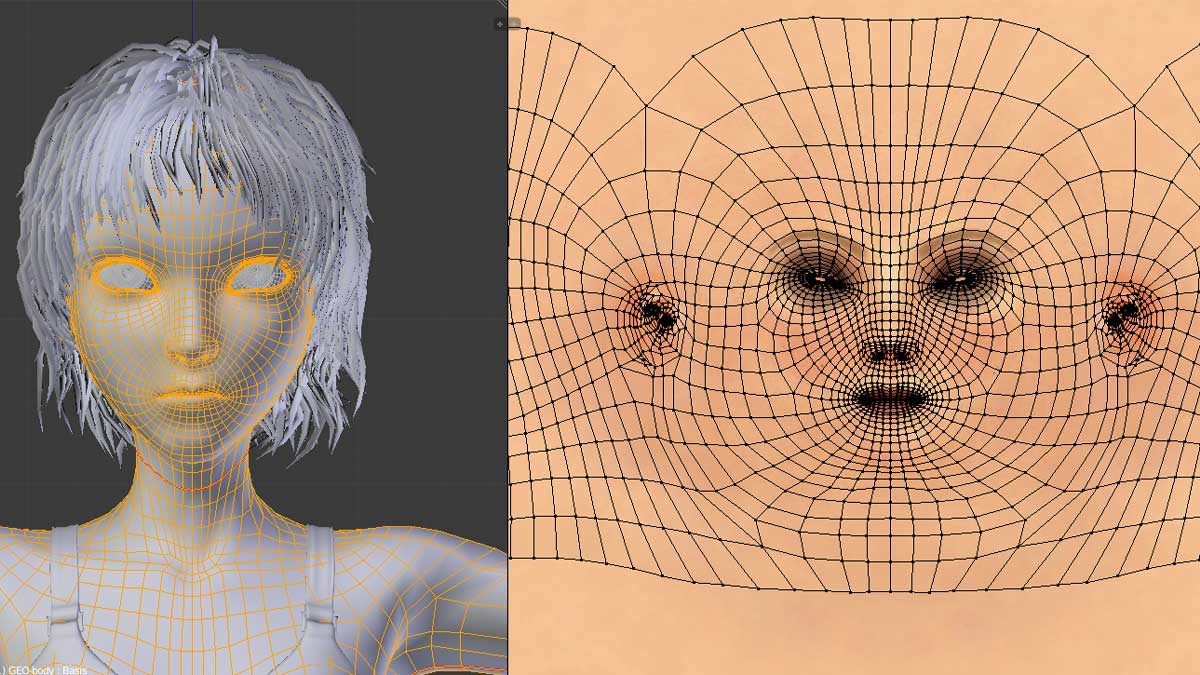
Blender is a free, open-source 3D creation program used to make 3D models, animations, visual effects, games, and even full movies.
Blender is one of the best 3D modeling software programs for 2026. It is trusted by many 3D artists worldwide because it is powerful, flexible, and free. Blender is used for making 3D models, animations, visual effects, and game assets.
Blender also has high-quality rendering. The Cycles engine makes realistic images, while Eevee allows fast, real-time previews. This helps artists see their work quickly and improve it faster. Another important strength of Blender is its large community. Many people share free tutorials, add-ons, and help online.
Price: Free
Operating system: Windows, Linux, macOS
Source: Blender
2. Cinema 4D
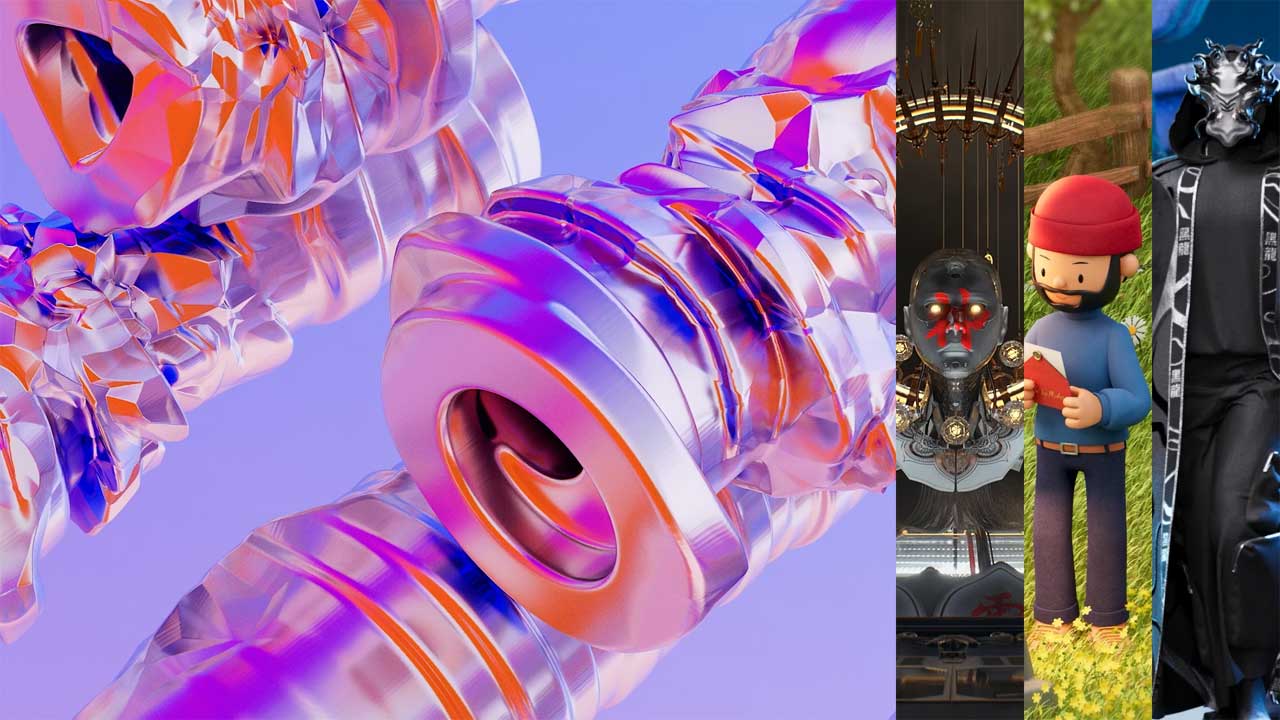
Cinema 4D is a powerful, user-friendly 3D modeling, animation, simulation, and rendering software used by professionals in motion graphics, VFX, design, and game development for creating complex 3D scenes and animations.
People use Cinema 4D to make logo animations, TV commercials, social media videos, product visuals, and title sequences. It is known for its clean interface and tools that help artists create complex animations without needing great technical skills. Besides, Cinema 4D also supports high-quality rendering, especially when used with render engines like Redshift. This allows artists to create realistic and professional visuals for commercial work.
Price: $84/month and around $1018-$1021/year ( Redshift included).
Operating system: Windows 10 or Windows 11 (64-bit), MacOs.
Source: Maxon
3. SketchUp
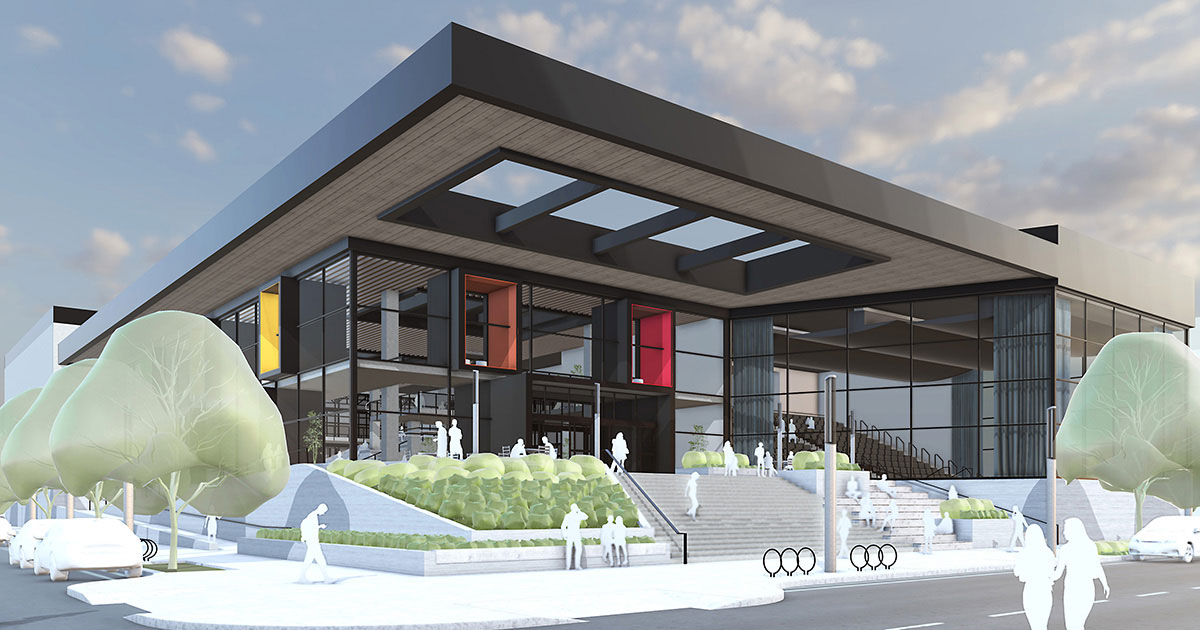
SketchUp is a 3D modeling software that is mainly used for architecture, interior design, and product design. It is known for being very easy to learn, even for beginners with no 3D experience.
3D artists use SketchUp to create buildings, rooms, furniture, and layouts quickly. Its tools work like drawing with lines and shapes, which makes modeling feel simple and intuitive. This is why architects, designers, and students often choose SketchUp for fast concept work. SketchUp also has a large online library called 3D Warehouse, where users can download ready-made models like furniture, trees, and objects. This helps save time when building scenes or design ideas.
Price:
- SketchUp offers subscription-based pricing, with options ranging from a free web-based version for personal use.
- Go monthly: $19.99/month, and pro monthly: $99.99/month.
- Go annual: $10.75/per month / per user / billed annually. Pro annual: $33.25/per month / per user / billed annually.
Operating System: Windows 10 or Windows 11 (64-bit), macOS ( Intel and Apple Silicon).
Source: SketchUp
4. Maya
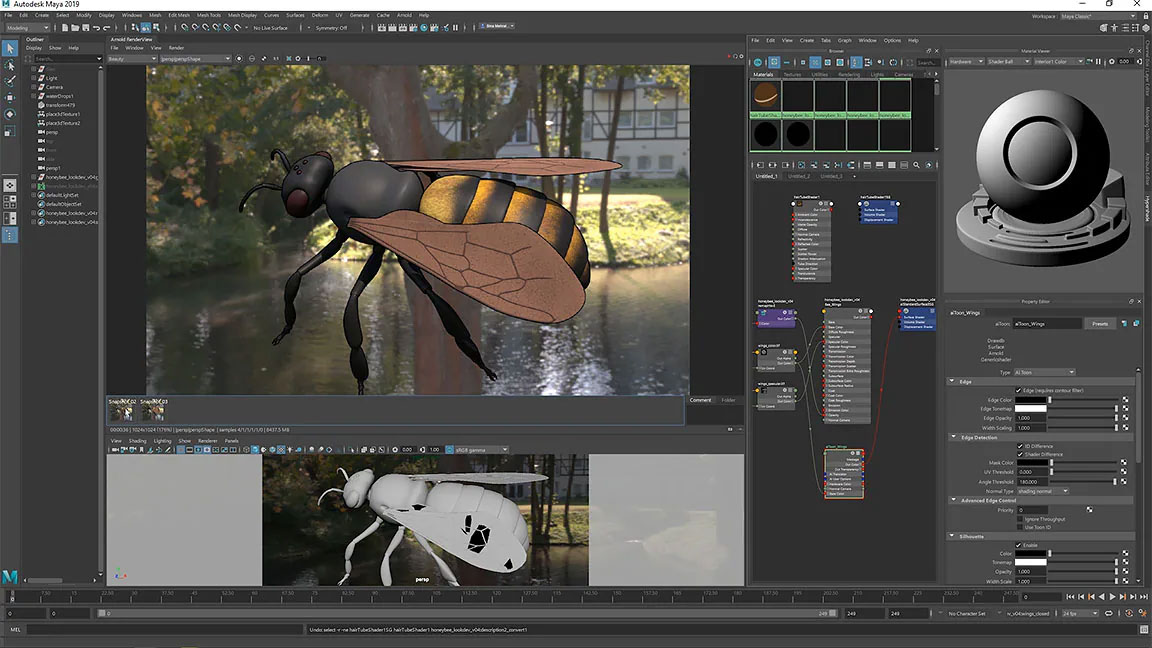
Maya (Autodesk Maya) is a professional 3D software used to create 3D models, animations, visual effects, and simulations. It is widely used in movies, TV shows, and video games, and it is considered an industry standard in many big studios.
Maya boasts an advanced rendering engine, Arnold, supporting real-time previews, GPU, and CPU rendering. Maya also has advanced tools for modeling, dynamics, cloth, hair, and visual effects. These tools allow artists to create complex and high-quality 3D work, but they also make Maya harder to learn compared to beginner software.
Price: $190/ month and $1510/year for one user.
Operating System: Windows 10, Mac OS 10.13.x and newer, Linux Red Hat Enterprise 8.2, 7.6-7.9 WS, Linux CentOS 8.2, 7.6-7.9.
Source: Autodesk
5. 3ds Max
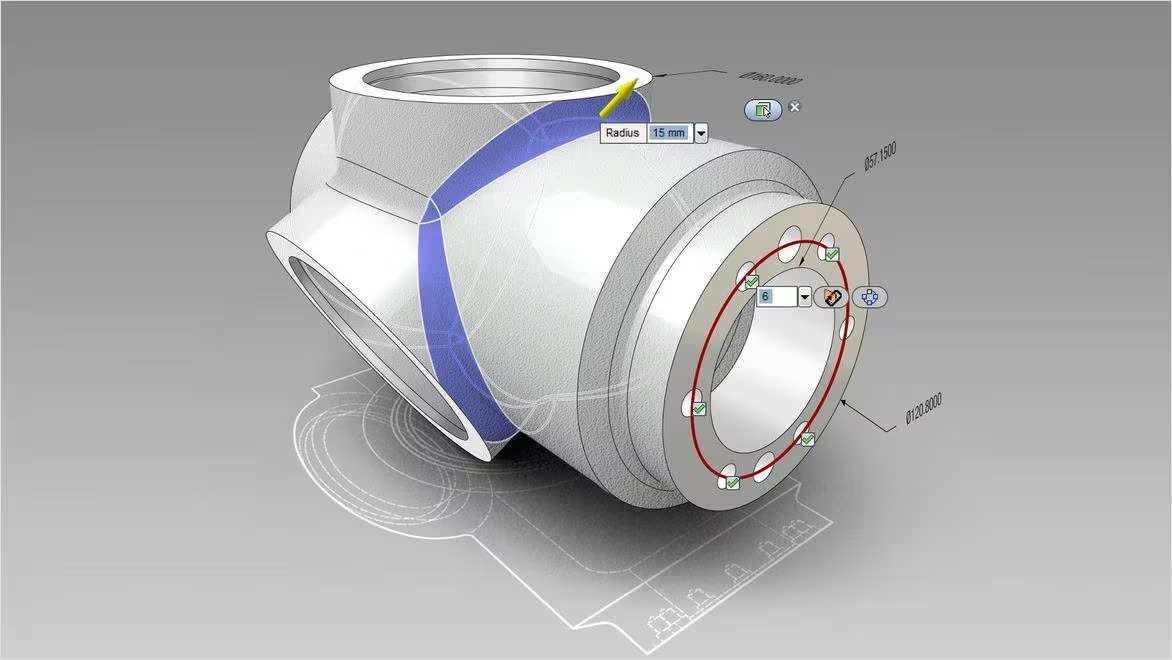
Autodesk 3ds Max is a professional 3D modeling, rendering, and animation software that enables you to create expansive worlds and premium designs.
One of the main strengths of 3ds Max is its polygon modeling system. Artists can easily edit vertices, edges, and faces to shape models exactly how they want. Tools like extrude, bevel, and inset help create clean and detailed geometry for props, buildings, and game assets. Moreover, 3ds Max is very good for hard-surface modeling. It works well for machines, furniture, vehicles, and buildings that need sharp edges and accuracy.
Price: $190/month and $1510/year for 1 user.
Operating system: Windows 11, Windows 10.
Source: Autodesk
6. ZBrush
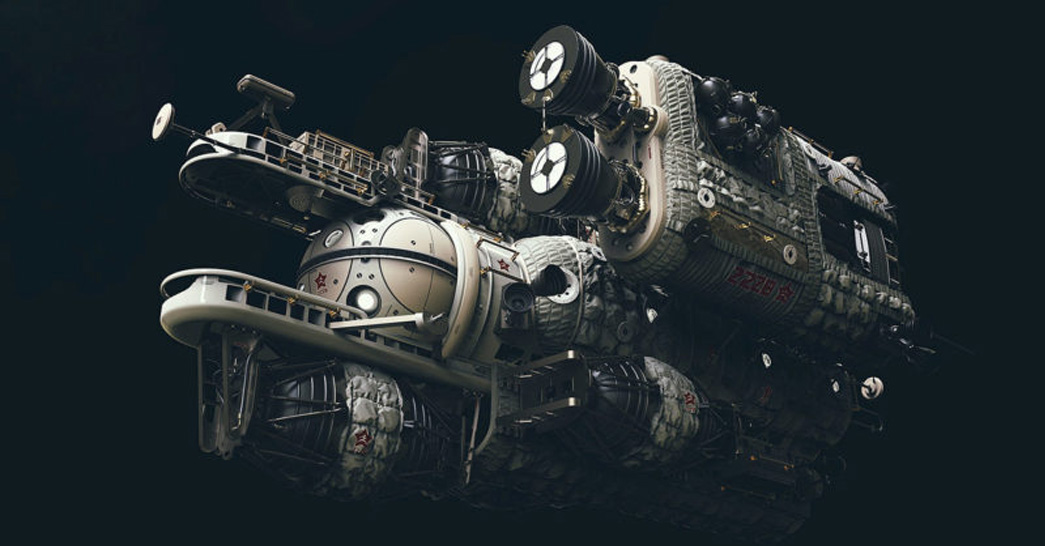
ZBrush is a digital sculpting, modeling, and painting software used to create highly detailed 3D models. Artists use ZBrush like digital clay. They sculpt models using brushes to add fine details such as skin, muscles, wrinkles, and textures. This makes it perfect for creating realistic characters and complex designs.
ZBrush is known for handling millions of polygons without slowing down, which allows artists to add extreme detail. It also includes tools for painting textures directly on models.
Price: around $40/month and $520/year.
Operating system: Windows 10 or Windows 11 (64-bit), MacOs.
Source: Maxon
III. Conclusion
All in all, the top 6 3D modeling software each offer something special, from powerful sculpting to clean, precise modeling and fast workflows. There is no “best” software for everyone. What matters most is choosing the one that fits your style, your projects, and your goals. By learning the right tools and staying open to new technology, 3D artists can work smarter, create better art, and grow confidently in a fast-changing creative world.